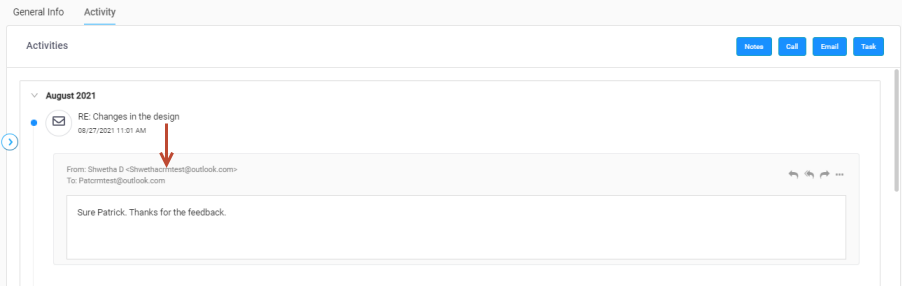
-
Click E-mail button, the Send E-mail' window displays.
-
Draft an E-mail, provide the required fields such as — Recipient address (To, CC, and BCC), Subject of E-mail, and E-mail content.
-
Click Send button to send the e-mail.
-
The E-mail sent successful message displays in the window.
-
The e-mail which is sent displays in the timeline view.
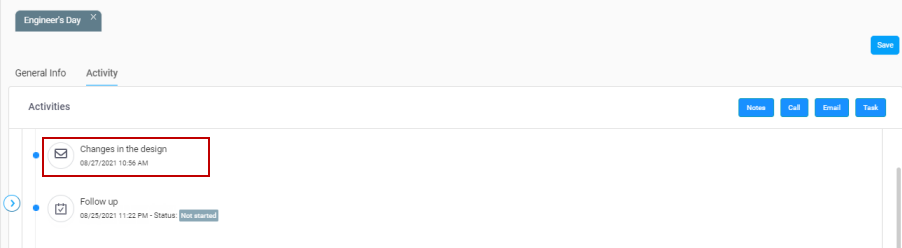
-
Click e-mail icon to view the conversation.
You can do a Reply, Reply All, or even Forward the e-mail.
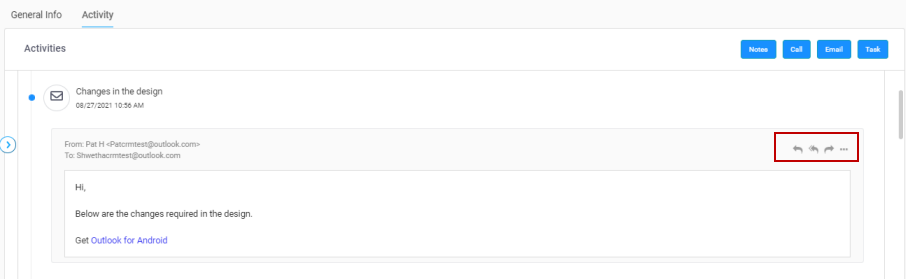
-
Similarly, you can also view the received e-mail as shown below.
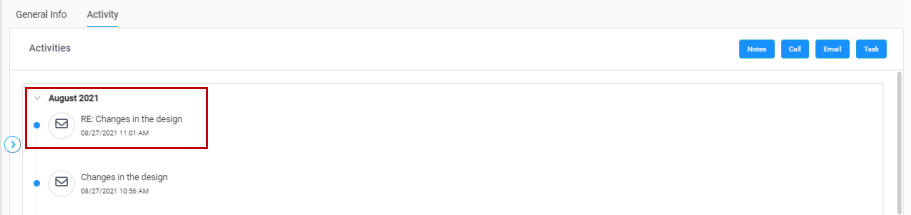
-
Click e-mail icon to view the conversation.