
The Labor Settings screen allows to configure system-level settings. Access to this page is available directly from the profile popup only for Administrators,
Only users with Security Level = Administrator can access this screen.
Accessing Labor Settings
-
Log in to the Labor application.
-
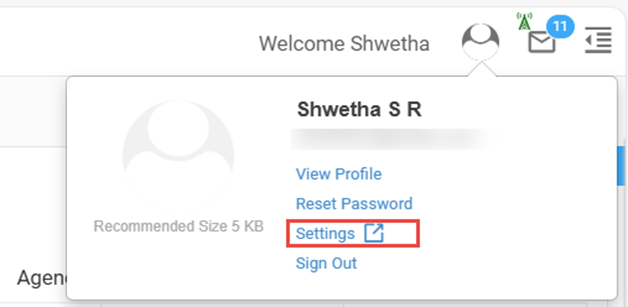
Click on your Profile icon (top-right corner).
-
In the profile popup, click Settings.
-
The Settings link is visible only to administrators.
-
If you are not an administrator, the link will not appear.
-
-
The Labor Settings screen opens in a new browser tab.
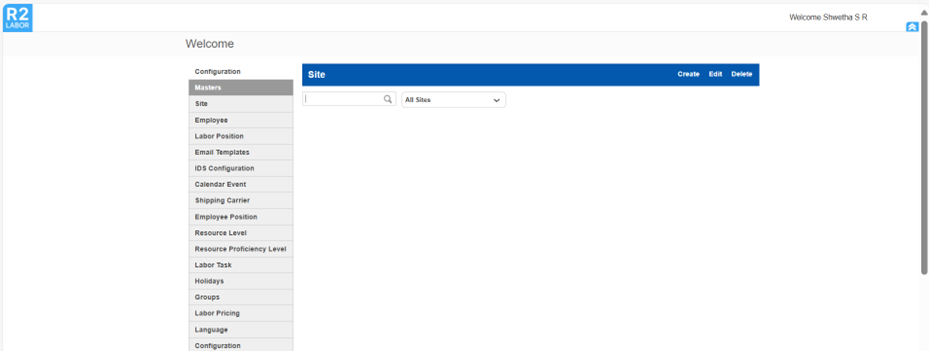
When on the Settings page, the Back button and R2 Labor icon will not return you to the dashboard.