Reference No: 29154
Details
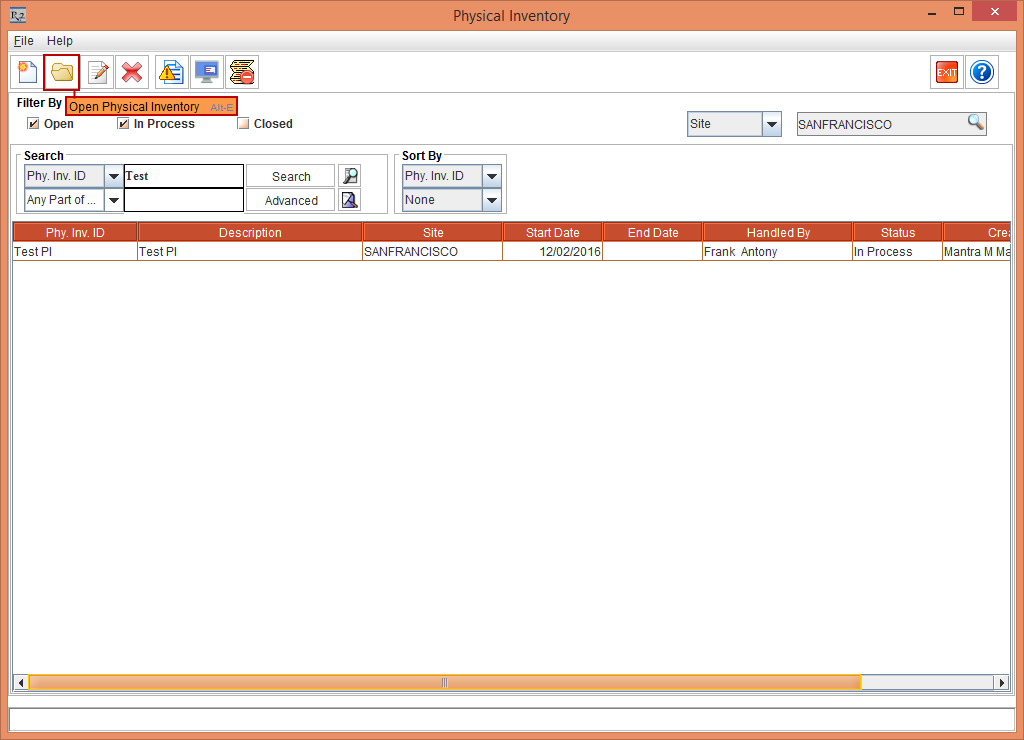
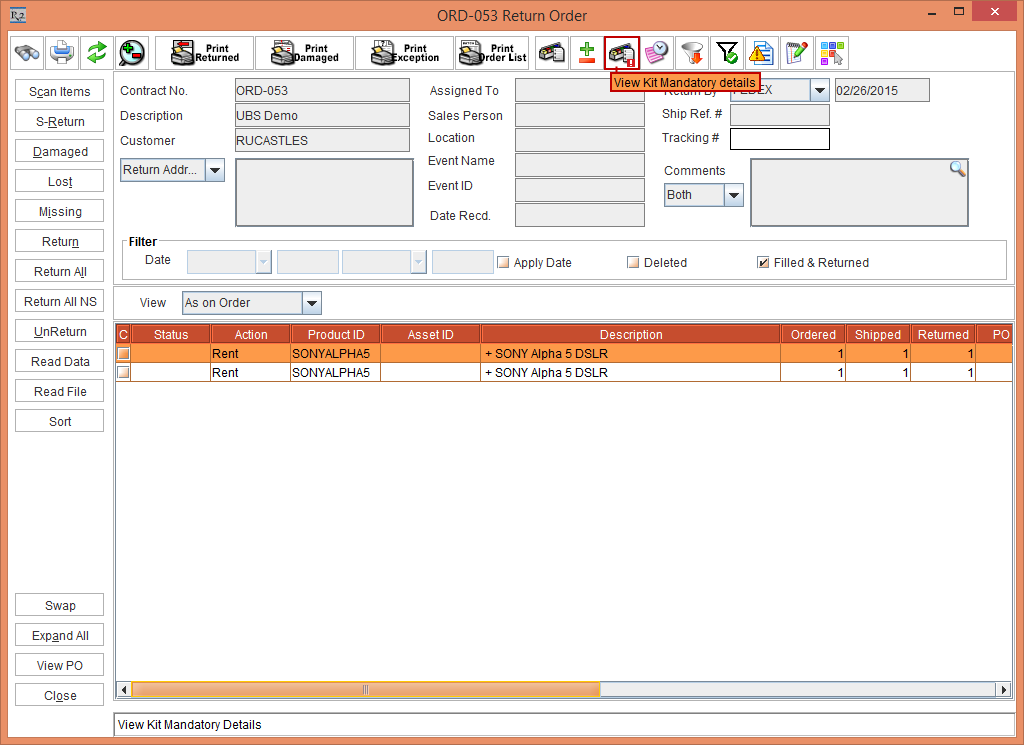
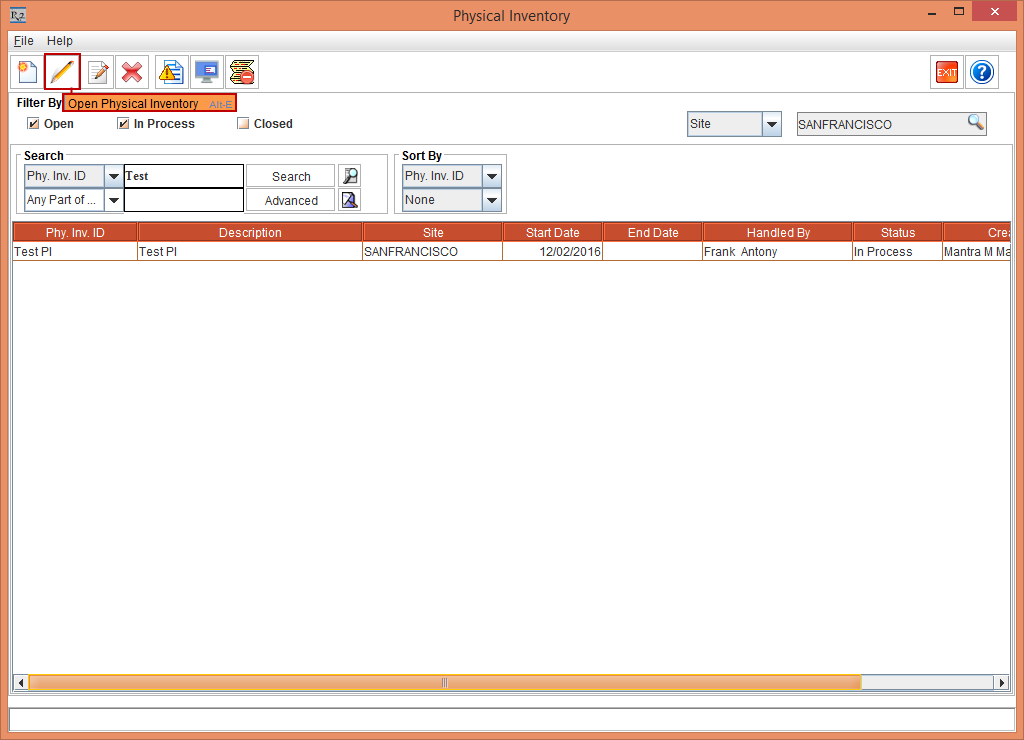
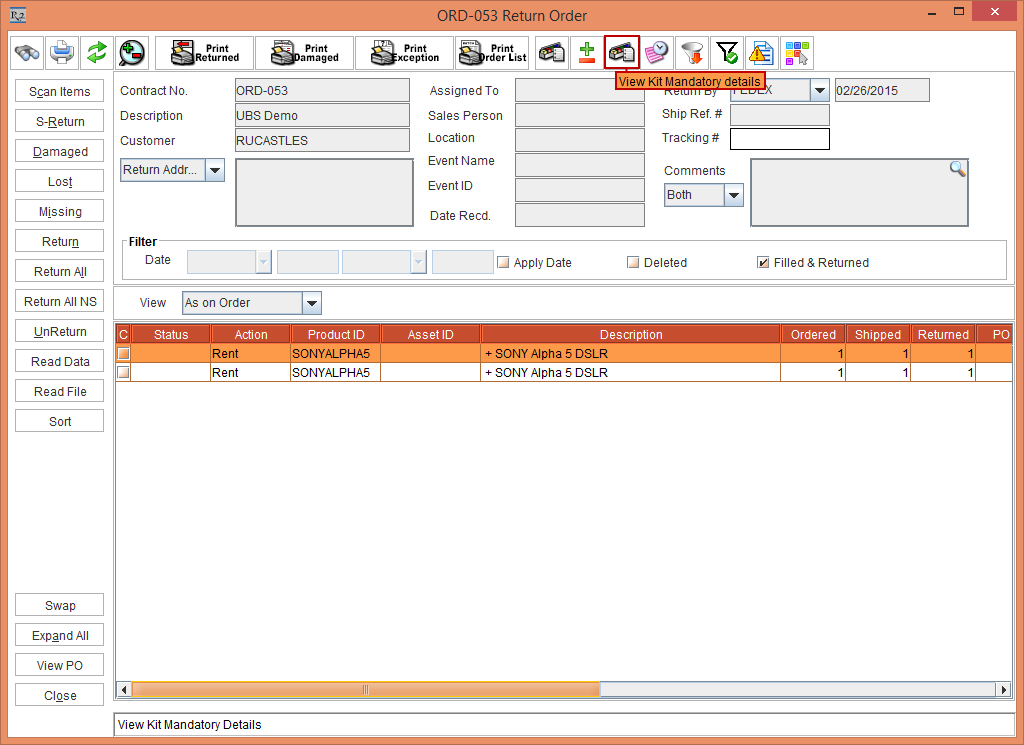
The Open Physical Inventory icon in the Physical Inventory module and the View Kit Mandatory details icon in the Warehouse module has been replaced with new icons.
Prior to Version 06.00.00-00
The Open Physical Inventory icon in the Physical Inventory module and the View Kit Mandatory details icon in the Warehouse module displayed, as shown Figure1.0. and Figure 1.1.
With Effect from Version 06.00.00-00
The Open Physical Inventory icon in the Physical Inventory module and the View Kit Mandatory details icon in the Warehouse module has been replaced with new icons, as shown Figure 2.0. and Figure 2.1.