Reference No: RR-2115
Details
Support is provided for Multi users on the Planning Order.
Illustration
-
Create two Planners [JRULE] and [MITH S].
-
The Planner [MITH S] logs in > open the Order [Order00176] > modify a line of [VIDEO ENGINEER 01] in the Order [Order00176].
-
Simultaneously, the other Planner [JRULE] logs in > opens the same Order [Order00176] > the line [VIDEO ENGINEER 01] appears to be locked as the Planner [MITH S] has been modifying.
-
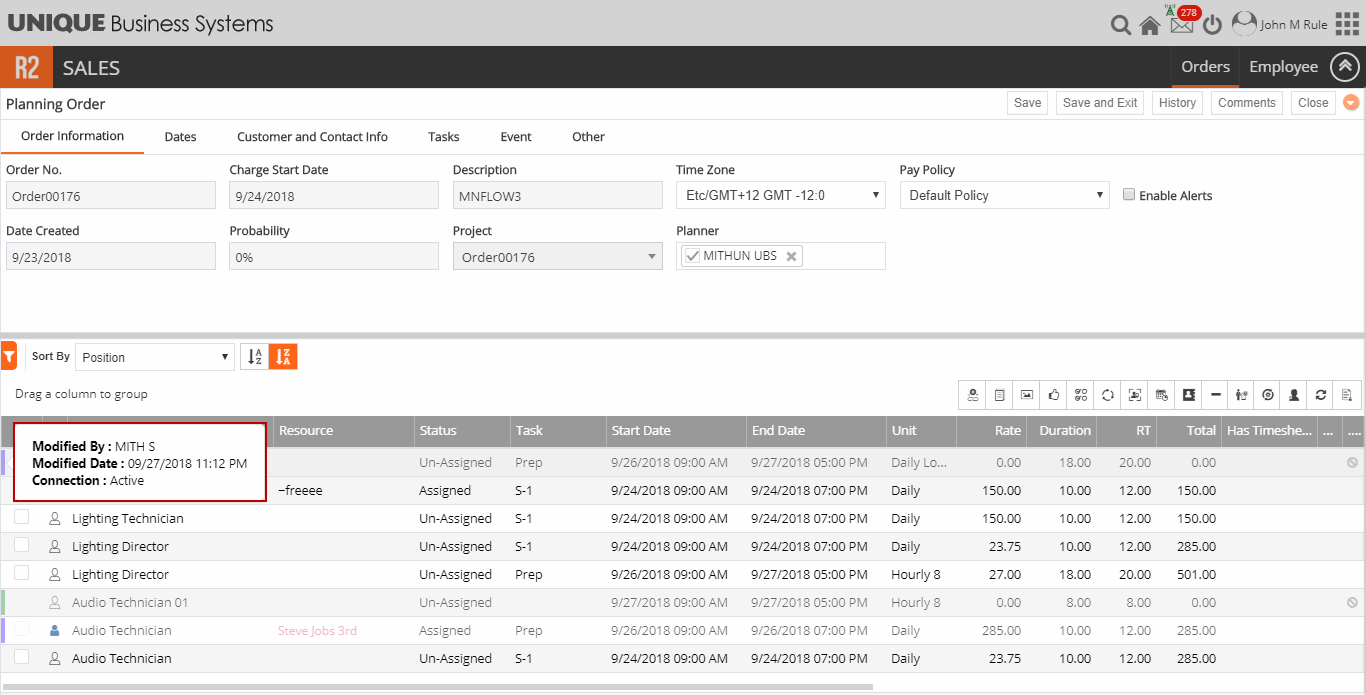
Hover the cursor over the line [VIDEO ENGINEER 01]. The Figure 1.0 displays the tool tip displaying the Modified By, Modified Date and Connection fields.
-
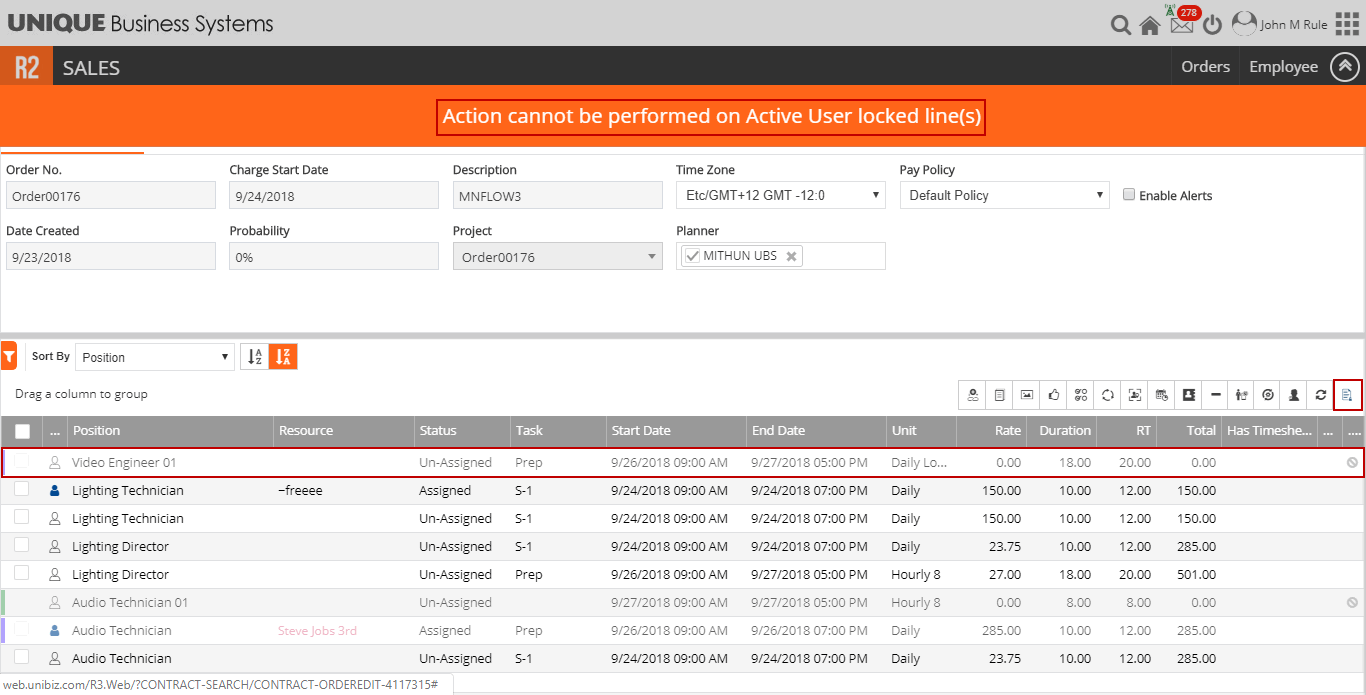
Click the Un-Lock to Edit button to unlock the line. The application displays an error message as shown in the Figure 1.1.
-
Similarly, add new Positions to the Order [Order00176] as the Planner [MITH S]. The notification appears to the other Planner [JRULE] on the same Order and on clicking Refresh button, new positions that are added are reflected.
-
The Planner [MITH S] having the Planning Order [Order00176] opened > same order is opened by other Planner [JRULE], the changes are reflected on the Whiteboard cells of the Order [Order00176].
-
When Planner [MITH S] opens the Planning Order and performs the modification and closes the browser without saving Order. And, when same Order [Order00176] is opened by the same Planner [MITH S]. The modification done earlier is retained.
-
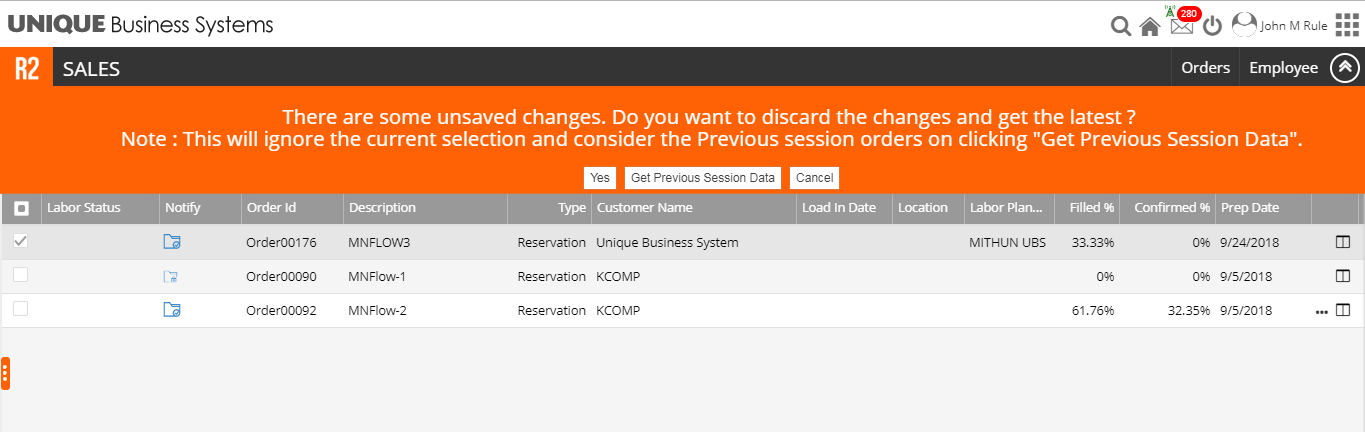
When Planner [MITH S] opens the Planning Order and performs the modification and closes the browser without saving Order. Then, when same Order [Order00176] is opened by other Planner [JRULE] from Order Search, the system displays a message as shown in Figure 1.2. Selecting the Yes button, discards the changes done by Planner [MITH S] and selecting the Get Previous session Data button, changes done by Planner [MITH S] will be retained.