
When the service has been completed, you will mark the service ticket as done and print a copy (optional) for your records.
-
Begin in the Service module.
-
Search for your service ticket and double-click on it to open it.
-
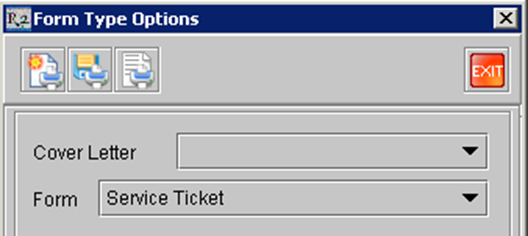
Click on the Print icon

-
When the print dialog appears, click on the Print icon
