
In an effort to translate a Service Record Card into an electronic servicing system, an R2 Service Package will be used to note the various components that the service technician must check.
-
Begin inside of the service ticket.
-
Click on the Labor button.
-
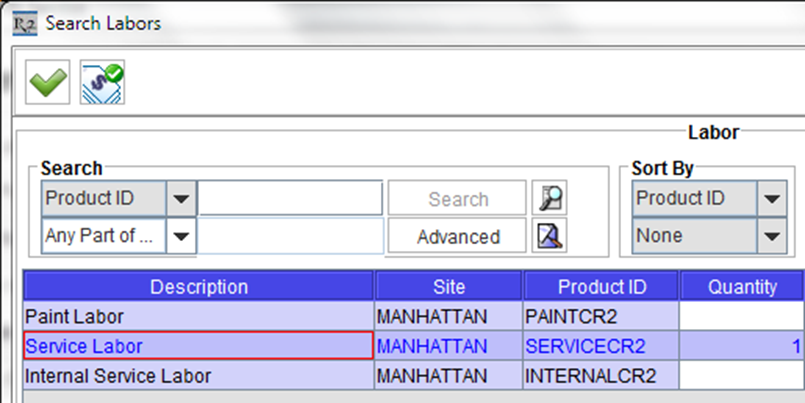
Enter a % symbol into the search field to find all labor records. Click on the Search button.
-
Double-click to select the labor you want and it will turn blue in color to indicate it has been selected.
-
-
Click on the green checkmark icon to add the labor back to the service ticket.