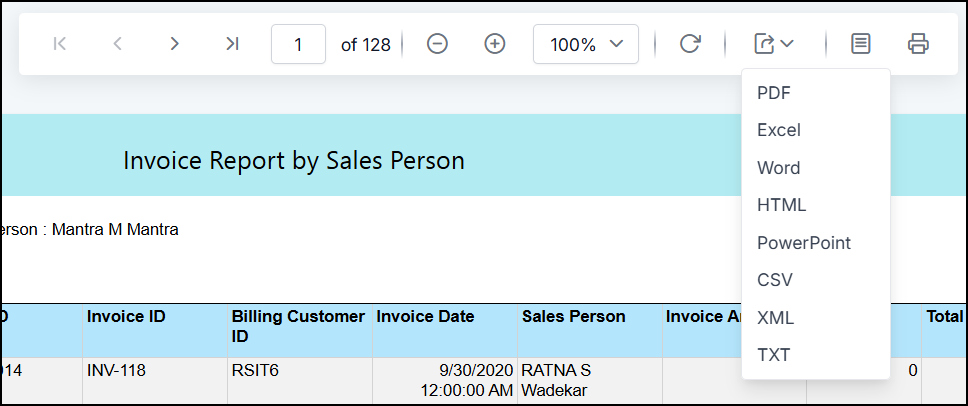
Once The Reports are Ready you can export reports to required format.
There are two ways to export report
-
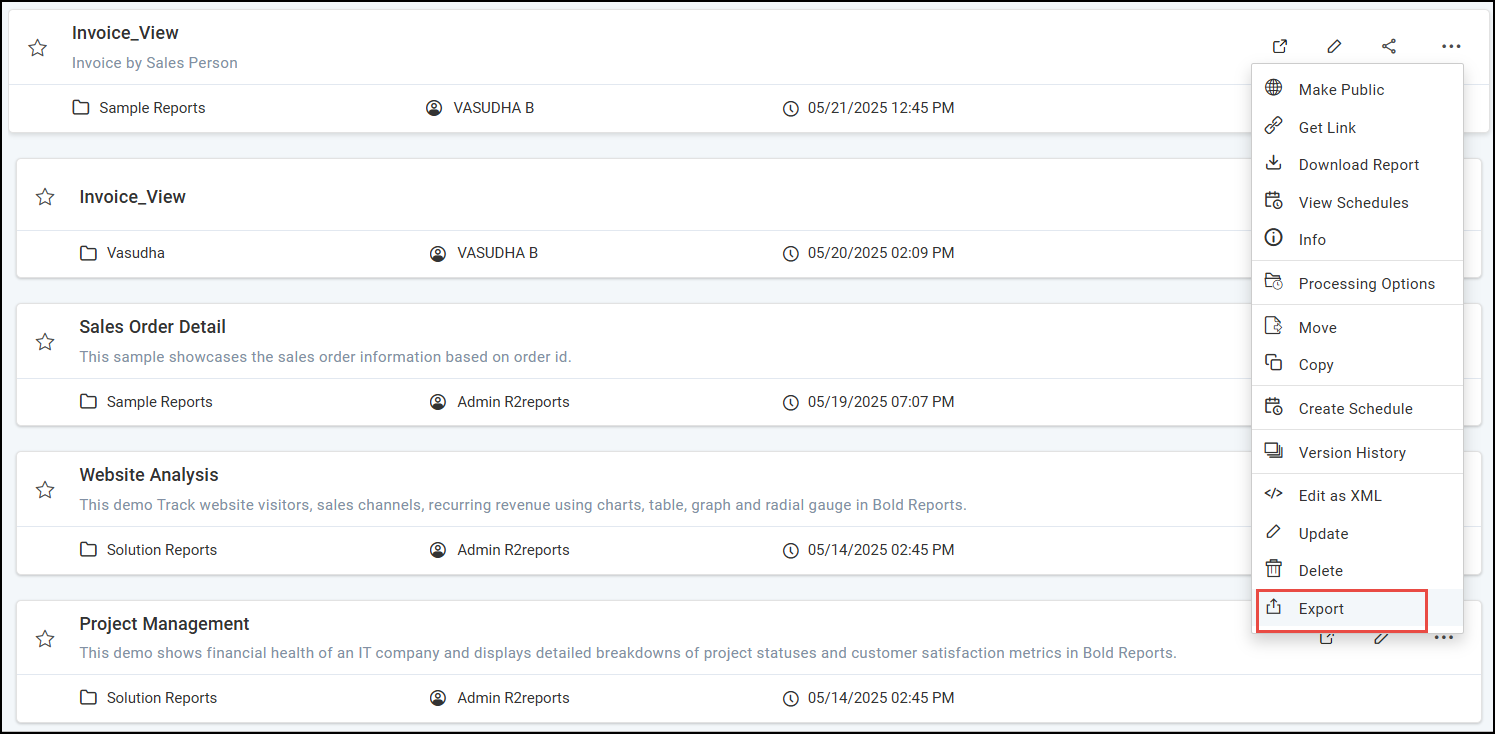
By clicking Export option on Reports
-
After generating Preview. Below are the steps.
By clicking Export option on Reports
-
Click the
Exportoption in the context menu to export the Report.
-
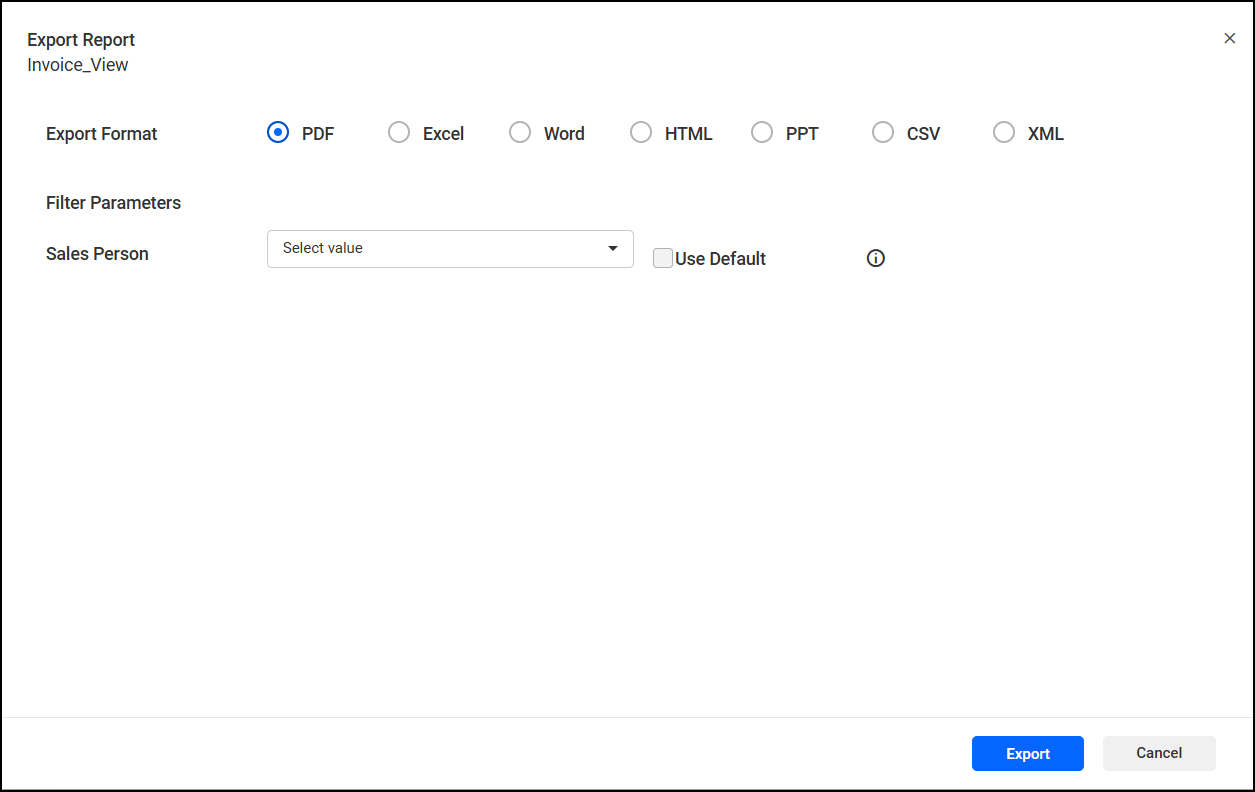
After selecting the report format, proceed to set filter parameters and export the report.
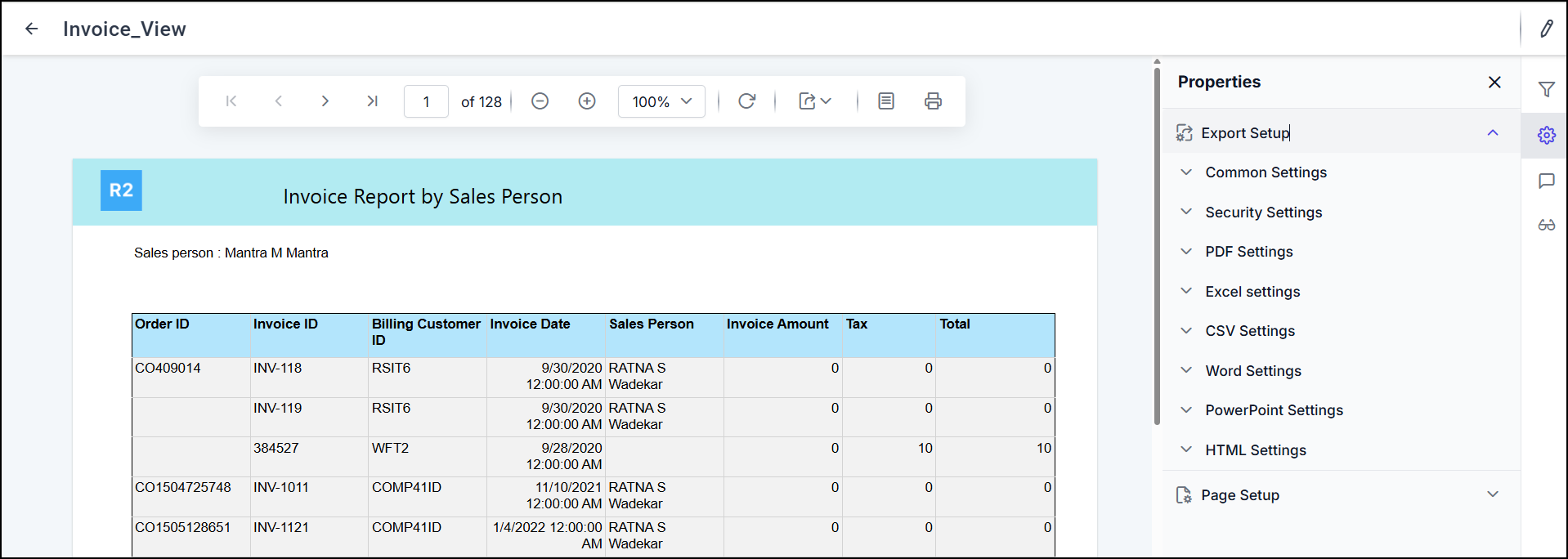
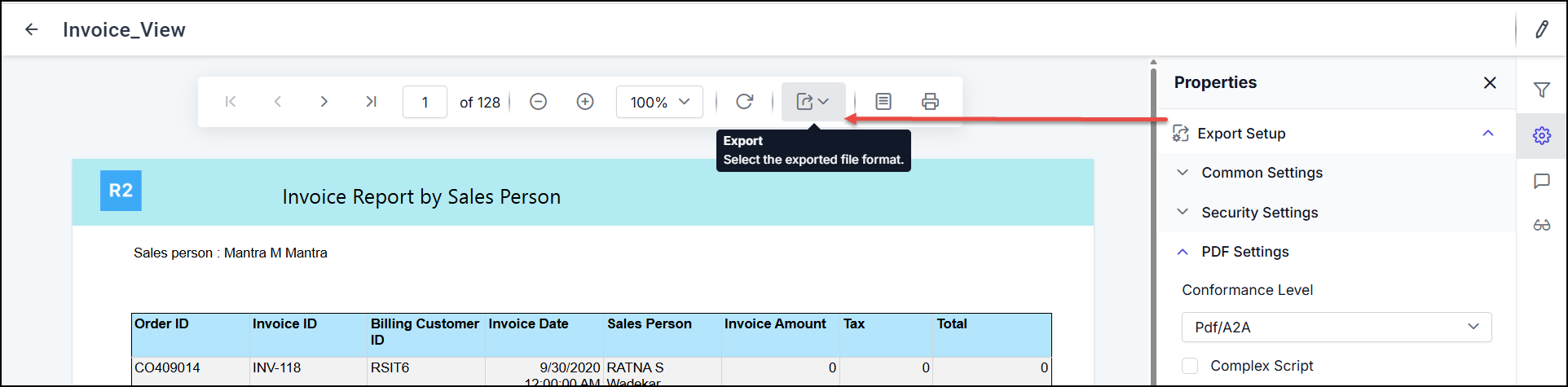
After generating Preview.
-
You can export report after generating preview also.
-
You can set the export settings and click on export
-
Select format from the dropdown.