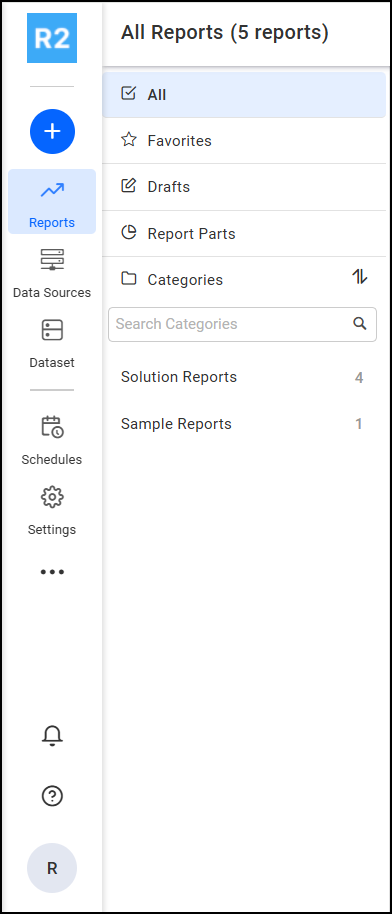
To view the system notifications, click on the Notification bell icon in the Report left-side panel as shown in the following image
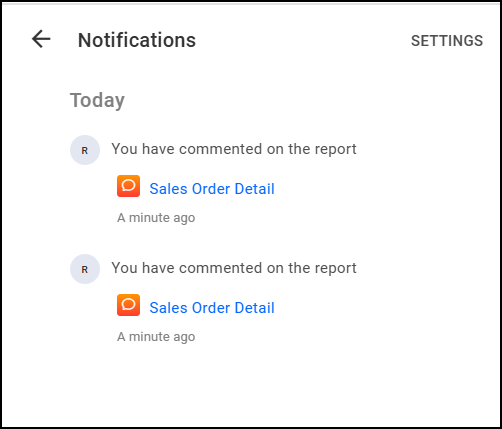
Users can navigate to a specific comment by clicking on the report name in the notification section. To adjust their notification settings, users can navigate to their profile page by clicking on the Settings option.
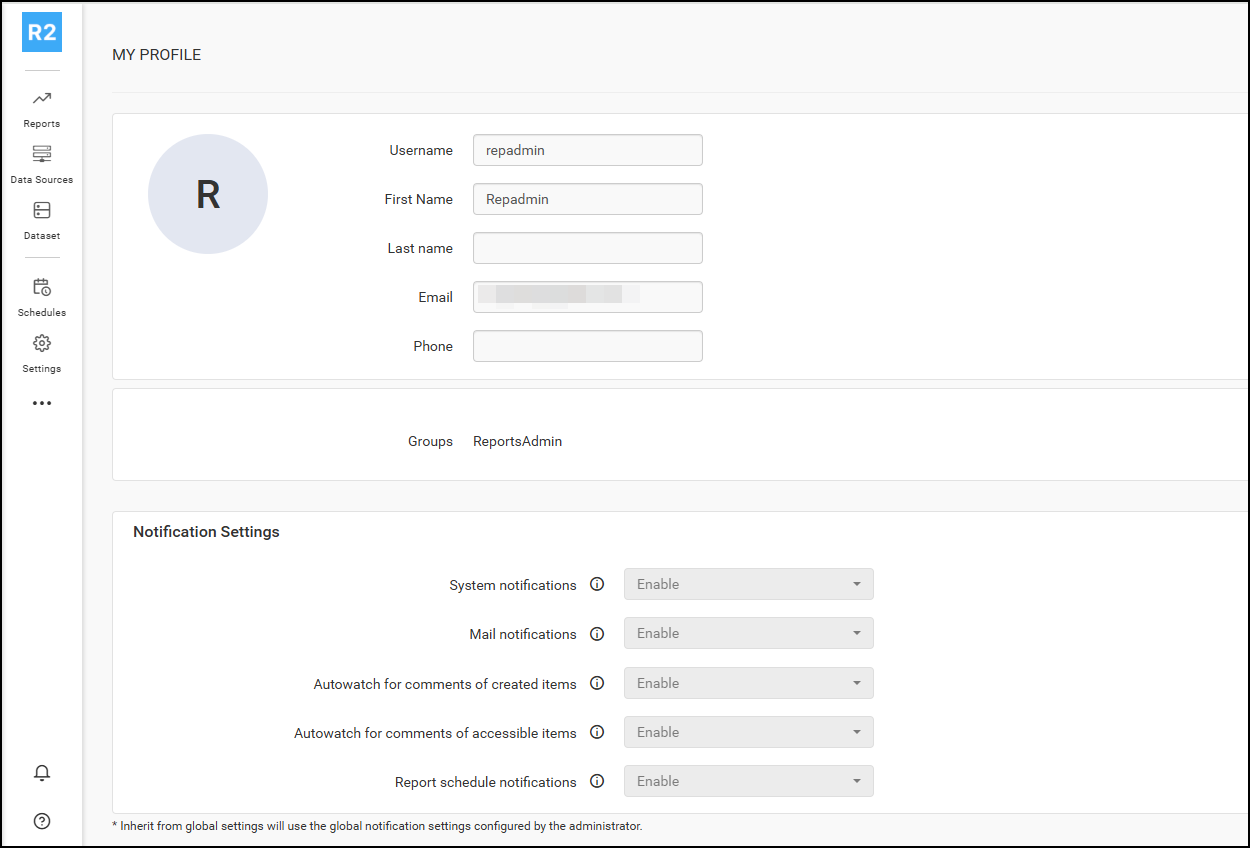
User notification settings
Configure how the current user receives notifications for comments from the user notification settings page. Users can navigate to this page from the profile edit page, as shown in the following image.