The R2 Reports module provides role-based access control (RBAC) to manage user permissions effectively. The available roles — Report Admin, Designer, and Viewer — each have specific sets of permissions tailored to their roles. This page provides a comprehensive overview of the access permissions associated with each role, enabling administrators to manage and customize user capabilities within the R2 Reports environment.
Report Admin Access Permissions
Section
Permissions
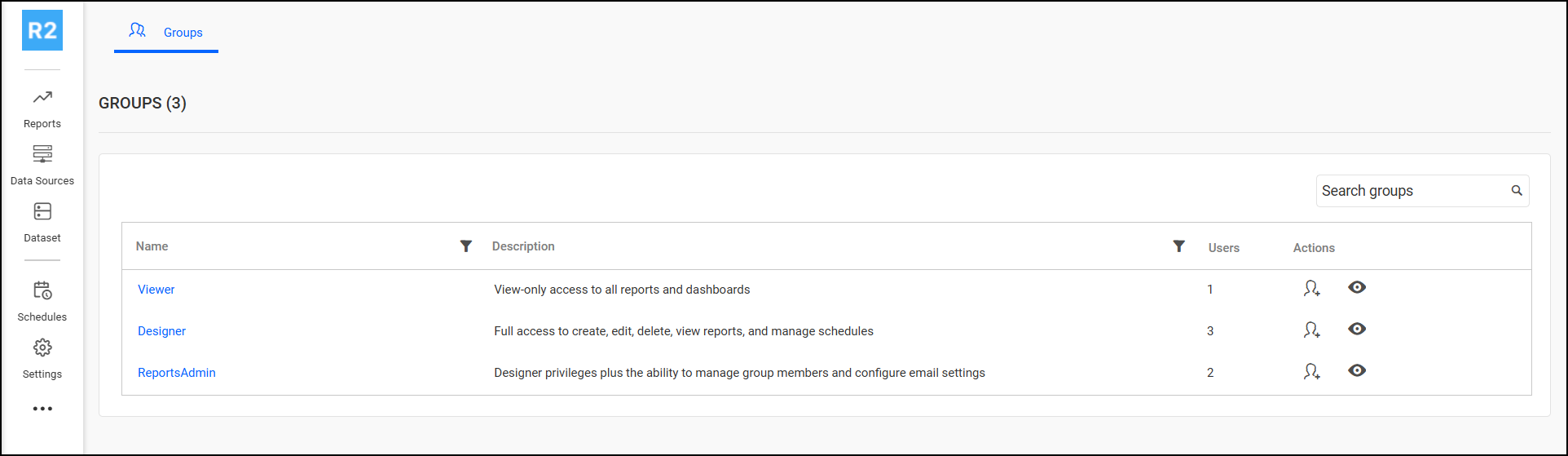
Groups
View groups list
Search groups
Manage groups
Add or revoke users through groups
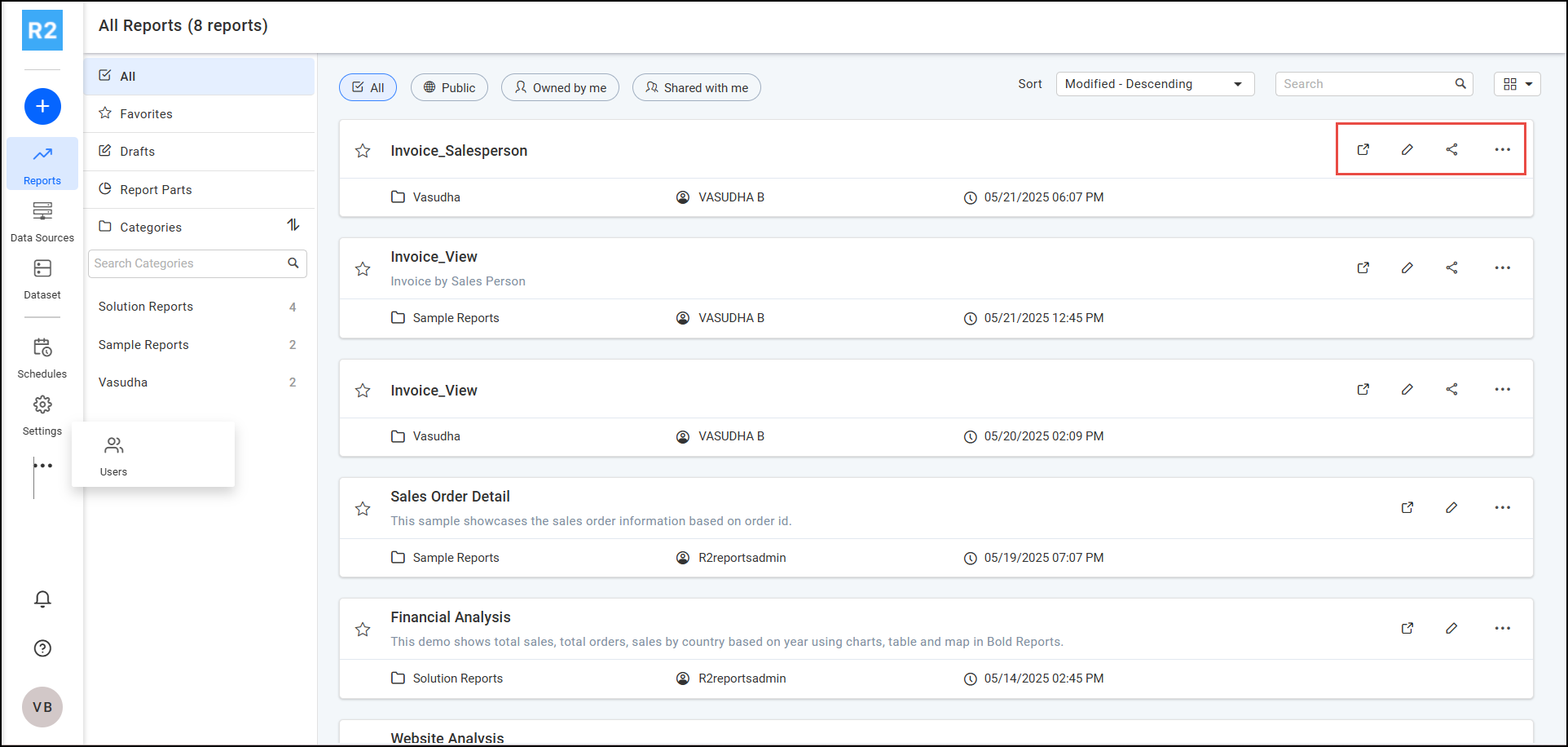
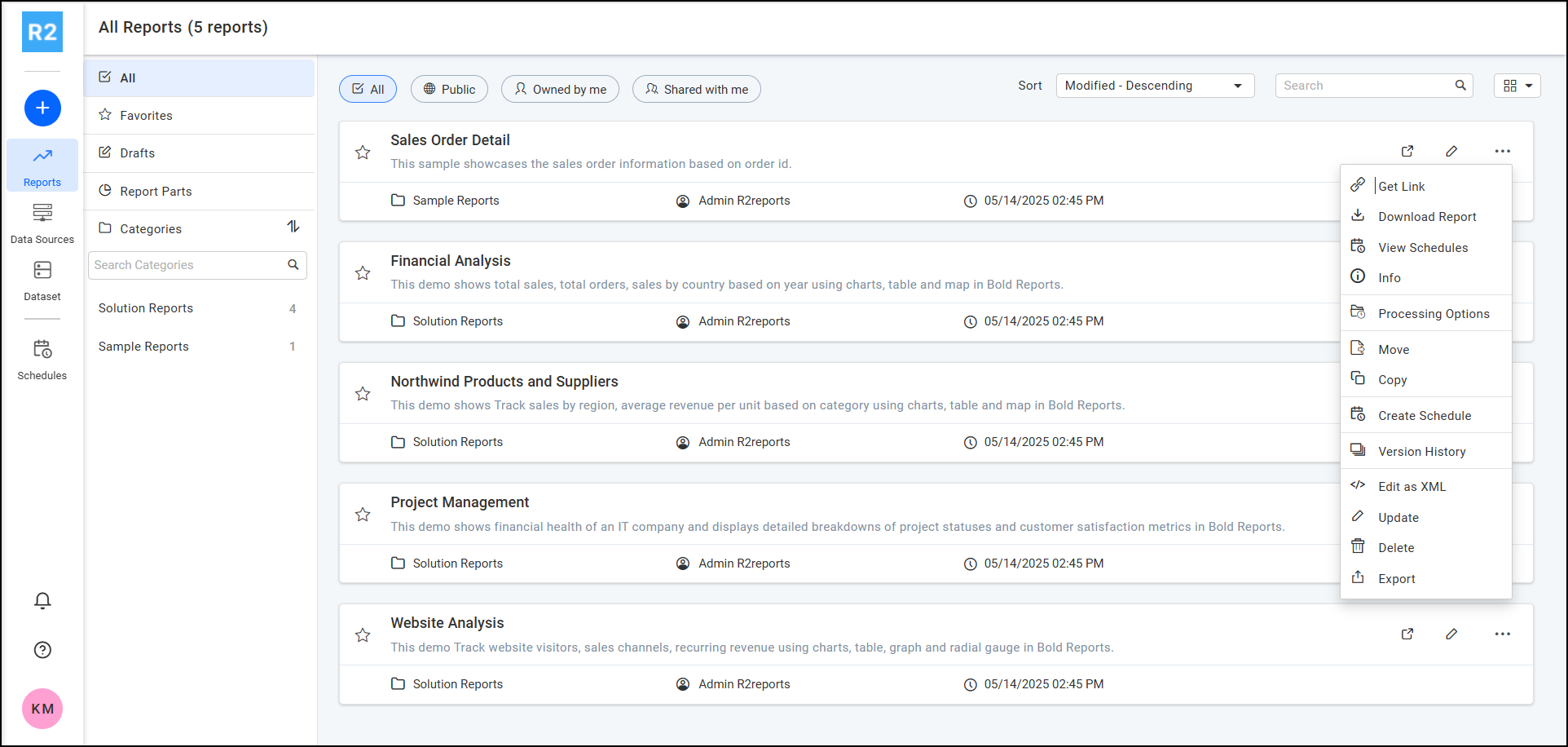
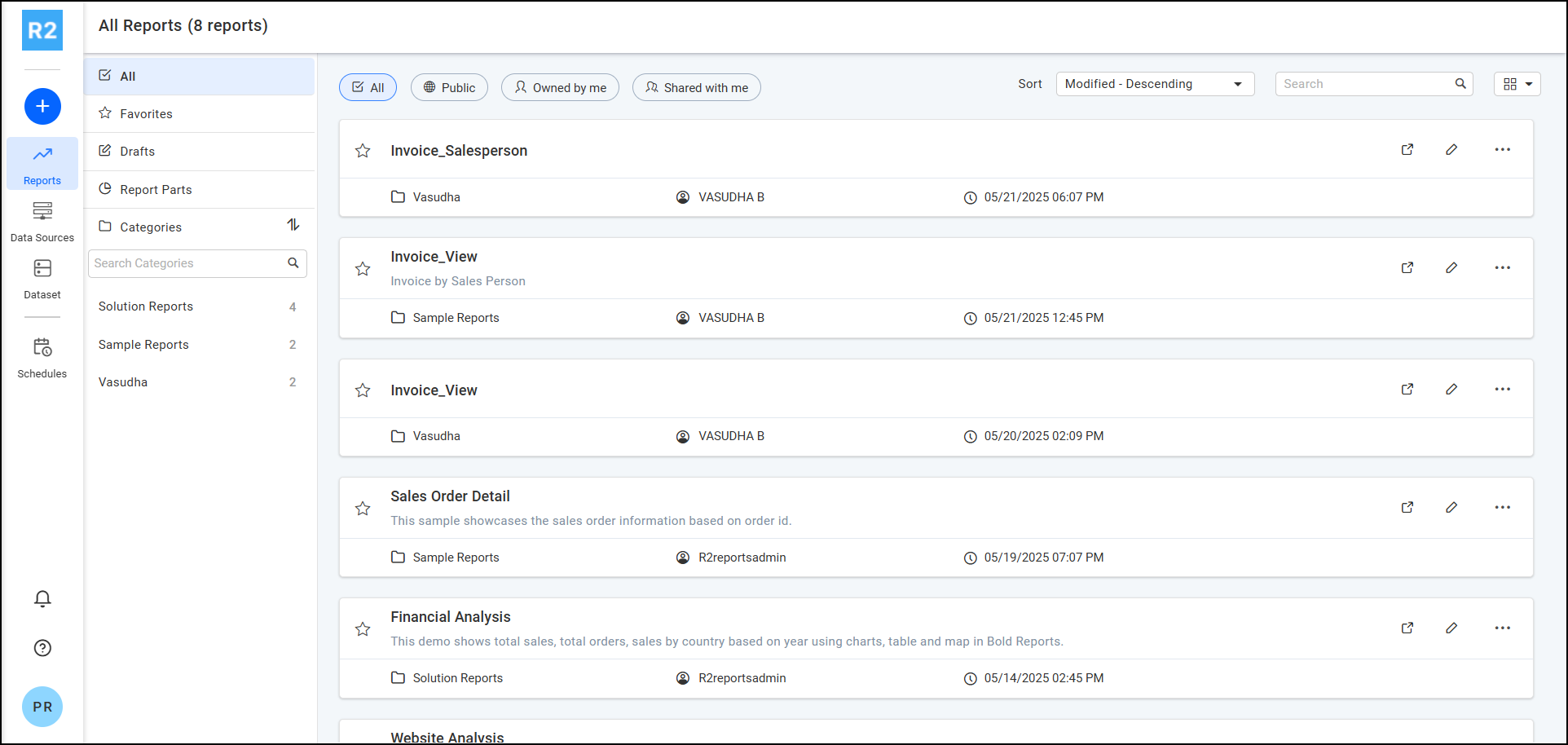
Reports
View all reports
Create reports
Delete reports
Edit reports
Open reports
Download reports
Export reports
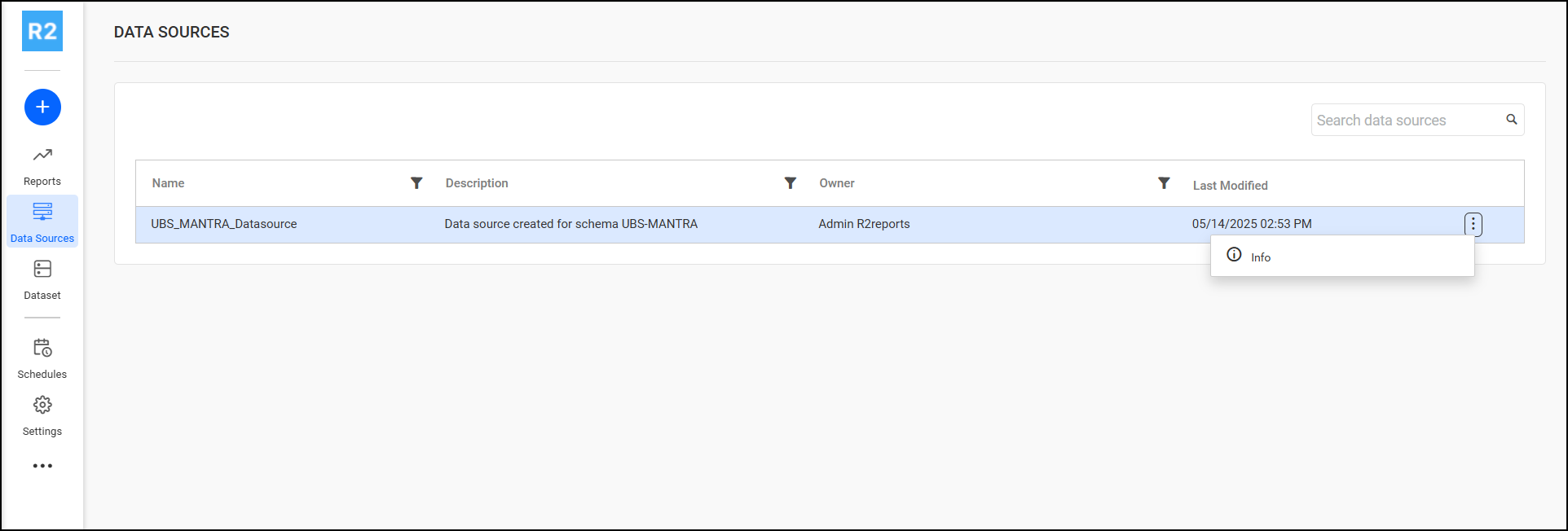
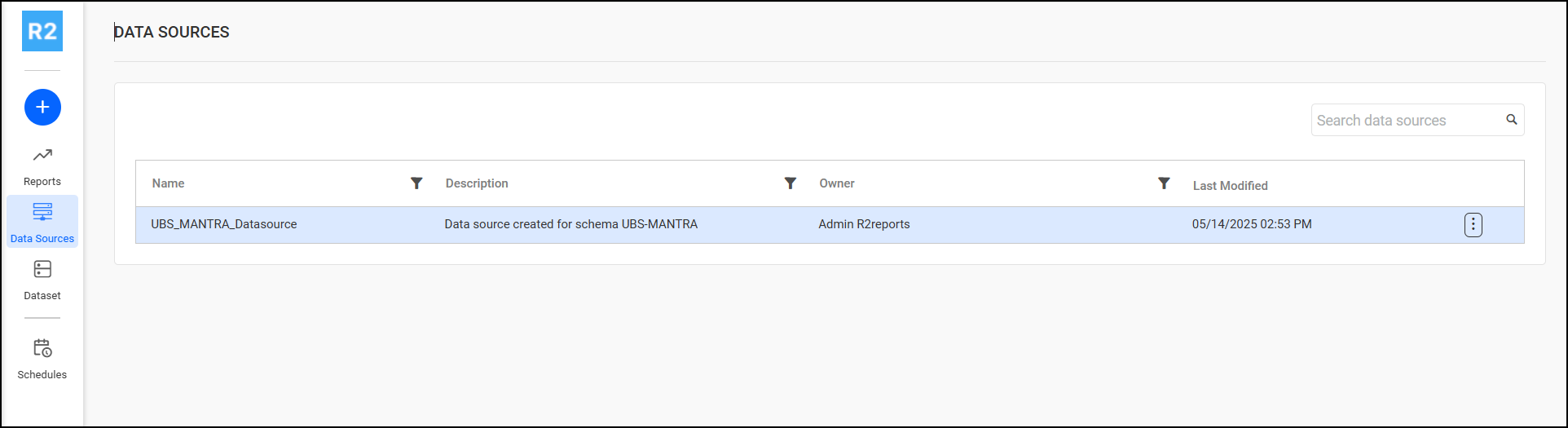
Data Source
View data source info
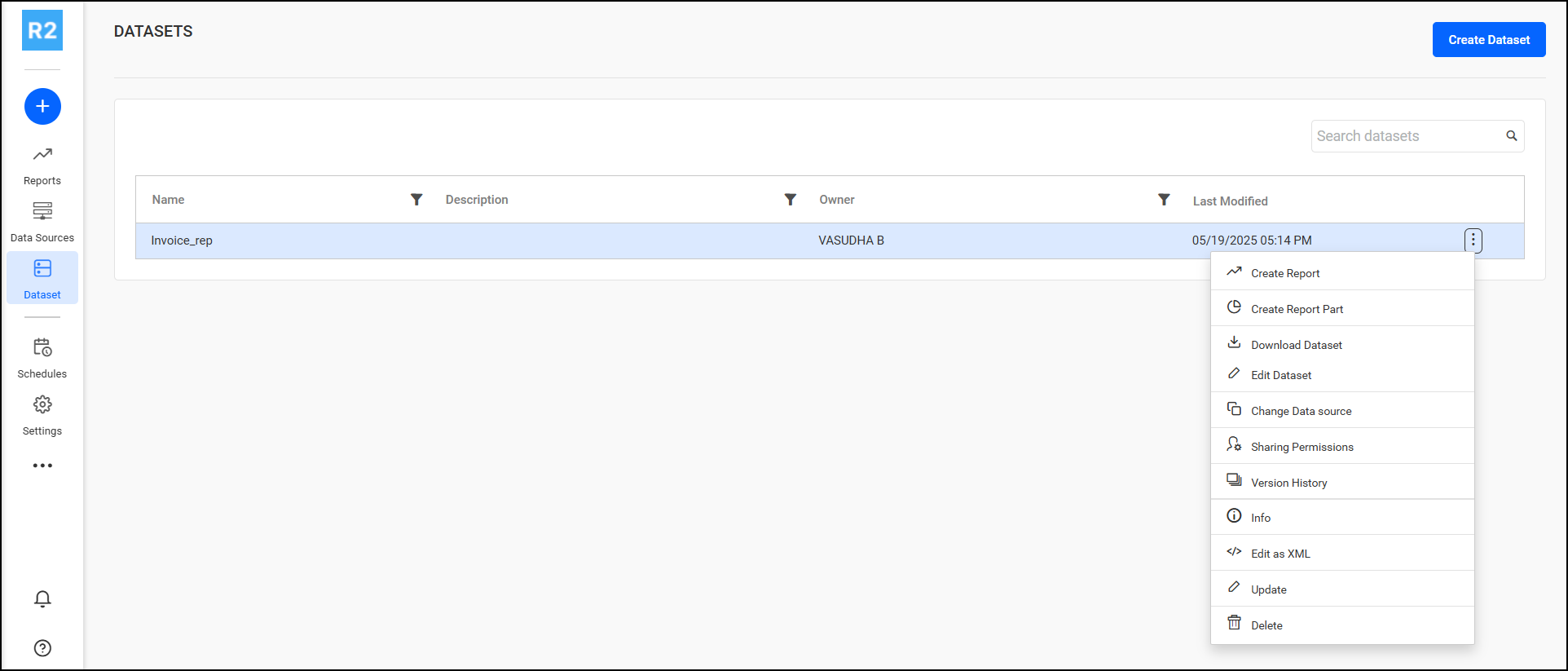
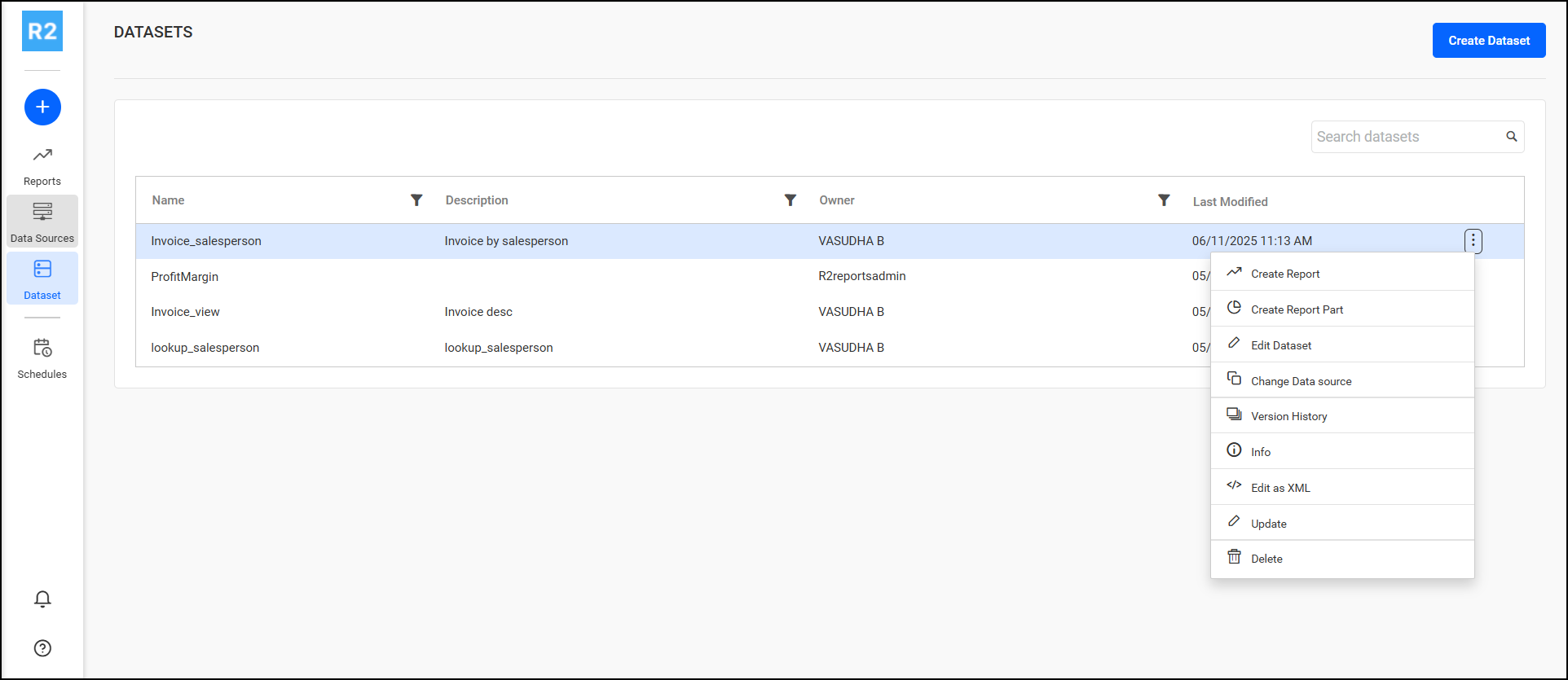
Dataset
Create dataset
Edit dataset (Modify dataset and its content)
Delete datasets
Download dataset
Search datasets
Create report from existing datasets
Update dataset details (Name, Description, Comments of the dataset)
Sharing permissions (read, write, delete) with other groups
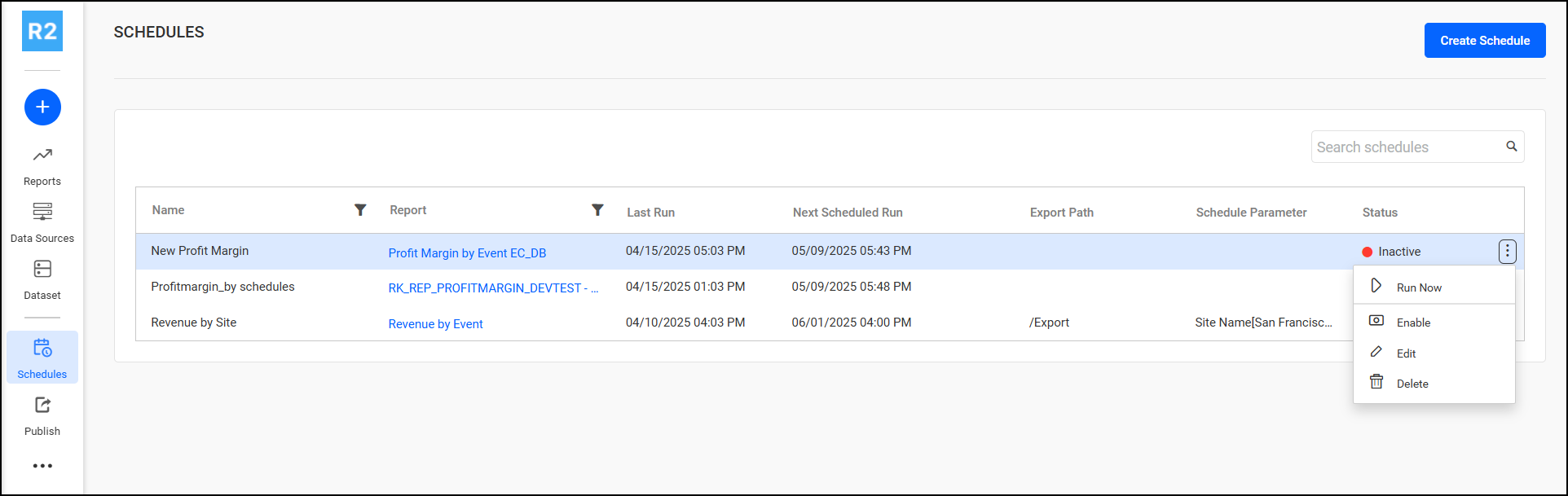
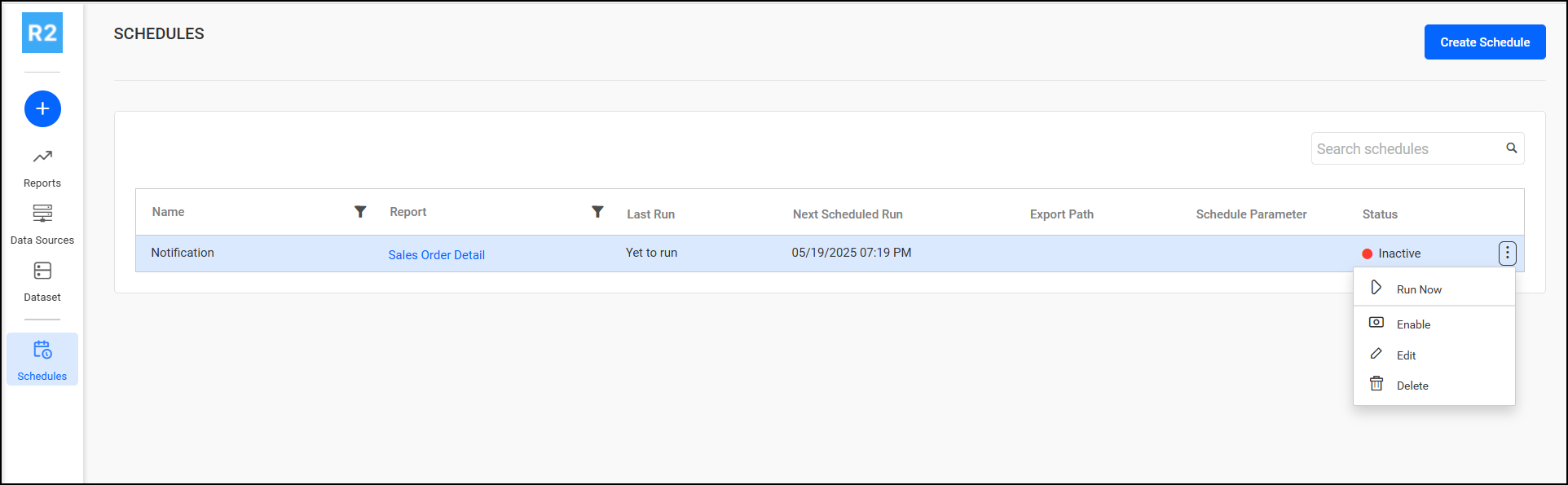
Schedules
Create recurring report schedules
Edit recurring report schedules
Delete recurring report schedules
Enable/Disable the recurring report schedules
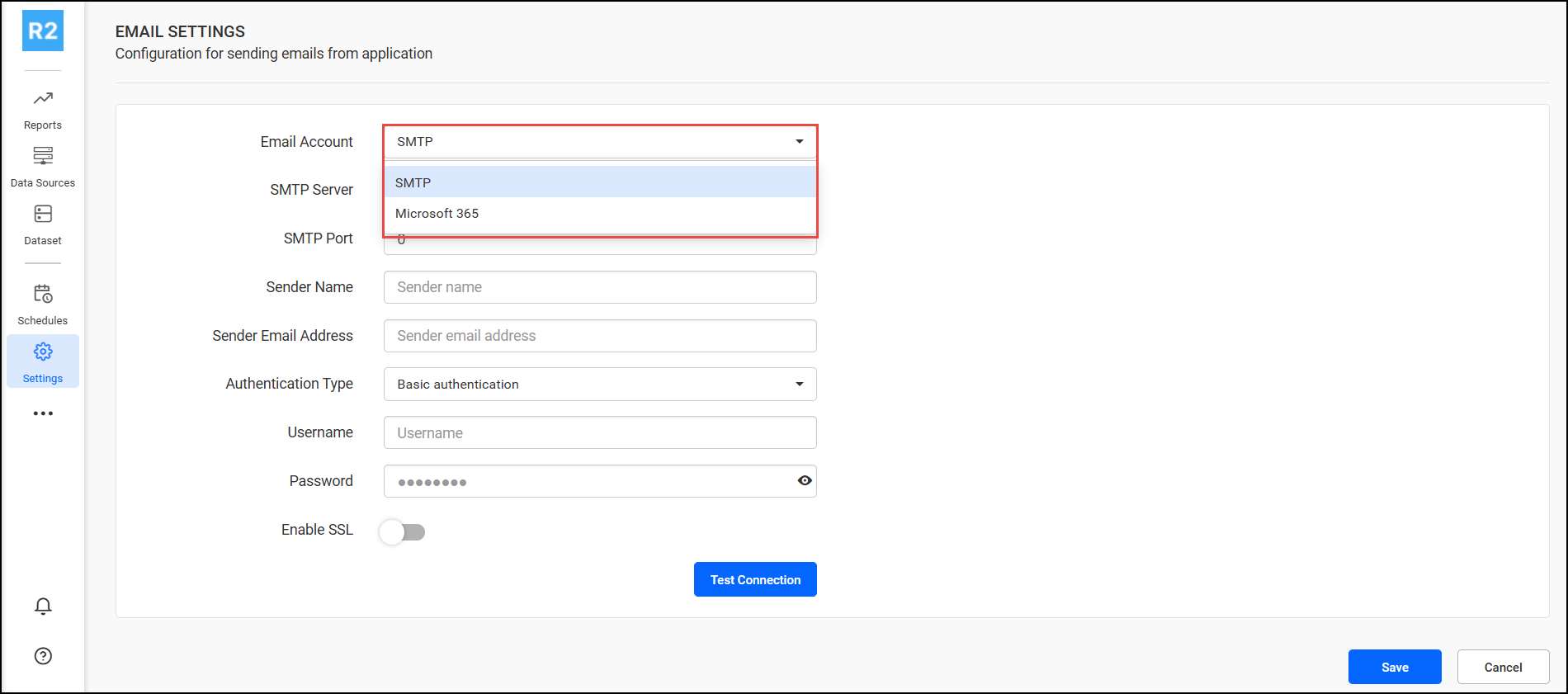
Settings
Email Authentication mechanism for sending mail notification.
SMTP
Microsoft 365
For more information contact UBS support.
Designer Access Permissions
Section
Permissions
Reports
Create reports
View reports
Download report
Update report details
View report schedules
Export report
Delete report
Data Source
View data source info
Datasets
Create dataset
Search dataset
Create report from existing dataset
Edit dataset views and contents
Download dataset
Update dataset details (Name, Description, Comments of the dataset)
Delete dataset
Schedules
Create recurring report schedules
Edit recurring report schedules
Delete recurring report schedules
Enable/Disable the recurring report schedules
Viewer Access Permissions
Section
Permissions
Reports
Viewer can view reports.
(No permission to Create/Edit/Delete Report, Data Source, Datasets, Schedules)
JavaScript errors detected
Please note, these errors can depend on your browser setup.
If this problem persists, please contact our support.