-
Click on

|
Options |
Description |
|---|---|
|
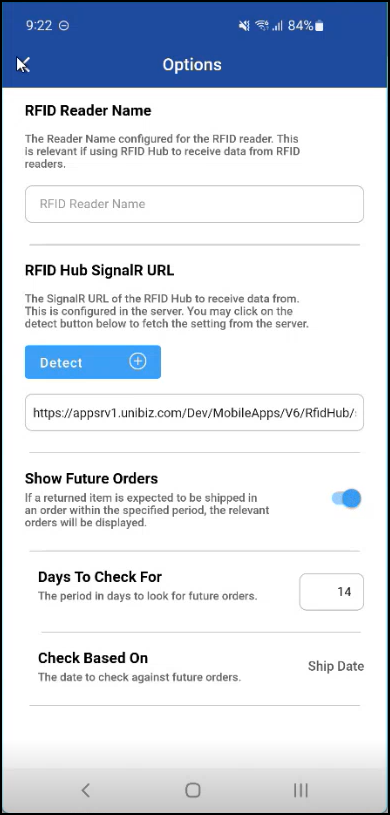
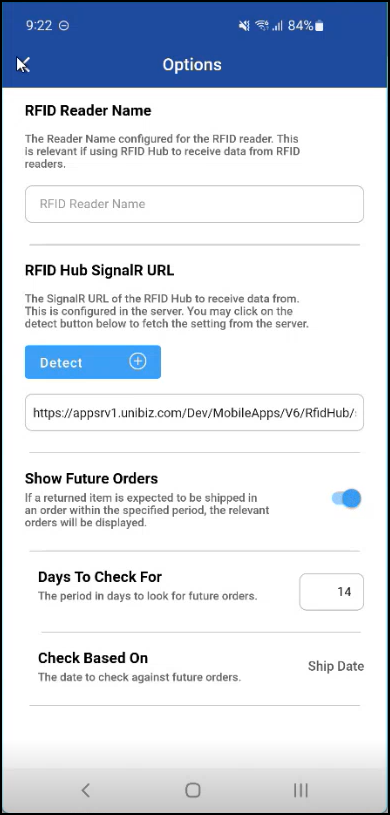
RFID Reader Name |
Specifies the name or ID of the RFID reader device. know more.. |
|
RFID Hub SignalIR URL |
The SignalR URL used for real-time communication between the RFID reader and the application. |
|
Show Future Orders |
When enabled, the system displays orders scheduled for future dates. Days to check for: Enter the number of future days to look ahead when showing upcoming orders. Check based on: Allows you to specify what criteria to use when checking for future orders, it may be based on Order Ship date/Prep date. Know more.. |
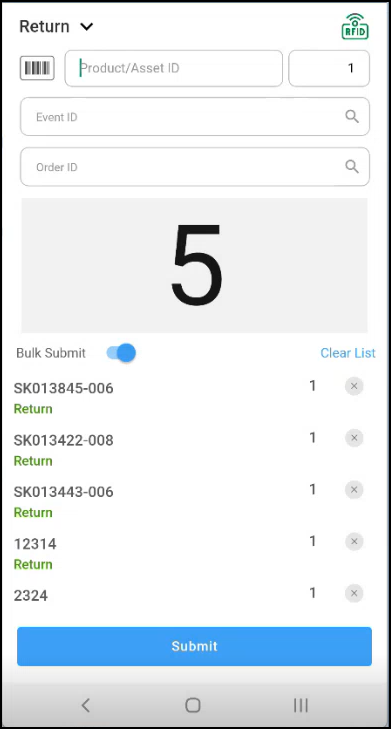
If you want to enable RFID
Set the RFID Reader Name and RFID Hub URL in the below fields, once the fields are set the RFID shows the green color signal then it is ready to scan the items.