
To mark lost inventory for a non serial item, edit the product, click on Lost/Missing. Indicate the amount and the missing status.
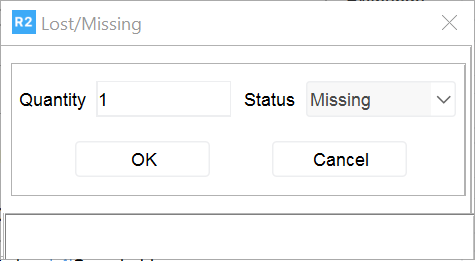
If the inventory is found, click on the History button. Enter the desired quantity to be reverted to in-house on the Quantity column.