
From the R2 Launch Pad, select Account
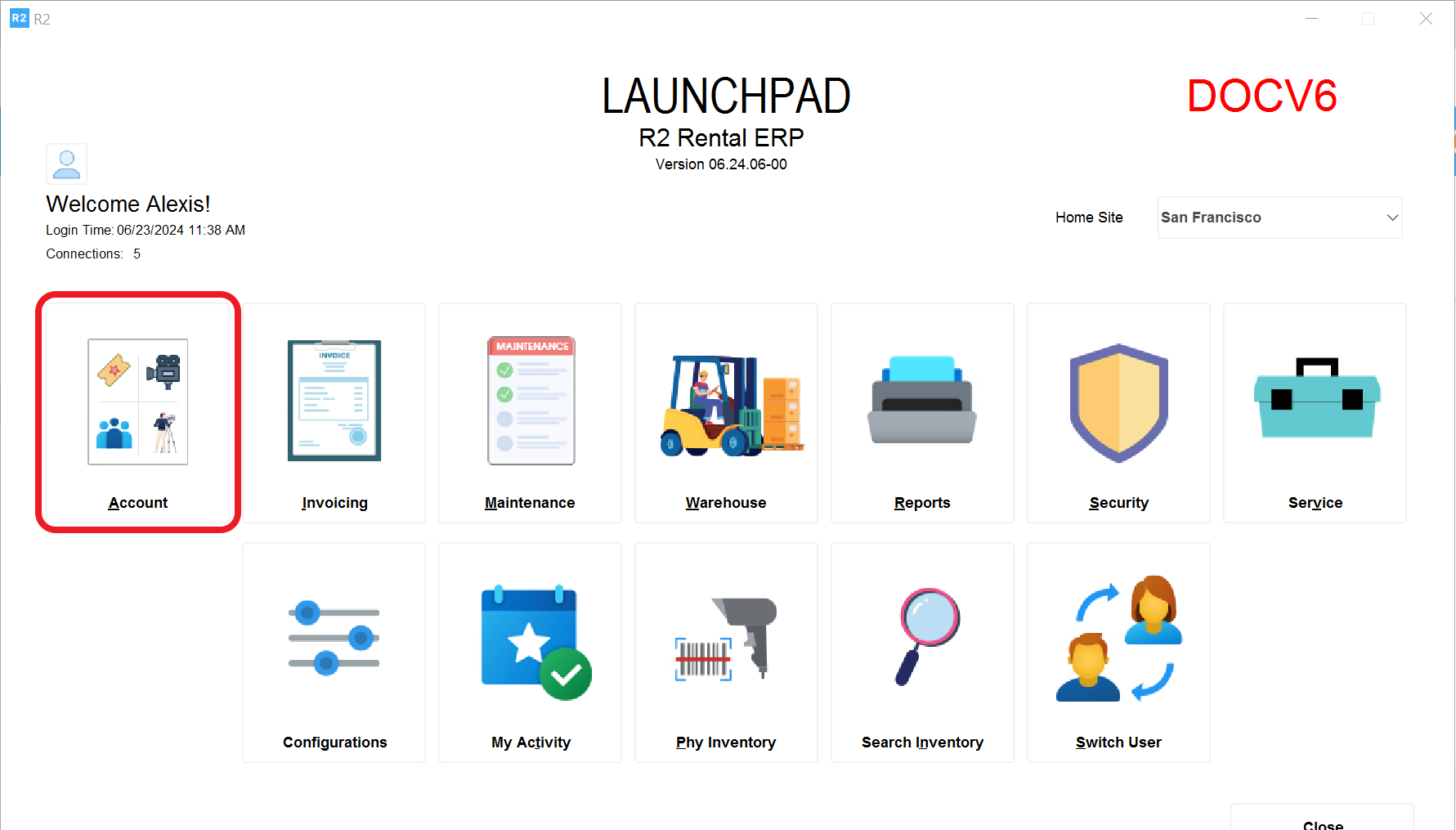
Click on the Account button and select Search > Items
.png?cb=402f6068dcfdaa738e2d4a0bb305580a)
The Items screen will be displayed
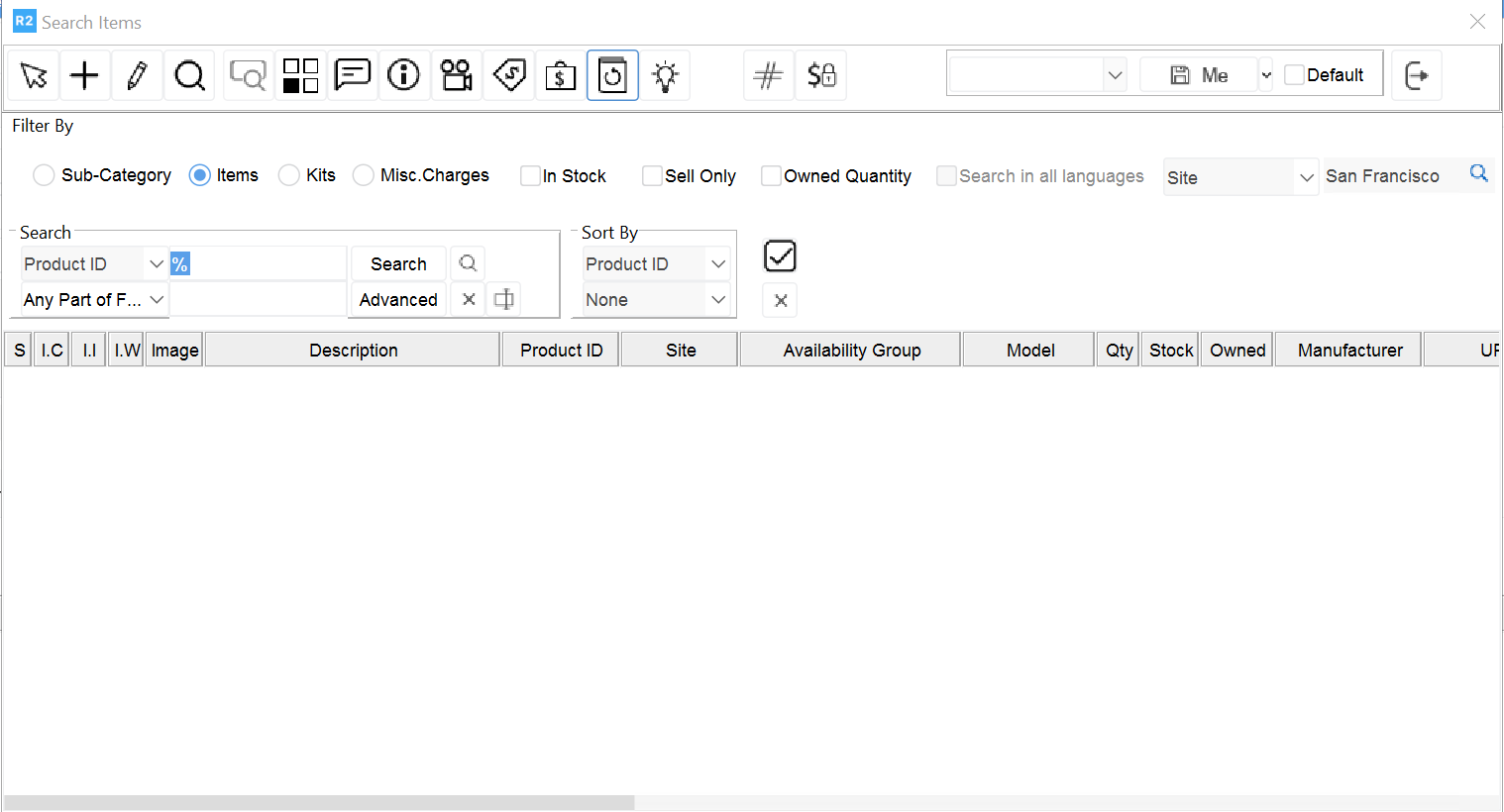
To add new inventory, select the Add button 
To edit inventory, select the Edit button 
To find text within the page displayed, select the Find button 
To check availability, select the Availability button 
To check a comment, select the Comment button 
To check instructions, select the Instruction button 
To check or edit assets, select the Assets button 
To check pricing information, select the Pricing button 
To check vendor information, select the Vendor Pricing button 
To check receiving history, select the Change History button 
To check suggested item information, select the Suggested Items button 