
From the R2 Launch Pad, select Account
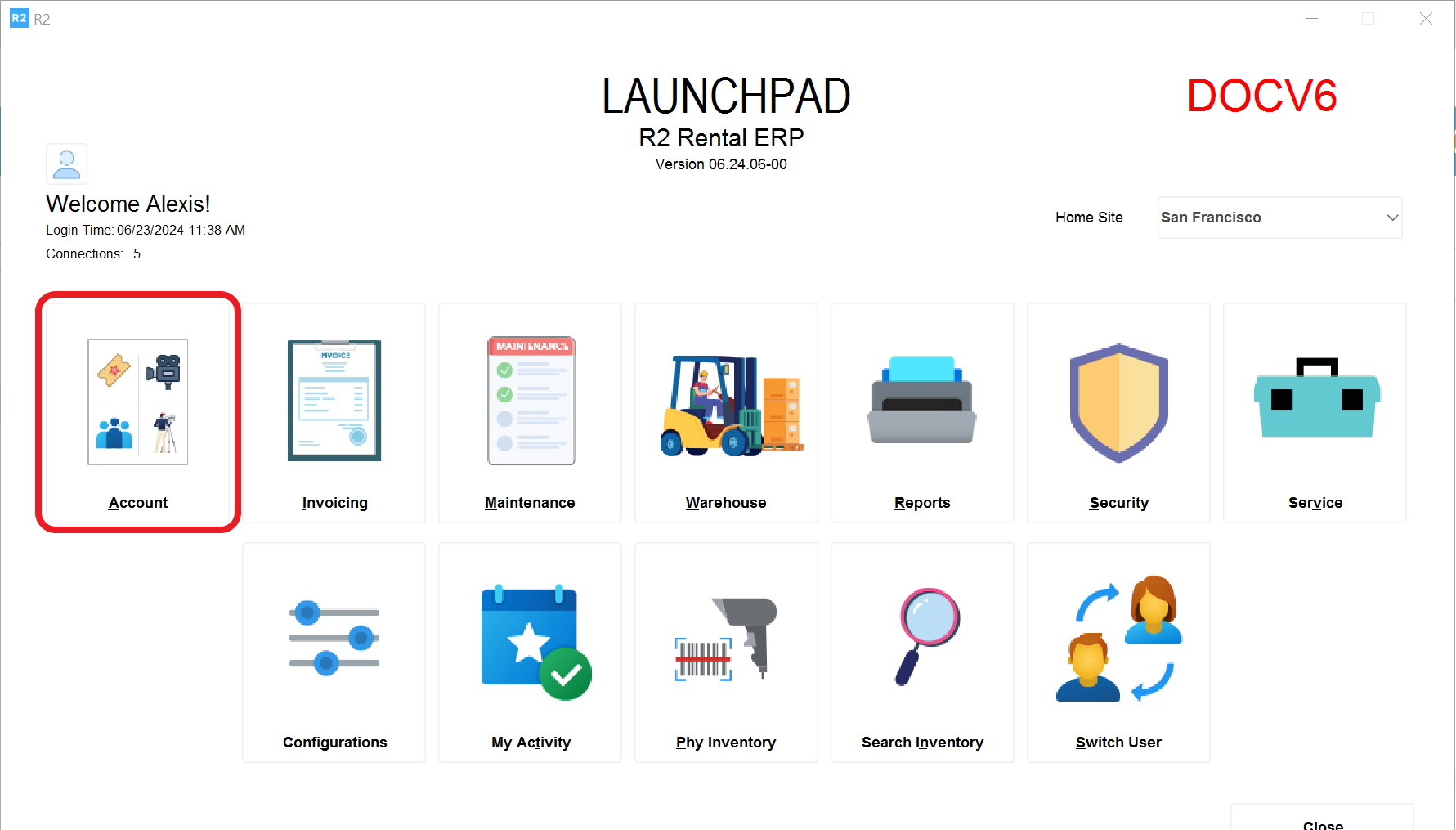
Click on the Account button and select Search > Parts
.png?cb=29535b3566725b3ec30de8117ee042e3)
The Parts screen will be displayed
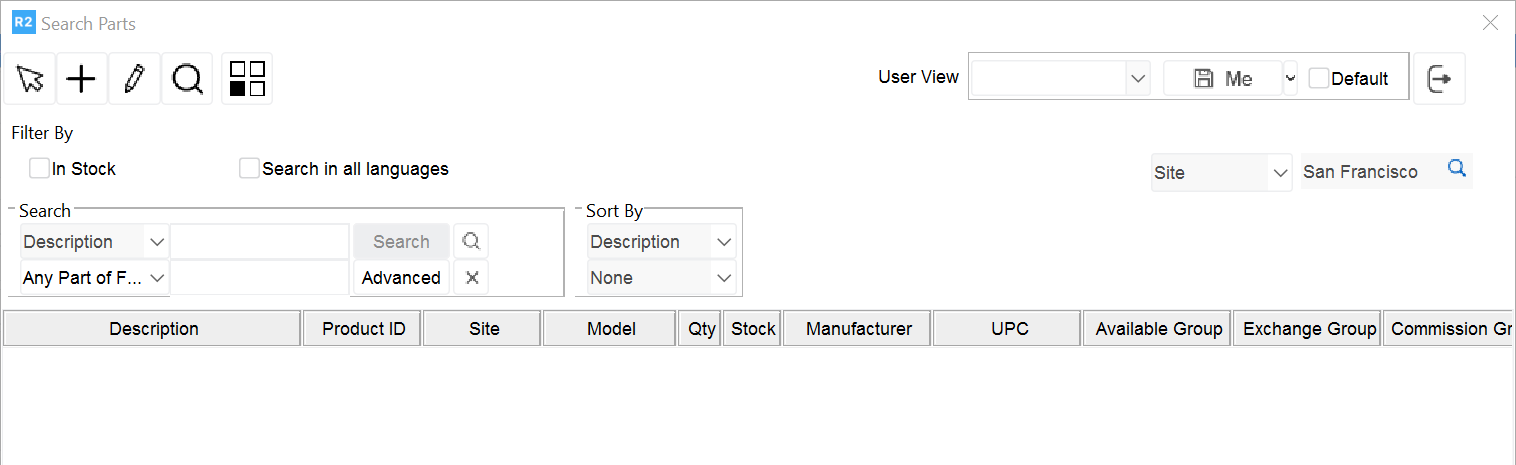
To add new inventory, select the Add button 
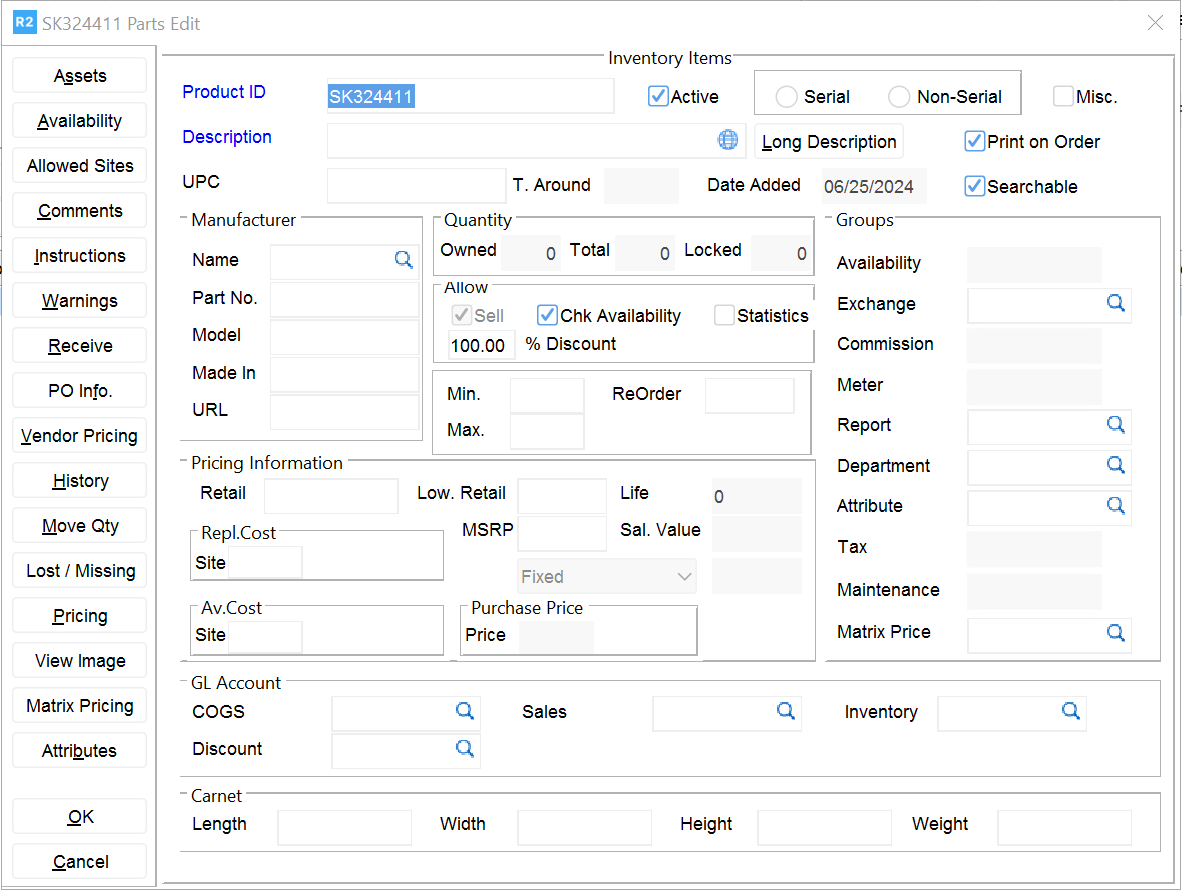
-
Enter a Product ID
-
Enter a Description
-
Check if the item is Serial and Non serial
-
Click on Receive to add stock (see how to add items)