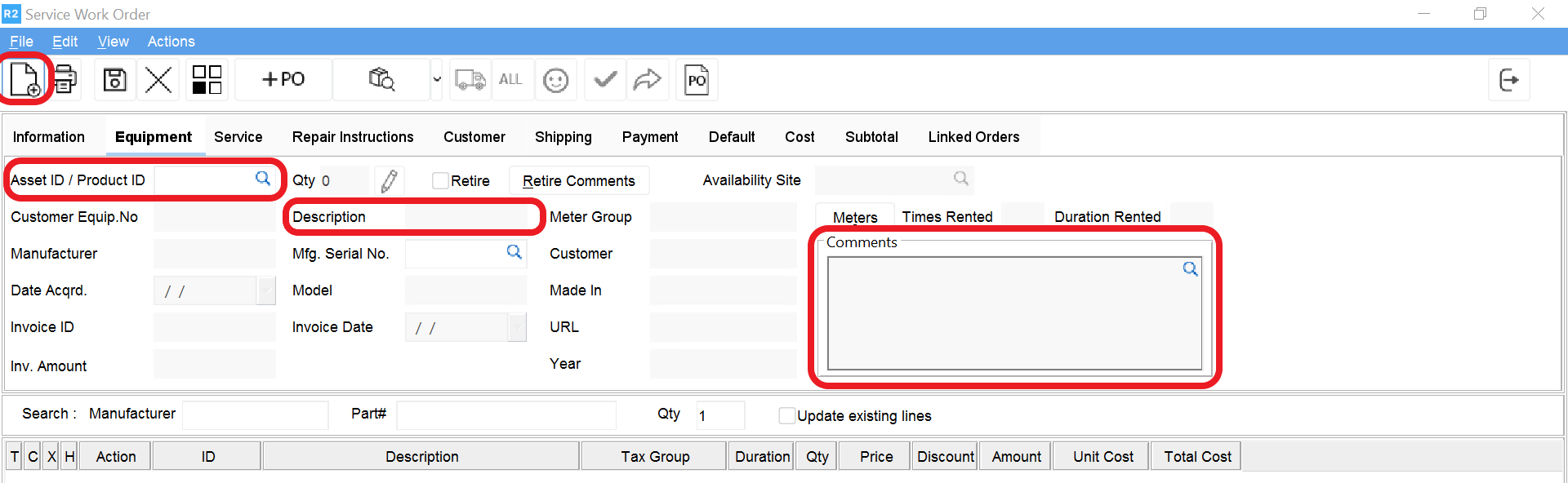
From the Service module, click on New 

Navigate to the Equipment tab. User can enter the asset id to be repaired, the description of the service work order, a comment to describe what is wrong with the item, add labor and parts
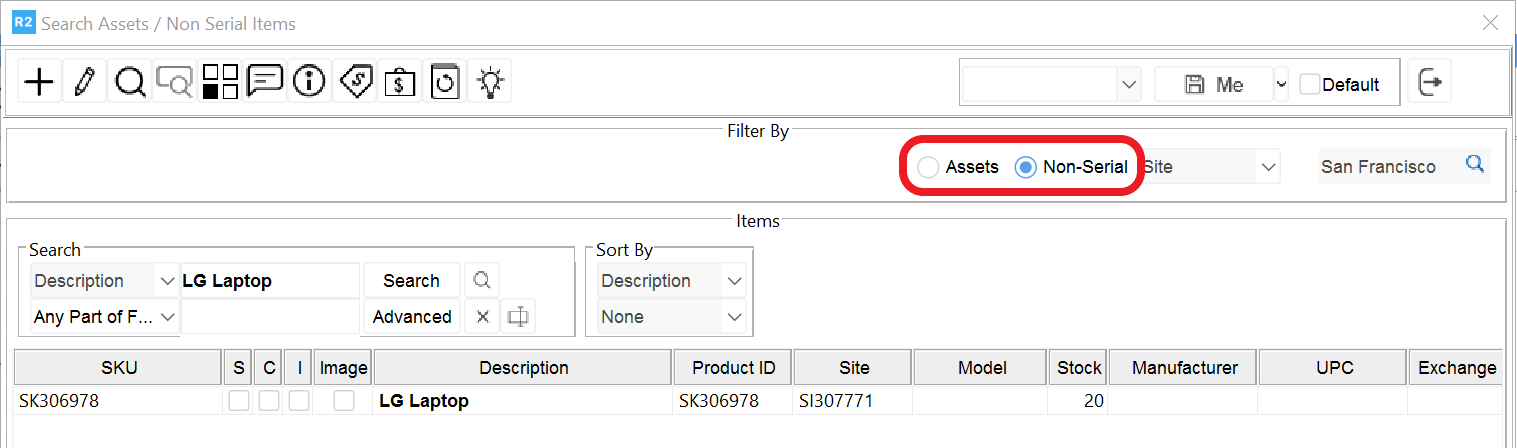
In case of a non serial item, when searching the product, click on the non serial button, and then find and select the item.