
This field shows the profit center assigned to the order. Typically profit centers are useful for tracking profits for distinct operation divisions within your business that share the same inventory. The profit center assigned to the employee creating the order, if any, will be the default value here.
NOTE: A profit center must be assigned before an order can be con- verted into an Invoice.
To add or change an order 's Profit Center
Within the Order window, click on the Default tab.
Click on the more button to the right of the Profit Center field.
The Profit Center dialog appears listing all available profit centers.
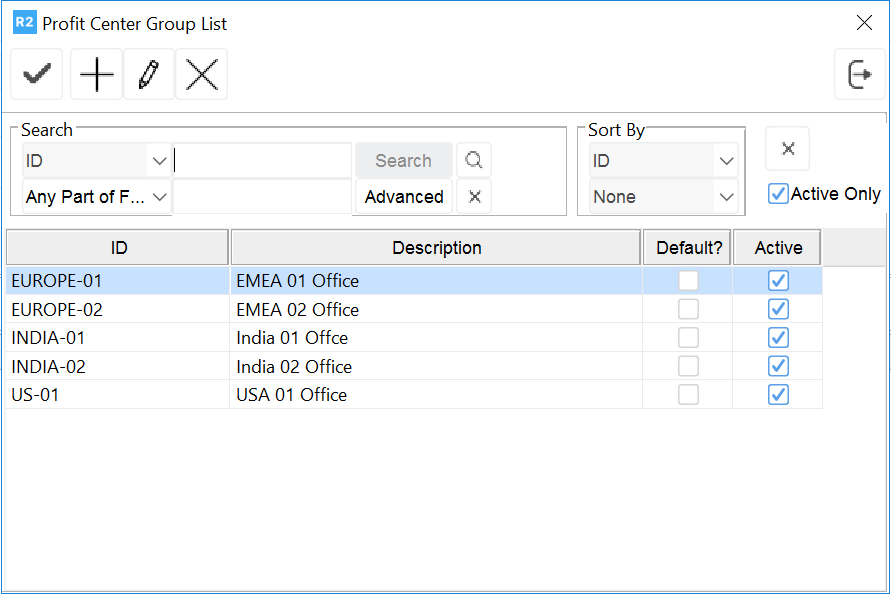
Double-click on the Profit Center that applies to the order.
This returns you to the Order window. Your selection now appears in the Profit Center field.