
There are situations when an item could be wrongly filled or need to be changed. In such cases you can unfill and fill the item again with a different item, this operation is allowed in Prep/Fill screen.
Workflow
-
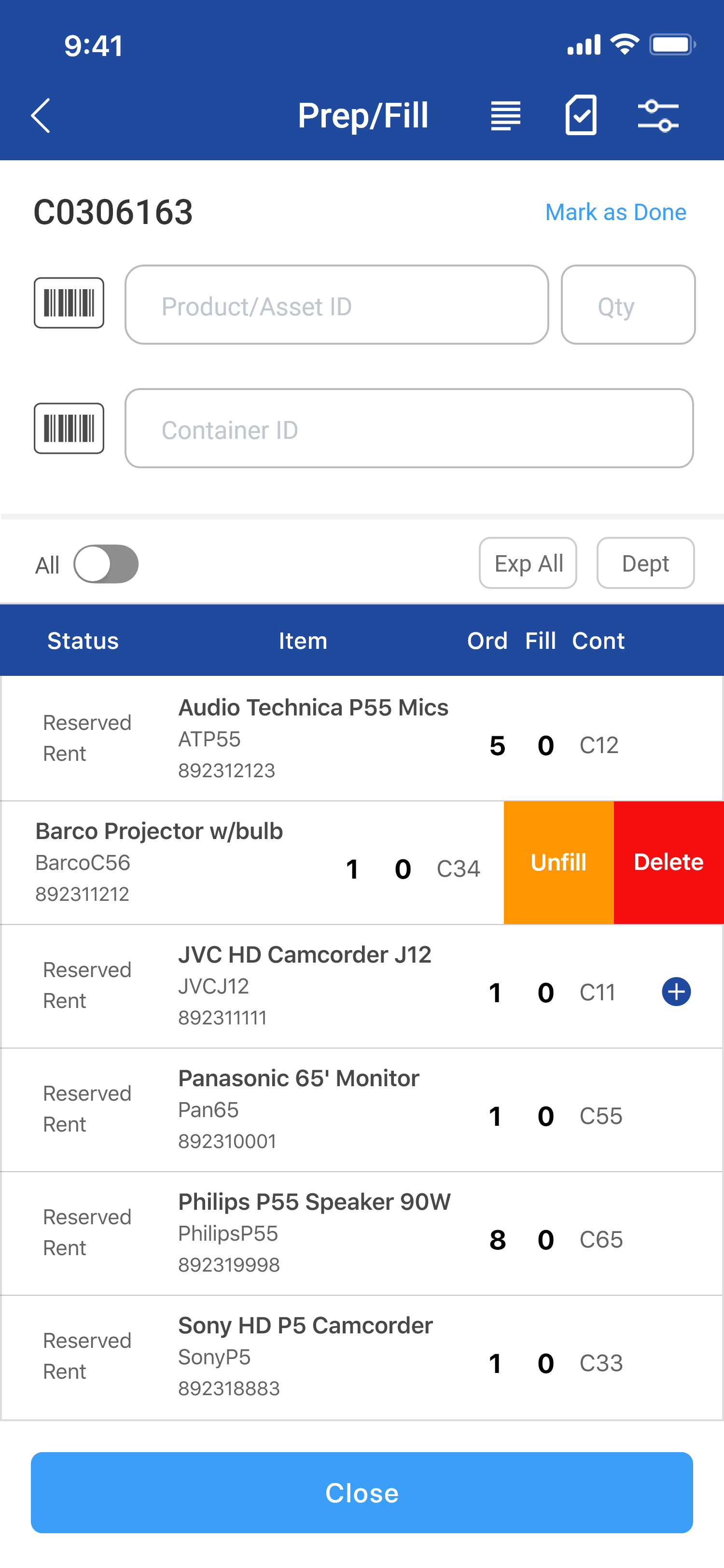
Swipe left on filled items line.
-
Click on Unfill, Item gets Unfilled.
-
Click on Yes to mark item as deleted.
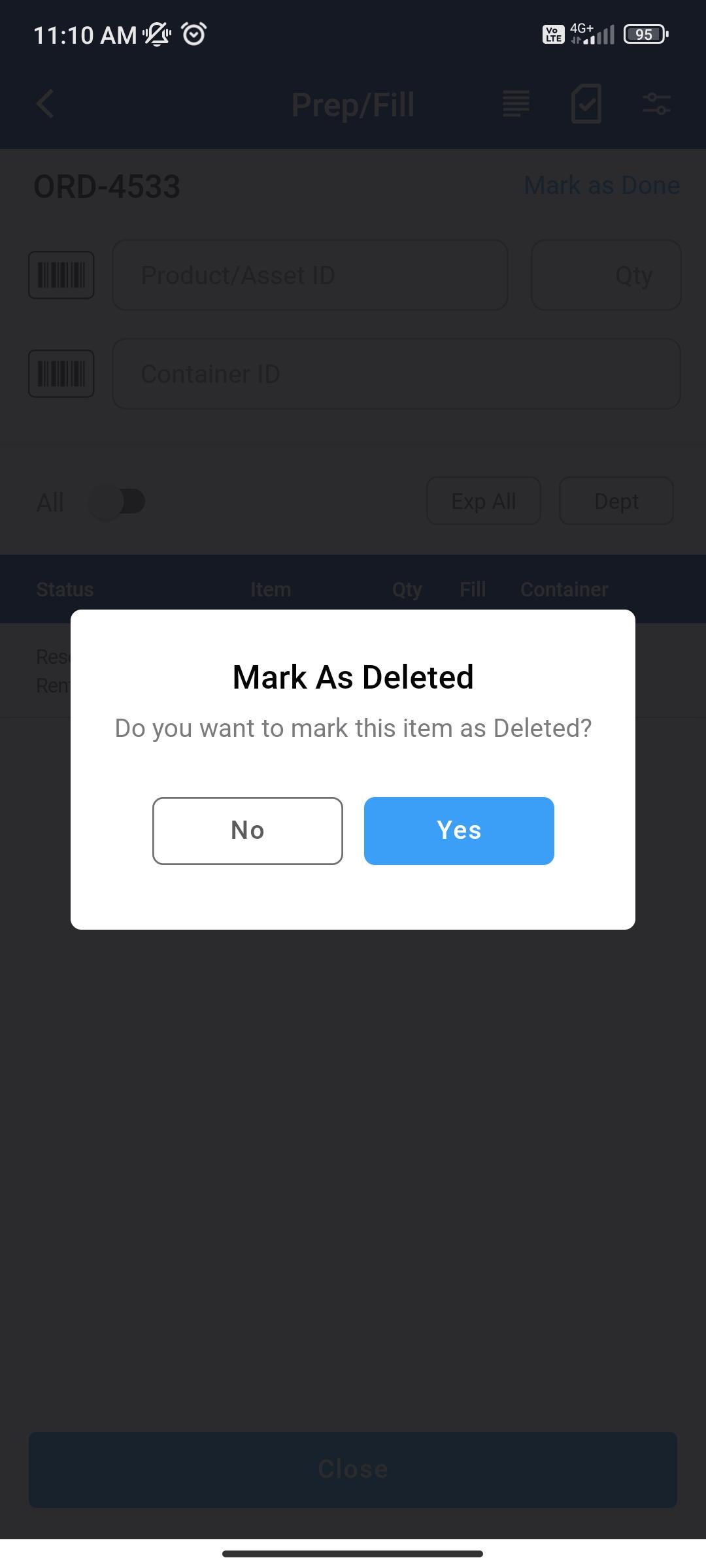
Figure: 1.1 Mark as Delete -
If any Item is deleted from the list, the status changes to ‘Deleted’.
-
If you Unfill items the item/asset gets unfilled and if you mark the line as Deleted the equipment/asset becomes available in the Inventory.
-
Mark as deleted is not allowed on Item headers or Kit header lines.
-
The App not allows orders like Out/Returned to mark lines as Deleted.
-
App allows to mark a Filled line as deleted when R2 > Configuration > Warehouse > Allow Deleting/Cancelling Filled Lines is True.