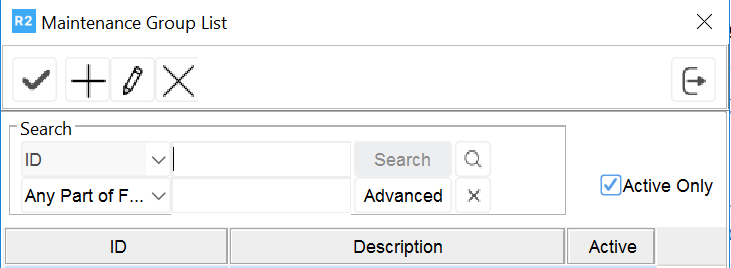
To create a new maintenance group, click the Add button 
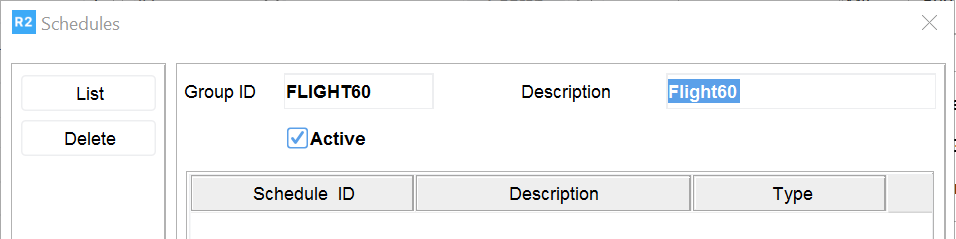
The Schedules window will be displayed. Next, type a Group ID and Description of the schedule.
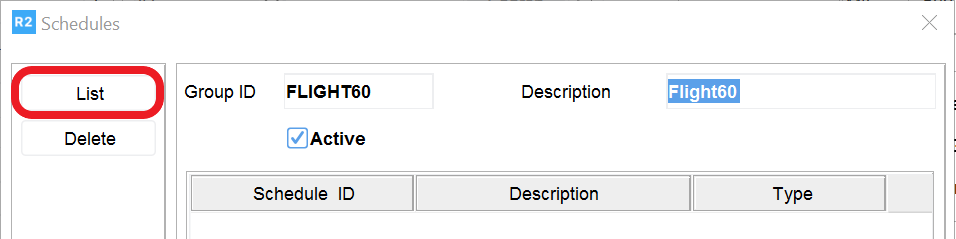
Next, click on the List button.
Then, click on the Add button to create a new maintenance schedule.
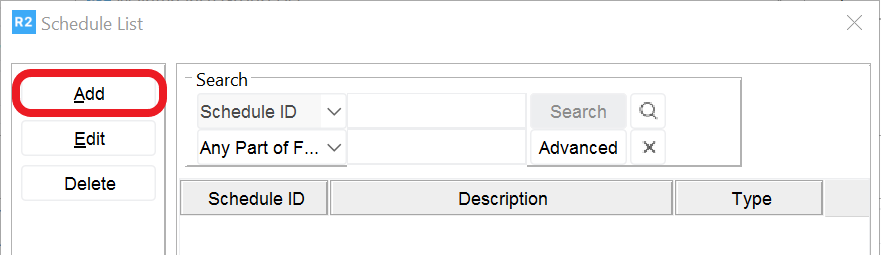
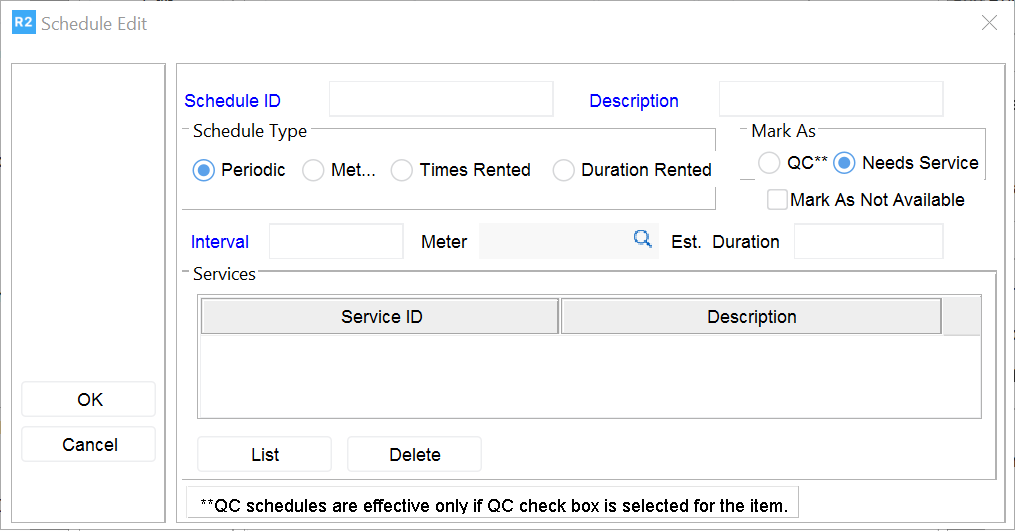
The Schedule Edit screen will be displayed to define a maintenance schedule based on:
-
Periodic
-
Meter
-
Times Rented
-
Duration Rented