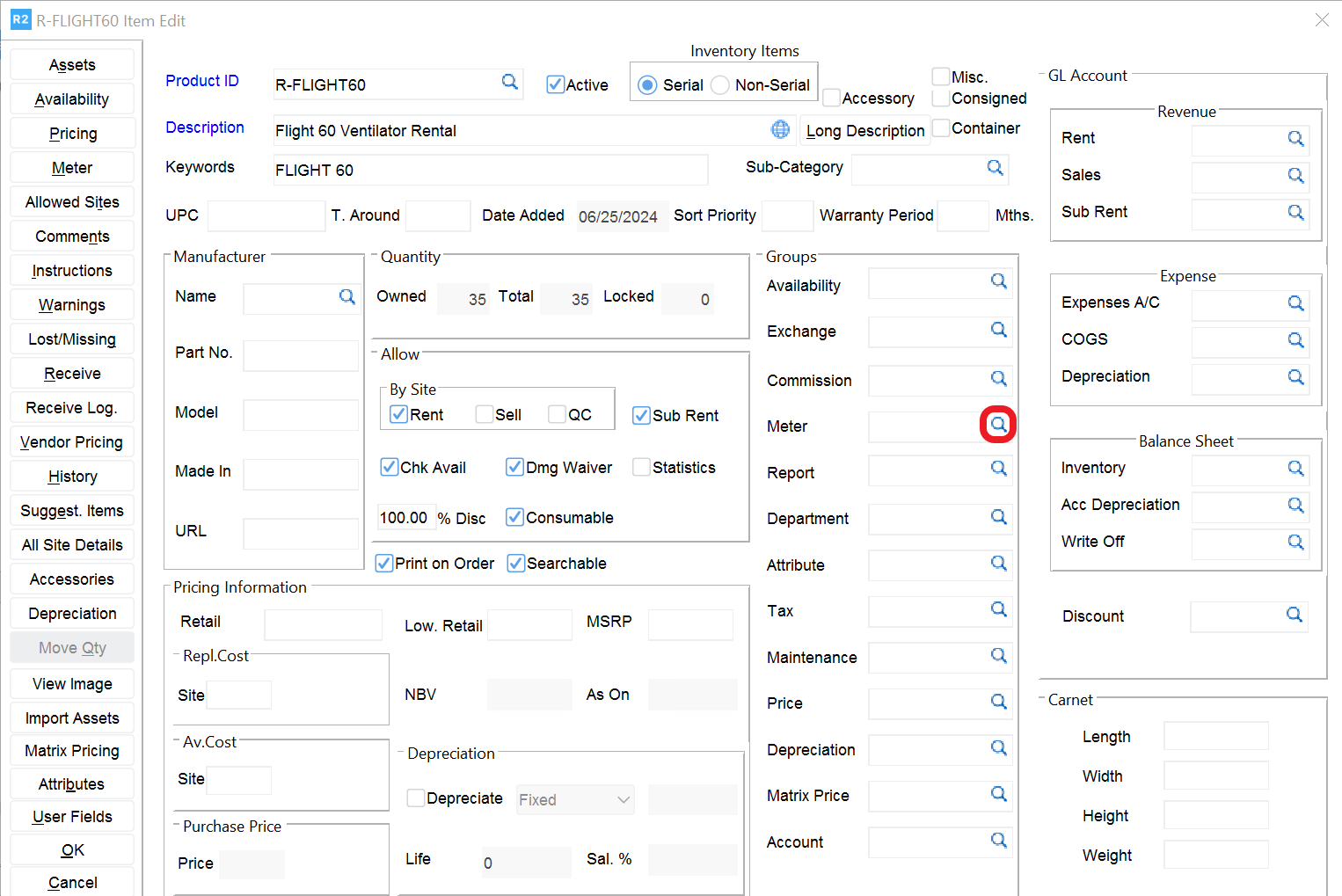
From the item edit screen, click on the magnifying glass 
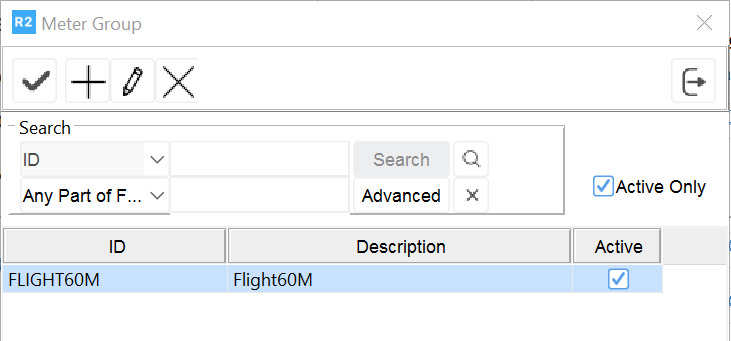
Select a Meter Group shown on the top pane (by double clicking on the Meter Group).
Notes:
-
The bottom pane shows the schedules associated with the meter group.
-
As shown below, multiple schedules can be linked to a single meter group.