Skip table of contents

Selecting a Maintenance Group for an item

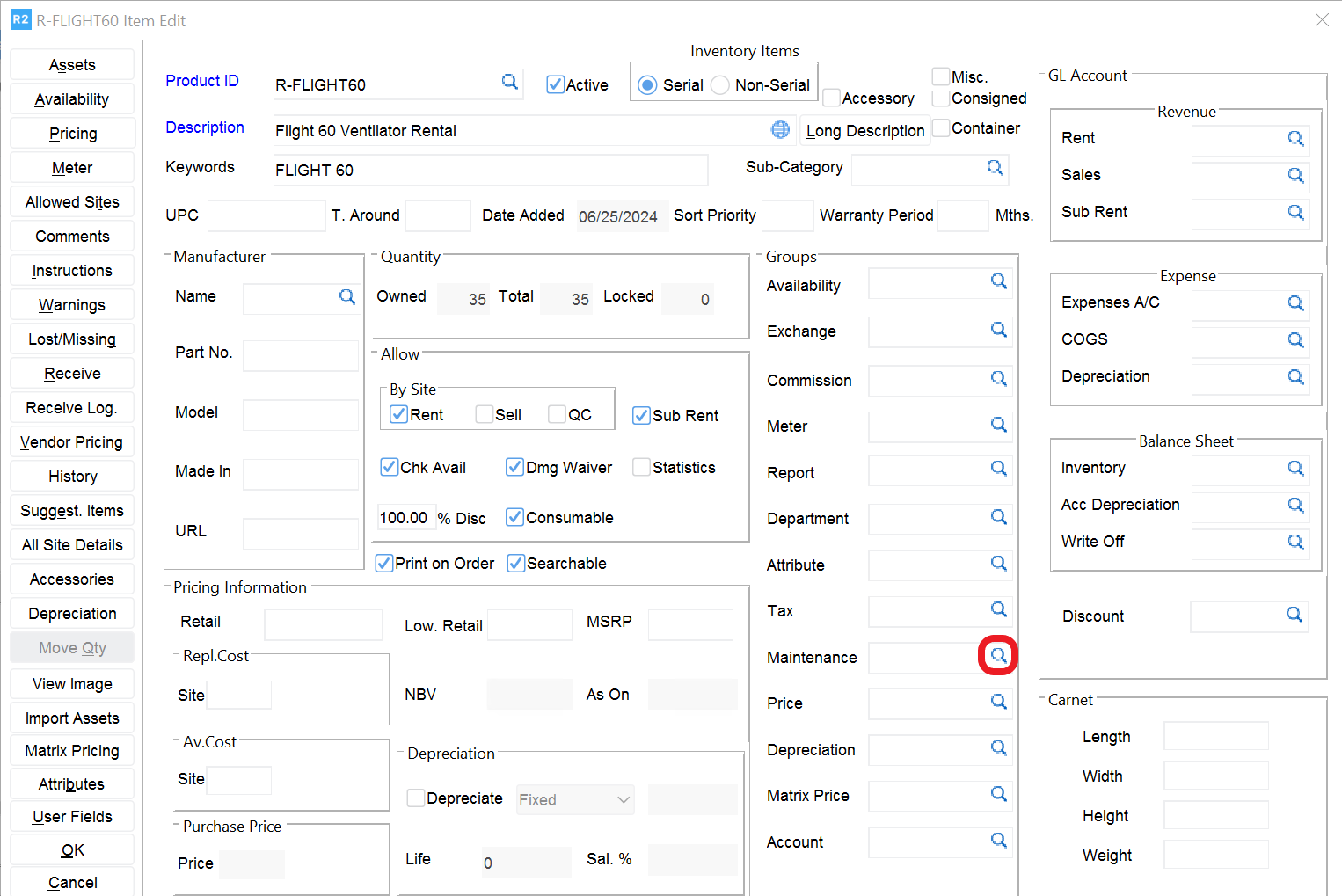
Click on the magnifying glass image-20240625-174944.png to the right of the Maintenance Group field.

maintenancegroup.PNG

Select a Maintenance Group shown on the top pane (by double clicking on the Maintenance Group).

Notes:

  • The bottom pane shows the schedules associated with the maintenance group.

  • As shown below, multiple schedules can be linked to a single maintenance group.
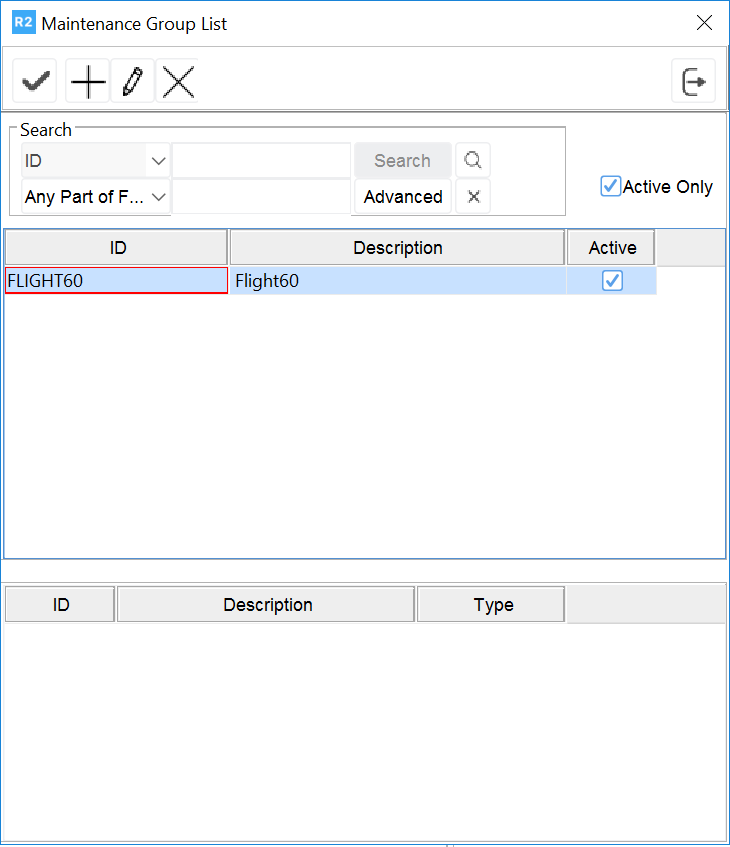
image-20240625-182036.png

JavaScript errors detected

Please note, these errors can depend on your browser setup.

If this problem persists, please contact our support.