From the Return order screen, mark the item as Damaged
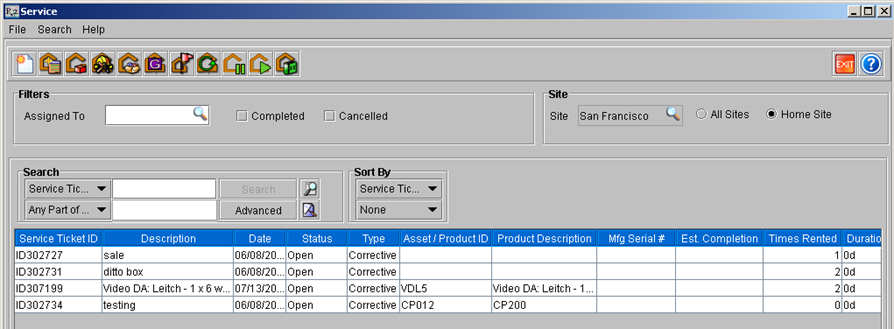
From the Service module, click on Generate Service Tickets

The screen below will show with all items needing service
Double click to select the items desired and the screen below will open
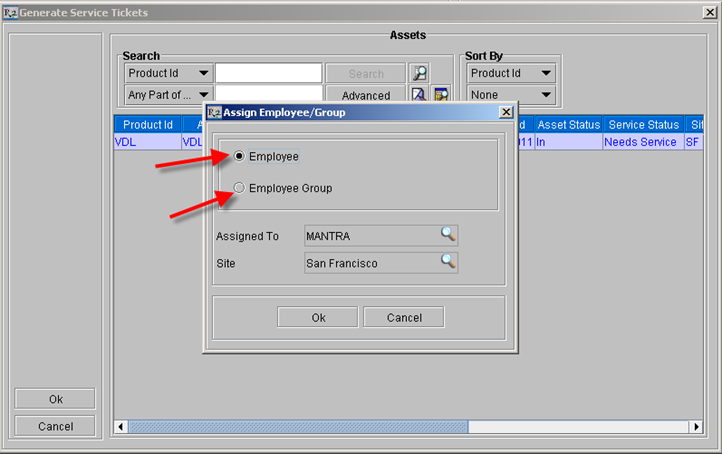
Select if you want a particular employee or a group to be assigned to the ticket and click OK. The screen below will show with the tickets generated