Items will be marked as Lost (not Missing) when your customer acknowledges that the equipment has been lost, and is not expected back at your warehouse after the show/event.
-
Search for any “Return” task where items are “Out” on rent.
-
Highlight one of the items and click on the “Lost” button
If the item is committed to future orders, then you’ll get a message indicating so that will say “Item used in Future Orders, can cause Conflicts.”
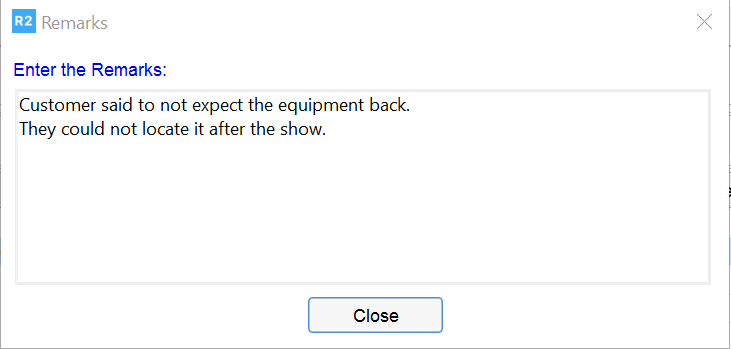
Next you’ll be asked to enter mandatory comments for the loss: