-
How to Create Quotes -
Dates -
Adding Inventory -
Adding Misc. Charges and Kits -
Adding Labour -
Quote Delivery -
Converting Quote to Reservation -
Reservations -
Reservation Screen -
Signoff & Invoicing Process -
Accounting Process -
Invoice Printing -
Integration to QuickBooks -
Integration Process -
Skip Remarks Prompt When Marking Rental Quote as Lost
Create a new quote by clicking on the Quote 
-
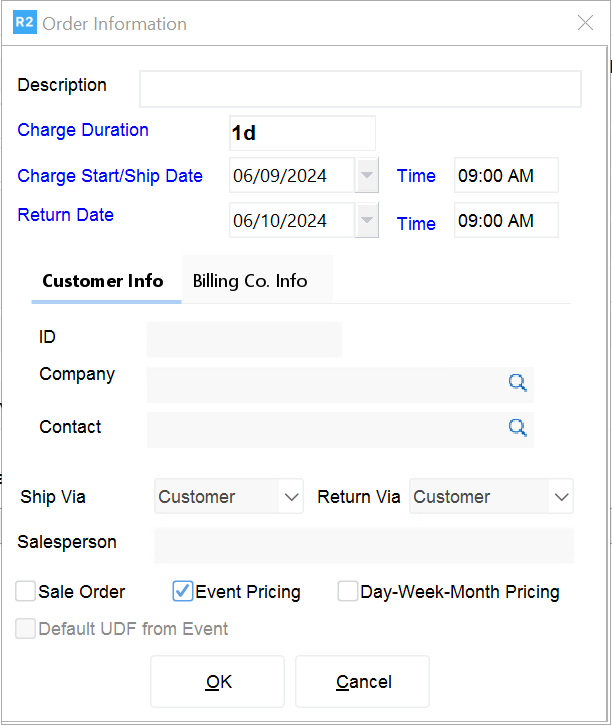
If you already had a customer selected on the Account screen, the new quote will reflect this customer information. You can also change that main and billing customer from the Order Information screen.
-
Enter your Charge Duration, how many default days you’ll be billing for.
-
Set the Charge Start/Ship Date and Return Date.
-
Enter a Description for the order.
-
Click in Event Pricing
-
Click on the OK button to proceed to the quote.