
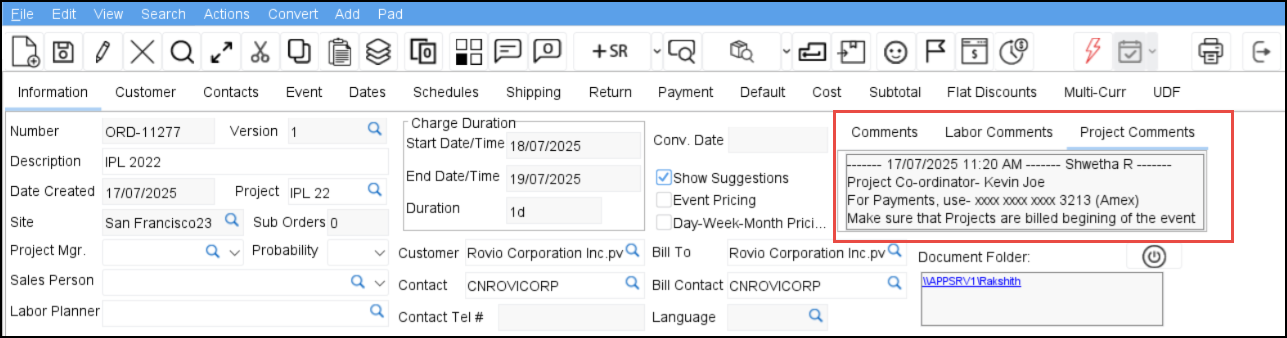
The Project Comments field is available on the Order screen in a read-only format, allowing you to view project-level notes without navigating to the Project screen. This enhancement improves efficiency and reduces the risk of overlooking key project instructions during order processing.
-
Navigate to Accounts > View > Orders > Open any order.
If the order belongs to a Project, you can see Project comments in Project comments field.
Click here to see how to add comments to Project.