
When payment is received, you can record it in R2 and print the quote/order anytime to reflect that the payment has been taken.
Click on the Pay Advance icon 
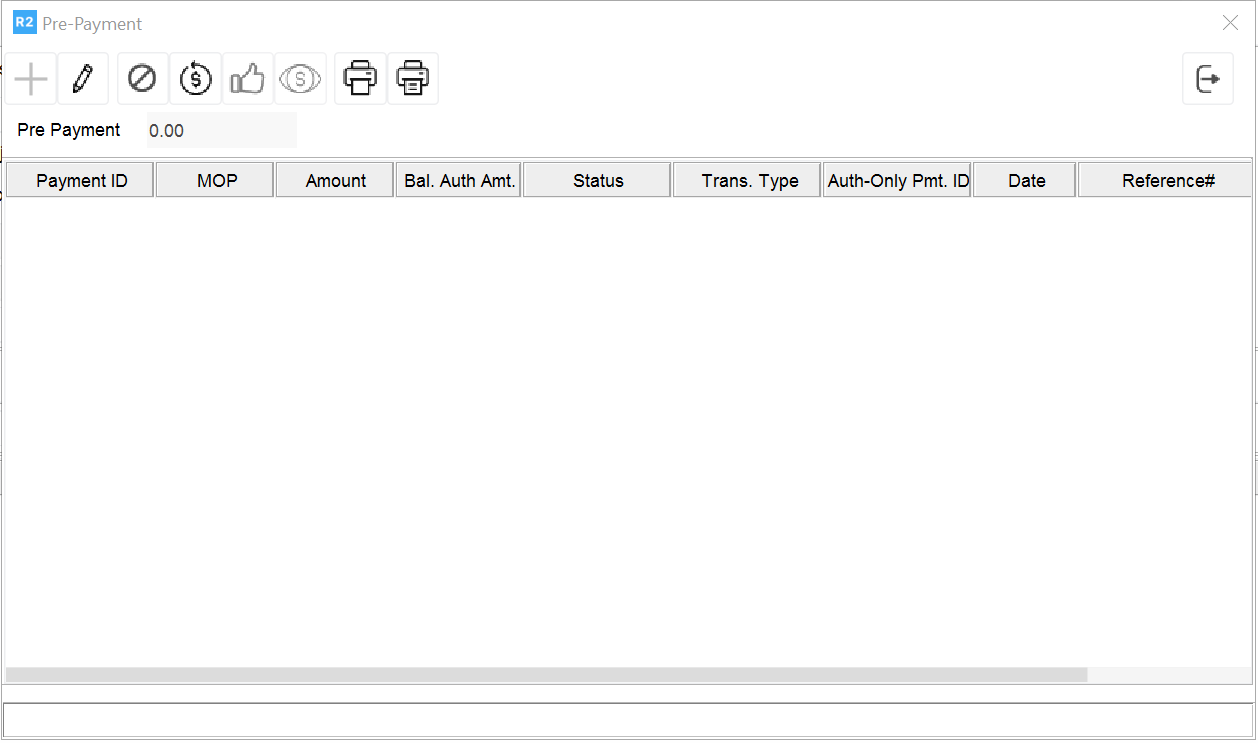
Click on the Add 
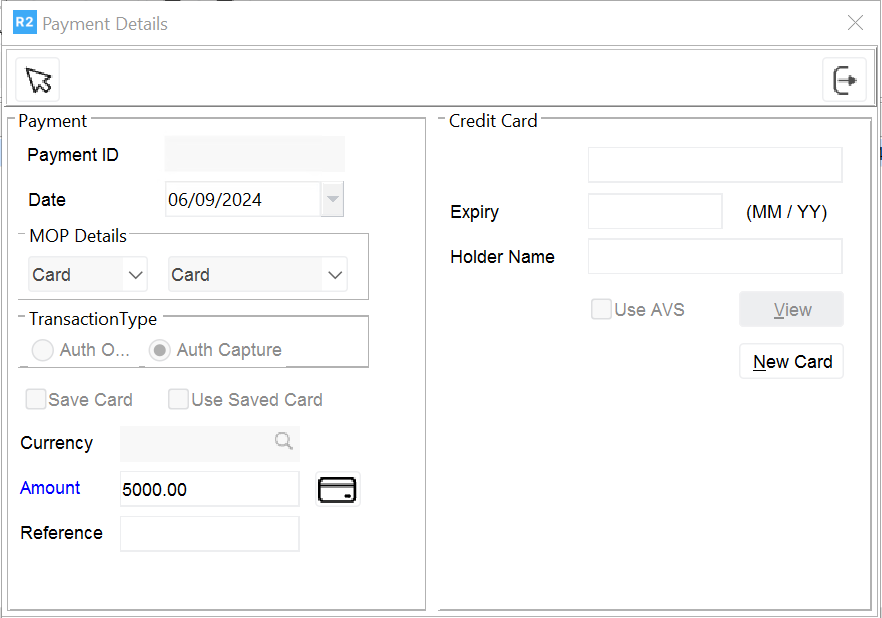
Amount: Enter the amount for which the payment was received.
MOP: Select the method of payment used.
Click on the select 