
Table of Contents
Prepping the Order
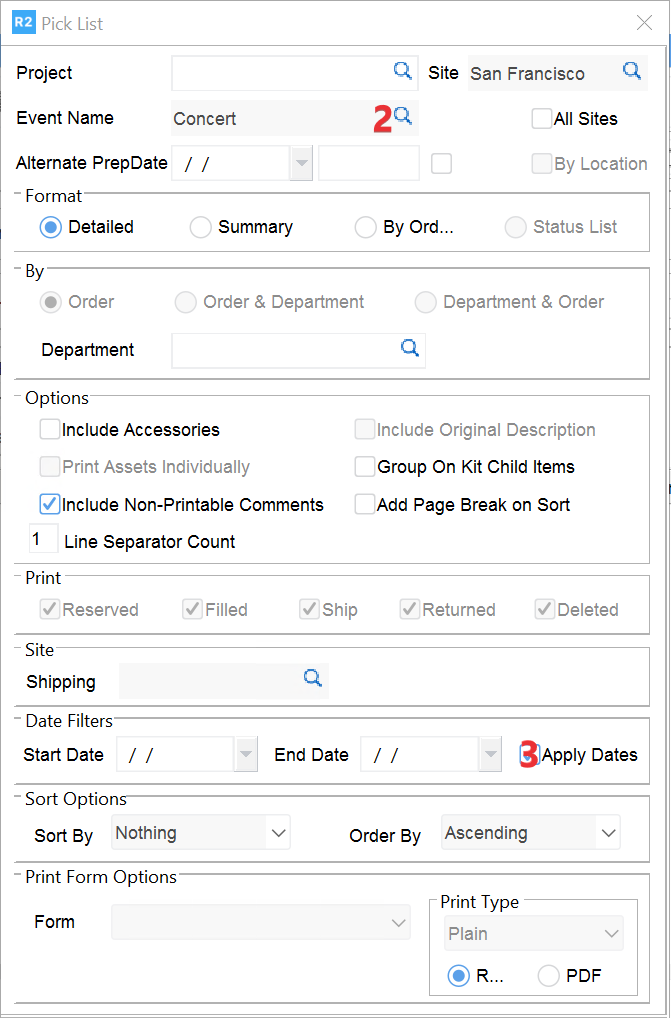
An Event Pick List [1] can be printed to include all equipment within the event
Prep tasks can be used to print a pick list for each individual event order [2].
Event Pick List
From the Warehouse, Print Event Pick List, select event, uncheck Apply Dates [3], click on Run [4].

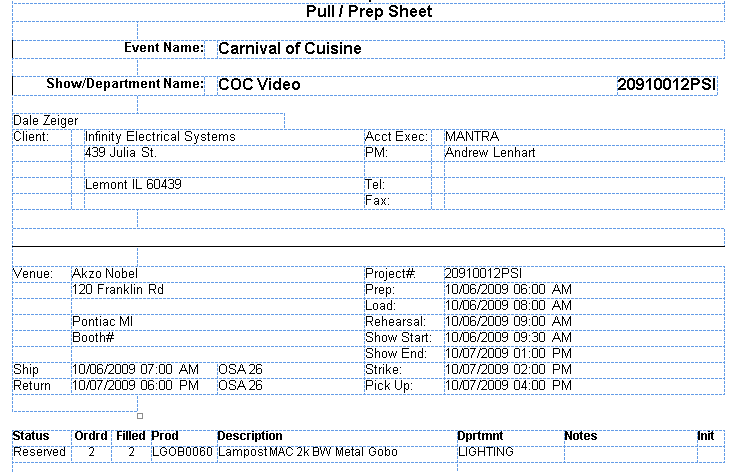
Event name: corresponds to Event Name in R2
Show/Department name: corresponds to the order description
Bill To Customer: shows “Dale Zeiger” in example above
Client section: bill company name and address
Acct Exec: sales person from the Order
PM: project manager from the order
Tel:
Fax:
Venue: venue name and address from the order
Ship: ship date/time from the order
Return: return date/time from the order
Prep as well as the other dates are populated from the order.