
Site currency is the default currency selected for the site. Whenever an order is created, currency selected in the site will be considered.
To Define Site Currency
-
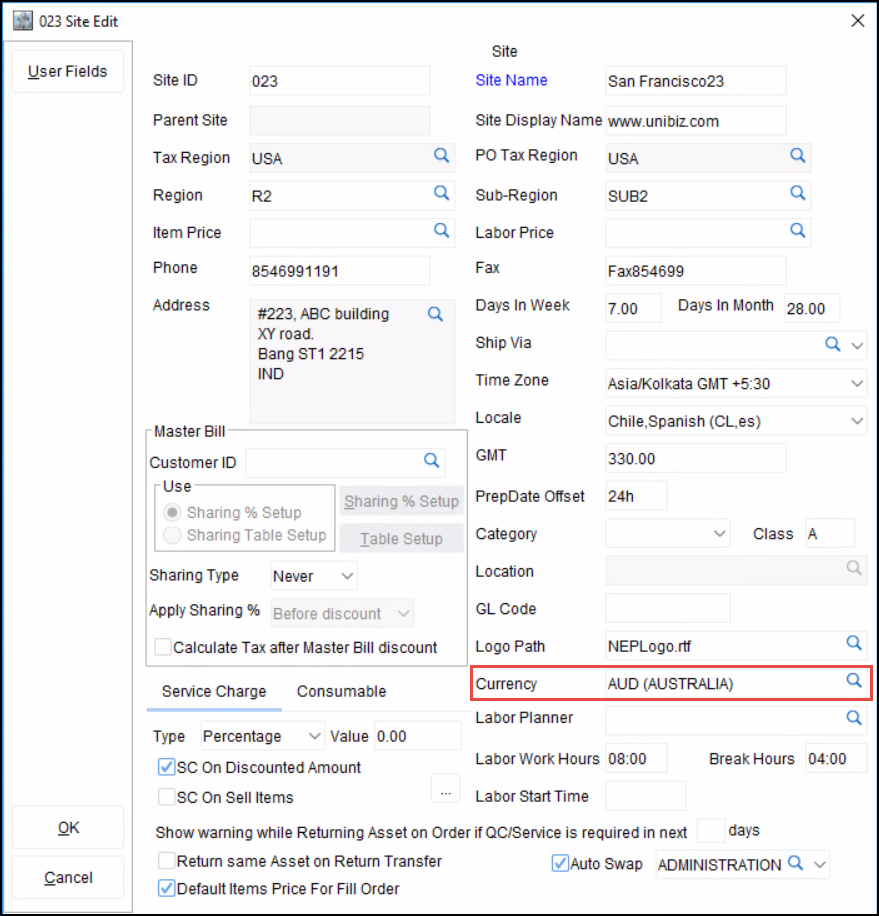
Access Site Edit window.
-
Click on import button available in the Currency Field.
-
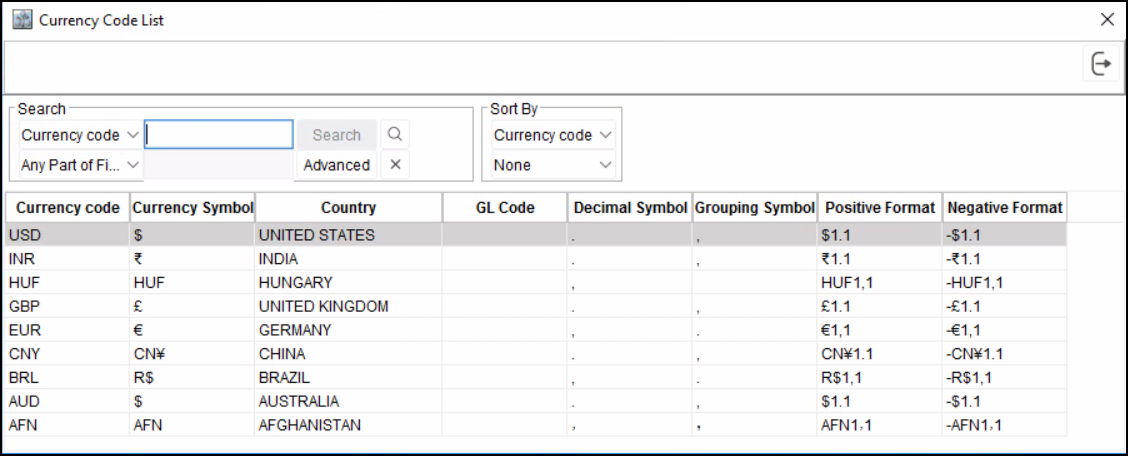
R2 will display the Currency Code list dialog box with existing currency code definitions.
-
Double-click on the desired currency code to select as the Site Currency.
-
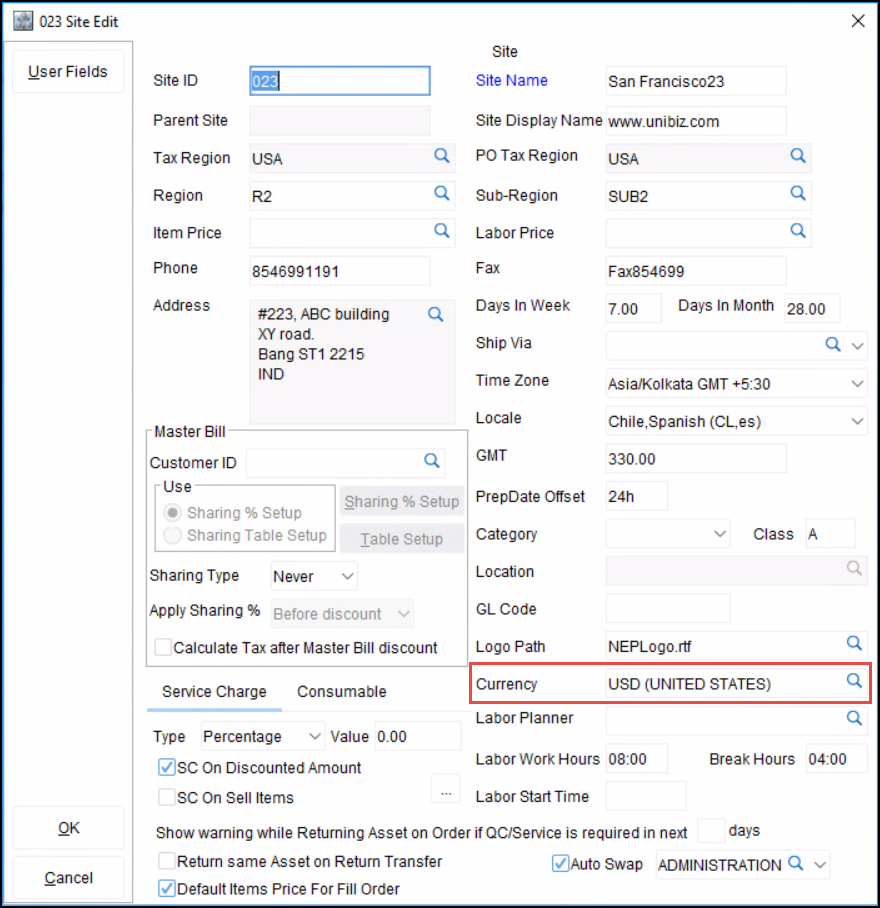
The selected currency code will be displayed in the site-edit window.
For more details on Multi-Currency feature in R2 click here.