Reference No: R2-317
Details
Support to select Default Items Price For FillOrder check box in the Maintenance module for displaying Pricing at the Site level, When we add the Inventories from the Order Fill window.
The details are explained in the sample workflow given below:
Sample Workflow
Prerequisites:
-
Select the Maintenance module.
-
Select the Employee tab > Site > click the New button.
-
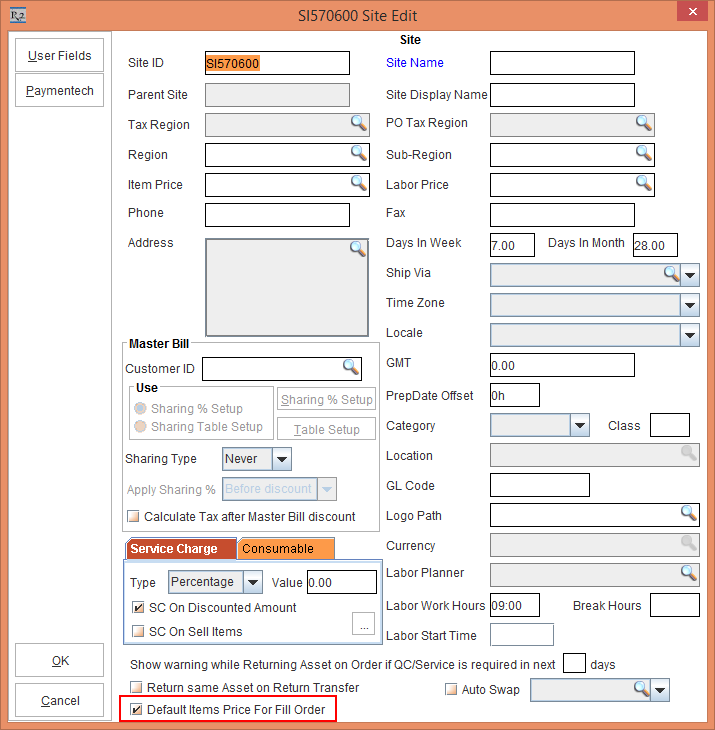
The system displays the Site Edit window with Default Items Price For FillOrder check box selected, as shown in Figure 1.0.
If Default Items Price For FillOrder check box is selected in the Configuration module then for creating new Site in the Maintenance module the Default Items Price For FillOrder check box will always be selected. A user has the option to clear the check box as and when required.
-
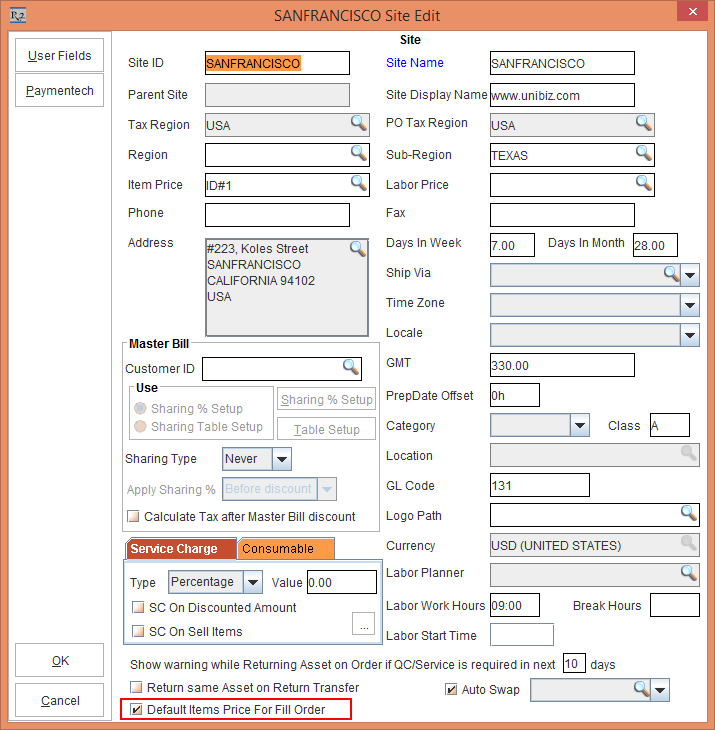
Enter the Site details as shown in Figure 1.1.
-
Click the OK button
-
Save and Exit the Maintenance module.
Scenario:
-
Select the Account module.
-
Create an Order [ORD-1158].
-
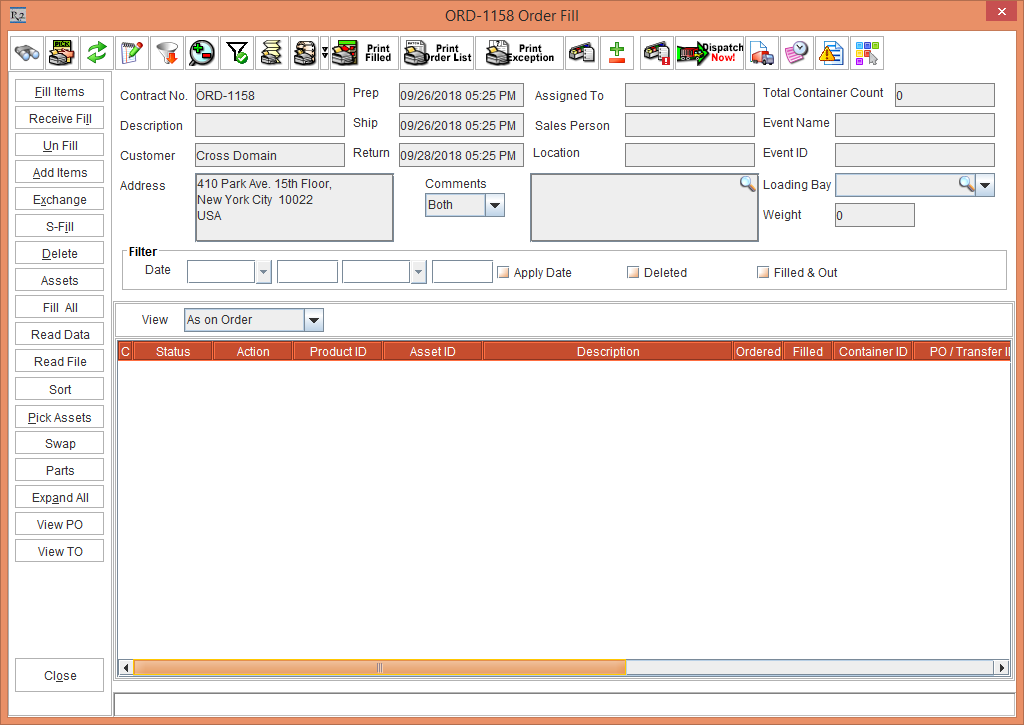
Select View > Fill Order > the system display the Order Fill window, as shown in Figure 1.2.
-
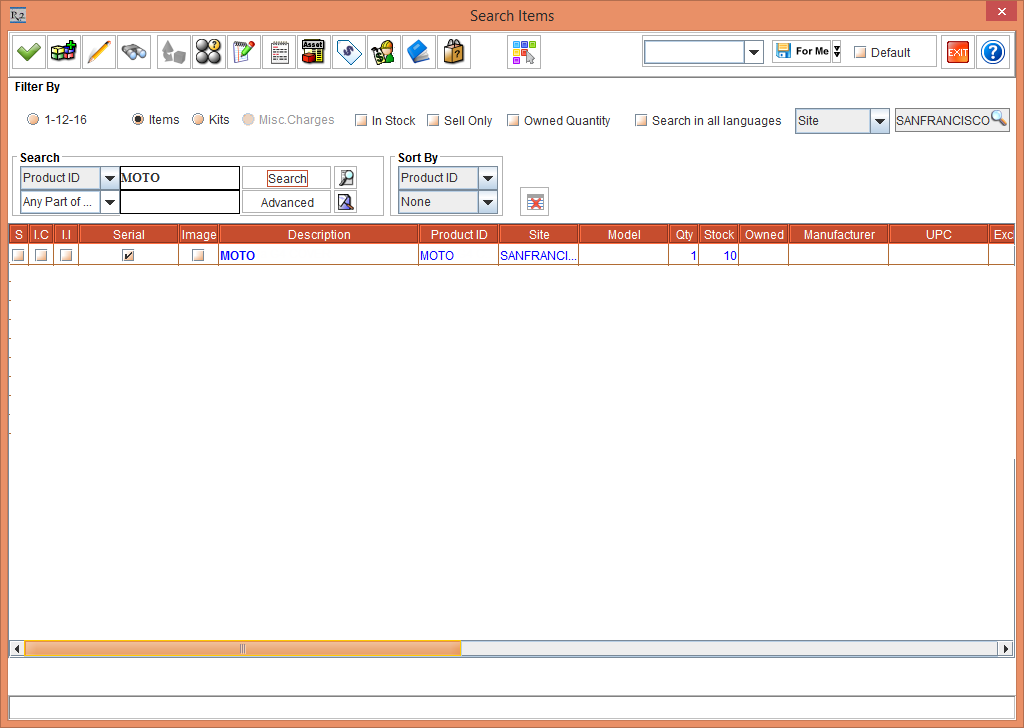
Click the Add Items button > the system display the Search Items window > search and add the Item [MOTO], as shown in Figure 1.3.
-
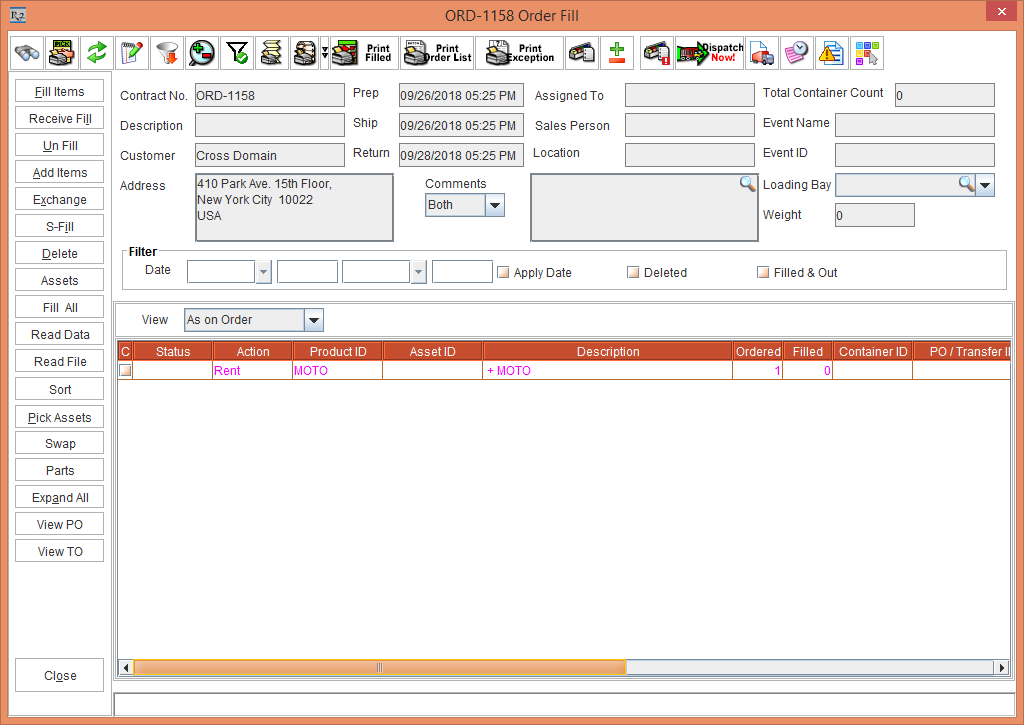
Click the Select button > the Item [MOTO] gets added in the Order Fill window, as shown in Figure 1.4.
-
Click the Close button.
-
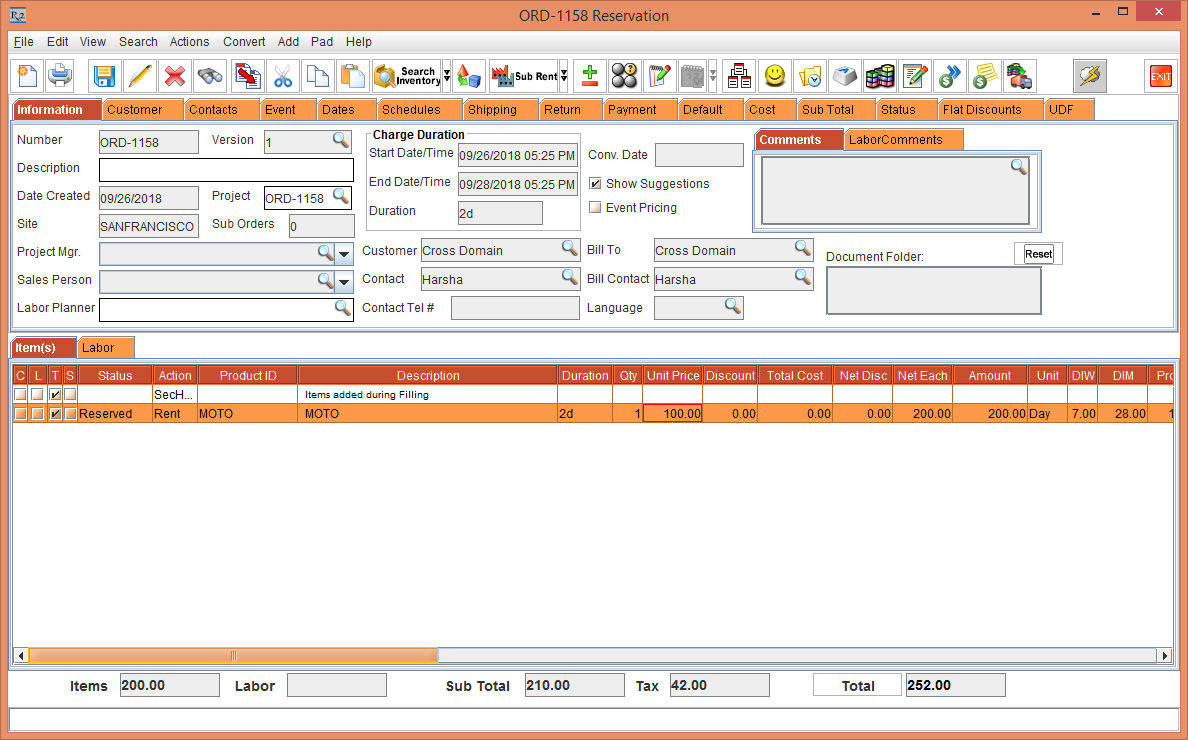
The Item [MOTO] gets added in the Order [ORD-1158] with Section Header and Unit Price (defined in the Item Edit window), as shown in Figure 1.5.