
Reference No: R2-10553 1643508
Version No: 06.00.04-00_P03
Prior to Version 06.00.04-00_P03
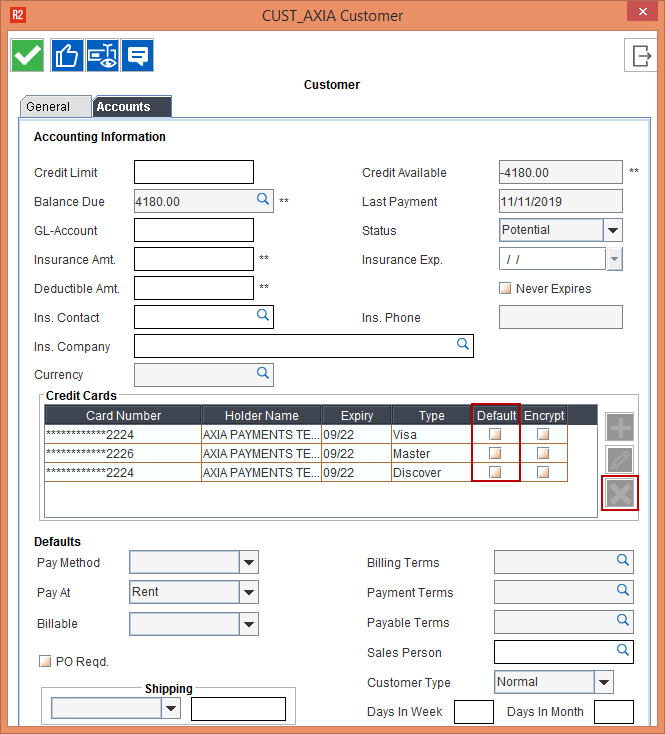
Earlier, the Delete icon and the Default check box in the Credit Cards section of the Customer Edit window was disabled, as shown in Figure 1.0.
With Effect from Version 06.00.04-00_P03
Now, the Delete icon and the Default check box in the Credit Cards section of the Customer Edit window is enabled, as shown in Figure 2.0.
The Delete icon allows you to delete the Saved Card details, and the Default check box, when selected for a Card number considers it as a default card for all transactions.
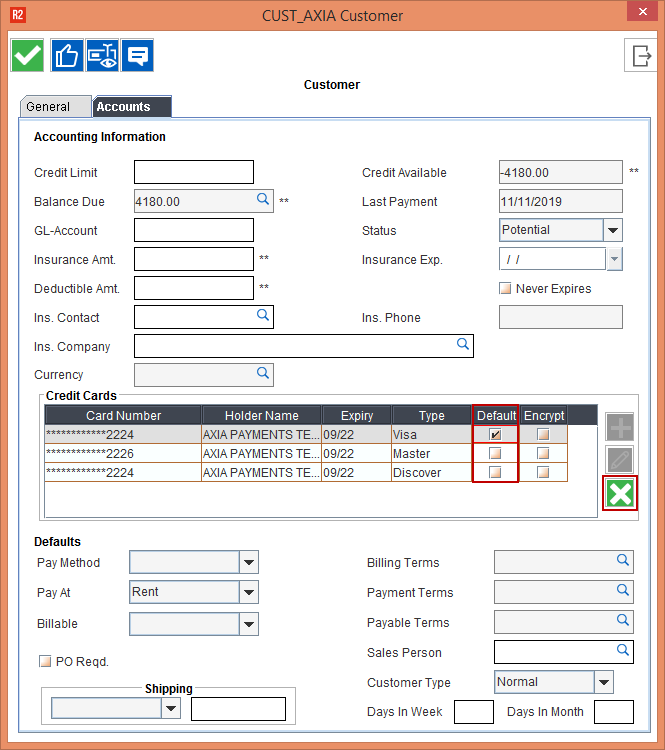
On upgrading to 06.00.04-00_P03 version, when the Payment Gateway drop-down is Axia in the Configuration module > Accounting tab, the Default check box in the Customer Edit window is cleared and must be manually selected.
The following points must be considered when the Payment Gateway drop-down is Axia in the Configuration module > Accounting tab.
-
The Credit Cards section of the Customer Edit window will not list the saved non-Axia cards.
-
The Pay Advance window of the Reservation Order will not list the saved non-Axia cards.
-
The Pay Due Deposit icon > Deposit window of the of the Reservation Order will not list the saved non-Axia cards.
-
The Cash Payments window of the of the Reservation Order will not list the saved non-Axia cards.