Reference No: 28993
Details
The support for additional column in Transportation Logistics and in Transportation Logistics Details window and Options to Search by Event ID in Transportation Logistics > Warehouse Tasks Search. The details are explained in the sample workflow given below:
Sample Workflow
-
Select the Warehouse module > click the Transportation Logistics button. The Transportation Logistics window will open as shown in Figure 1.0.
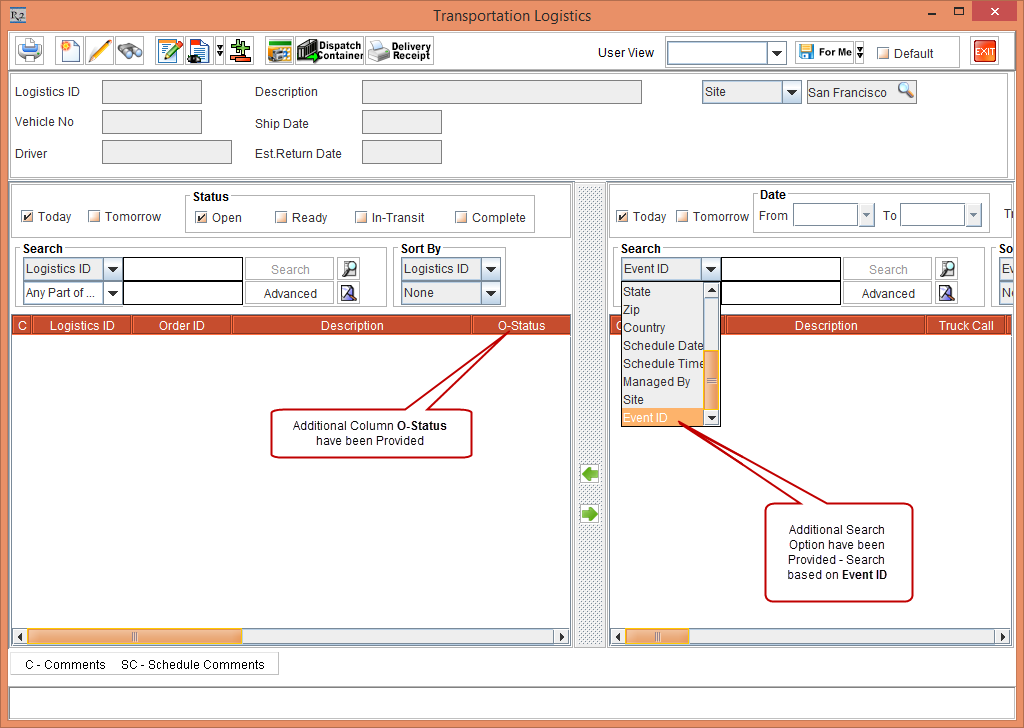
Table 1.0 Additional Columns Reference Table
|
Column Name |
Description |
|
O-Status |
Displays the Warehouse Status |
-
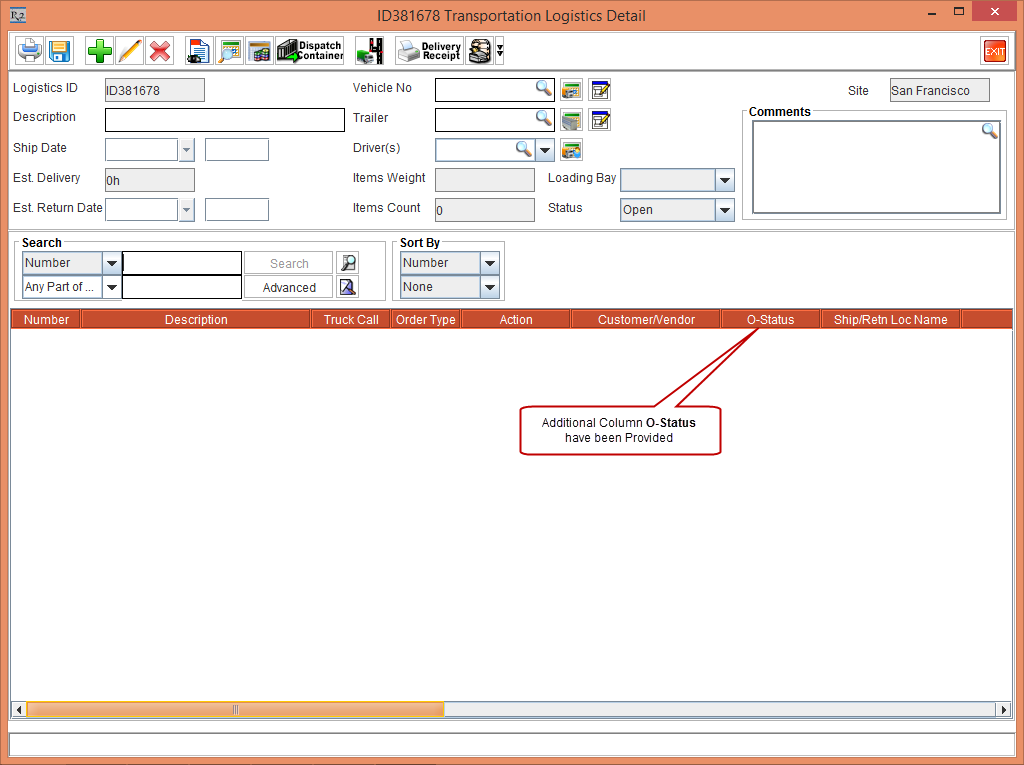
Click the New button. The Transportation Logistics Detail window will open as shown in Figure 1.1.