Reference No: 29107
Details
You can now view the Pickup by Destination check box in the Transfer Detail View window. The details are explained in the sample workflow given below:
Sample Workflow
-
Select the Account module > File menu> New sub-menu > Transfer Order sub-menu > Transfer-In option.
-
Create a Transfer-In Order [Transfer 28623] as shown with the Managed By field selected as Site [WASHINGTON].
-
Save the Transfer Order. The Transfer Order is saved as [TO-013].
-
Select the Shipping tab.
-
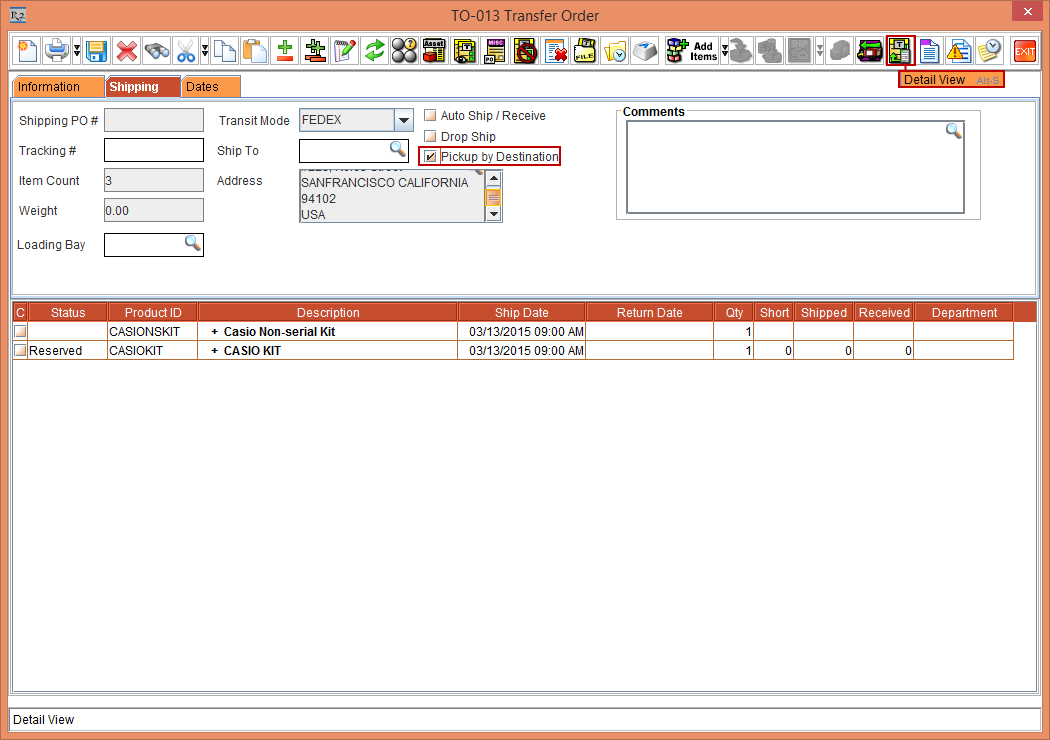
Select the Pickup by Destination check box and click the Detail View icon, as shown in Figure1.0.
-
The TO-013 Transfer Detail View window is displayed.
-
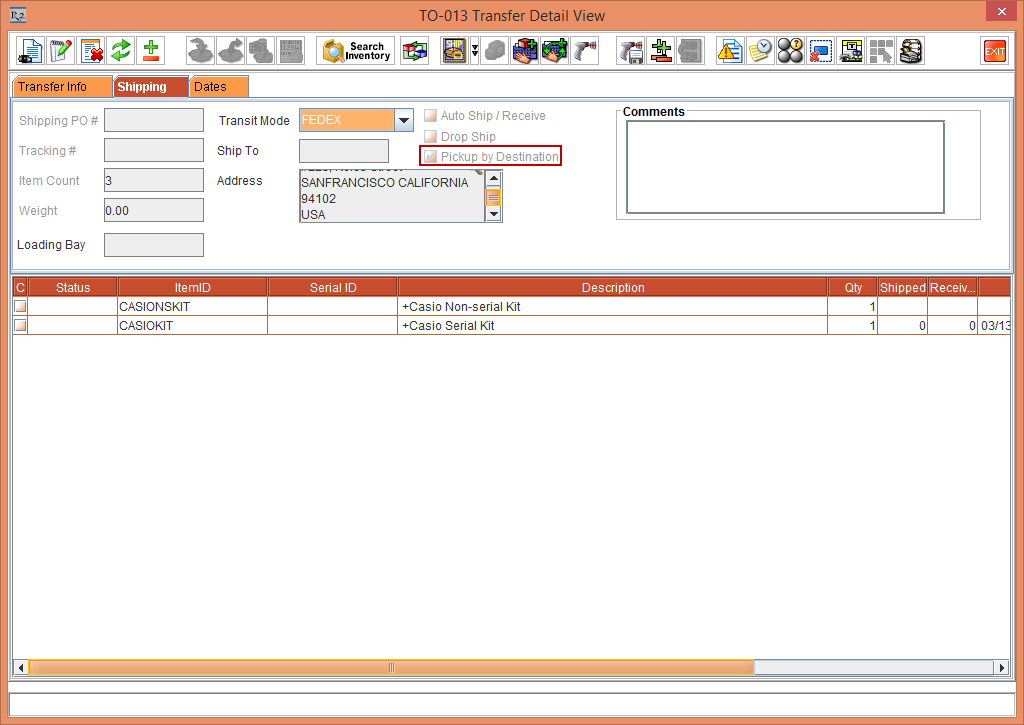
Select the Shipping tab. The Pickup by Destination check box is reflected in the Shipping tab of the TO-013 Transfer Detail View window, as shown in Figure1.1.