Reference No: 29452
Details
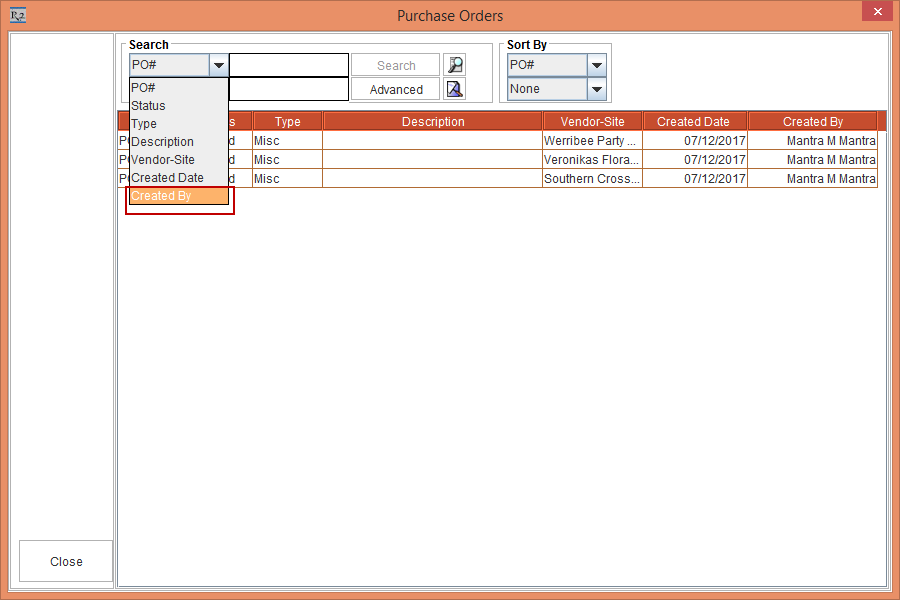
Support for additional column as Created By in the Purchase Orders window when multiple Purchase Order exists for a Misc line.
The details are explained in the sample workflow given below:
Sample Workflow
Scenario:
-
Select the Accounts module.
-
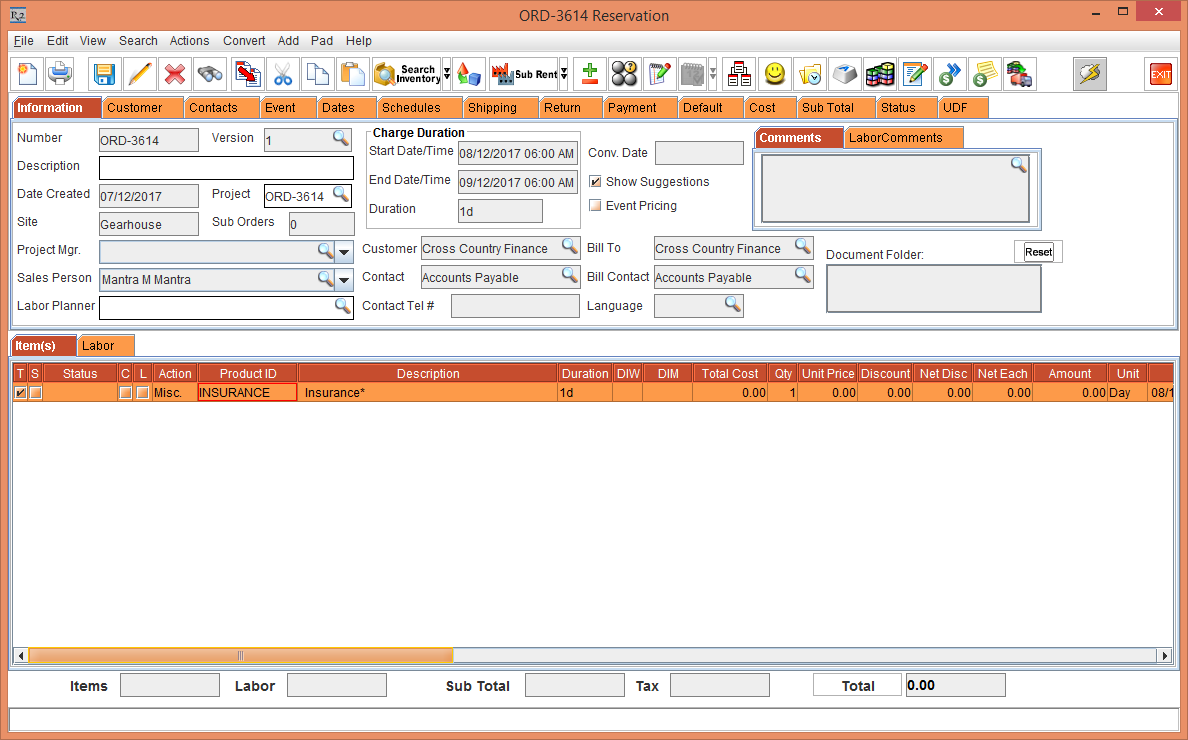
Create an Order [ORD-3614].
-
Add the Misc Charge [INSURANCE] , as shown in Figure 1.0.
-
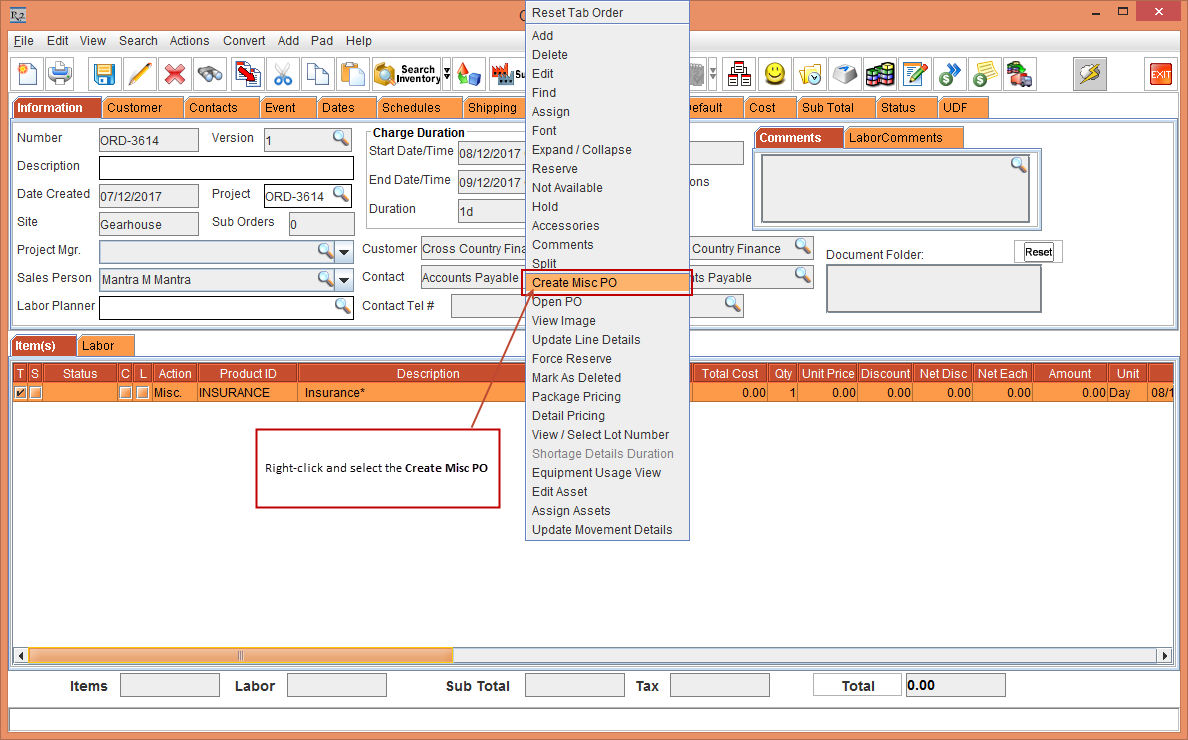
Right-click the line > select the Create Misc PO , as shown in Figure 1.1.
-
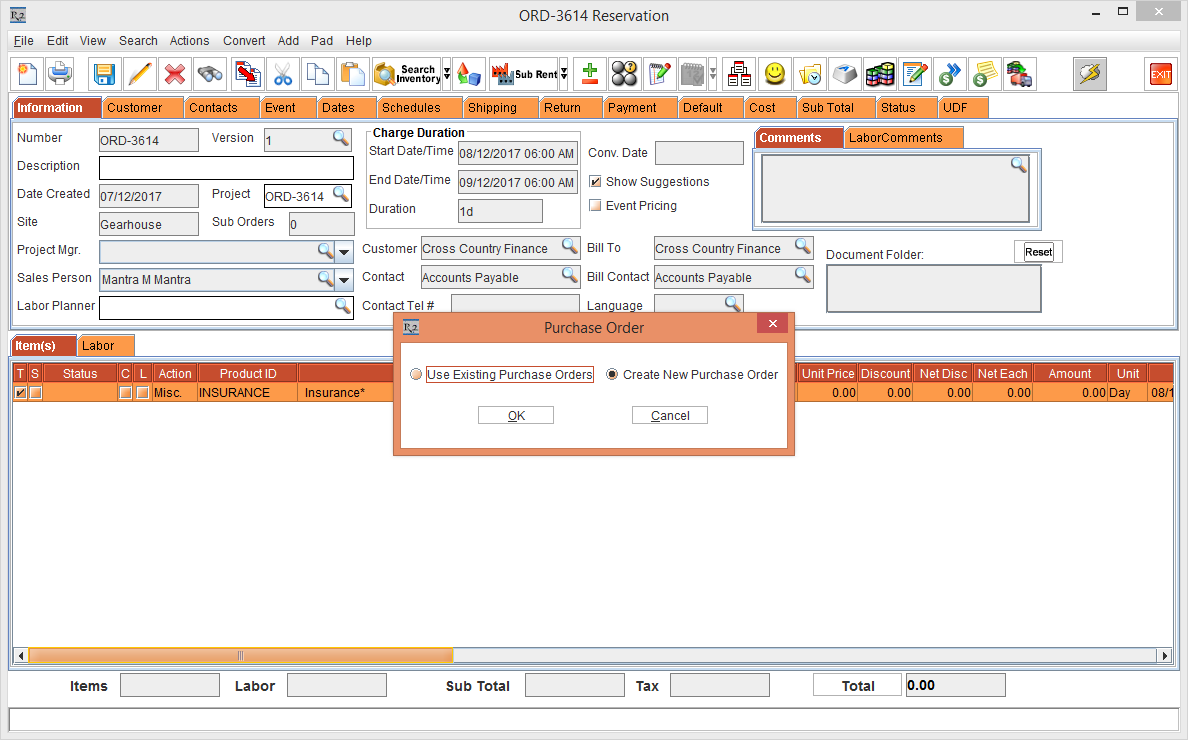
The Purchase Order window is displayed > select the Create New Purchase Order, as shown in Figure 1.2.
-
Click the OK button.
-
The Search Company / Contact window is displayed > search and select the Company.
-
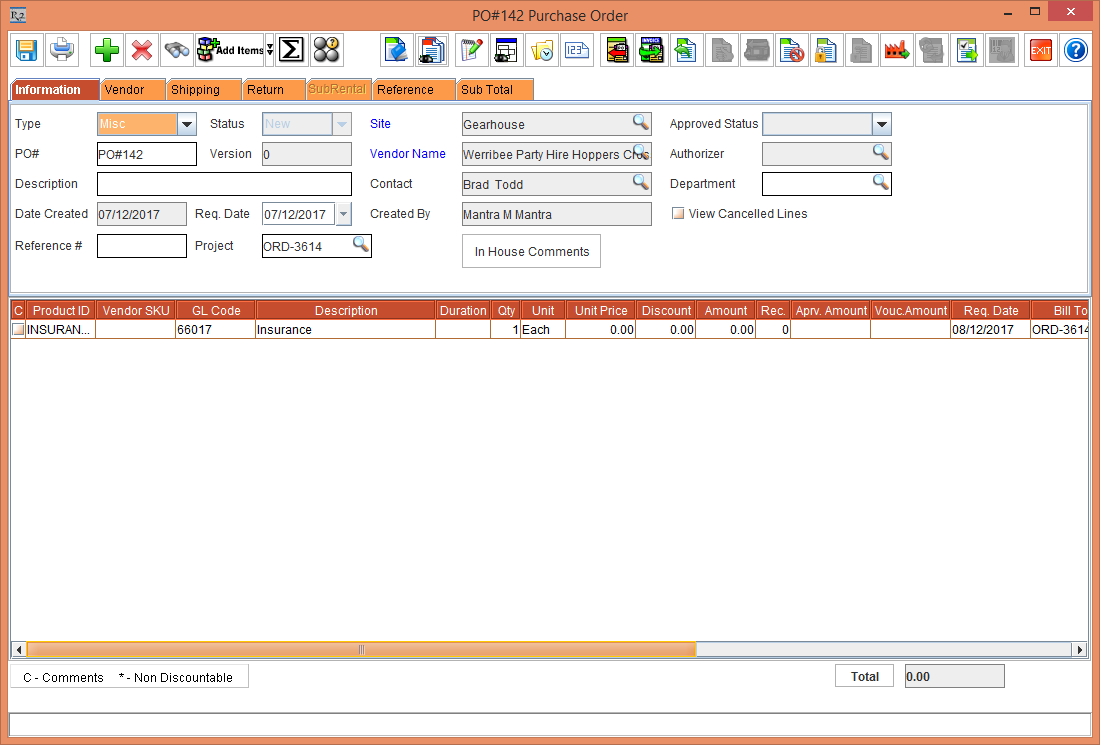
The Purchase Order [PO#142] is generated, as shown in Figure 1.3.
-
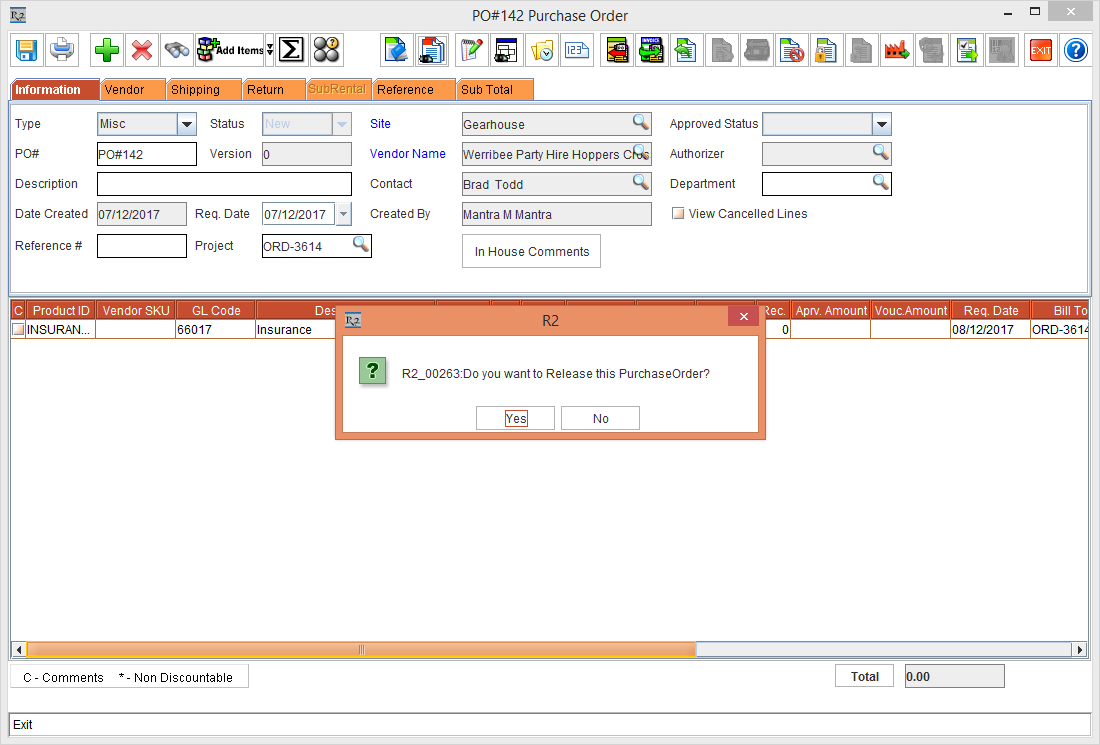
Exit the Purchase Order > the system display the message "Do you want to Release this Purchase Order?" , as shown in Figure 1.4.
-
Click the Yes button.
-
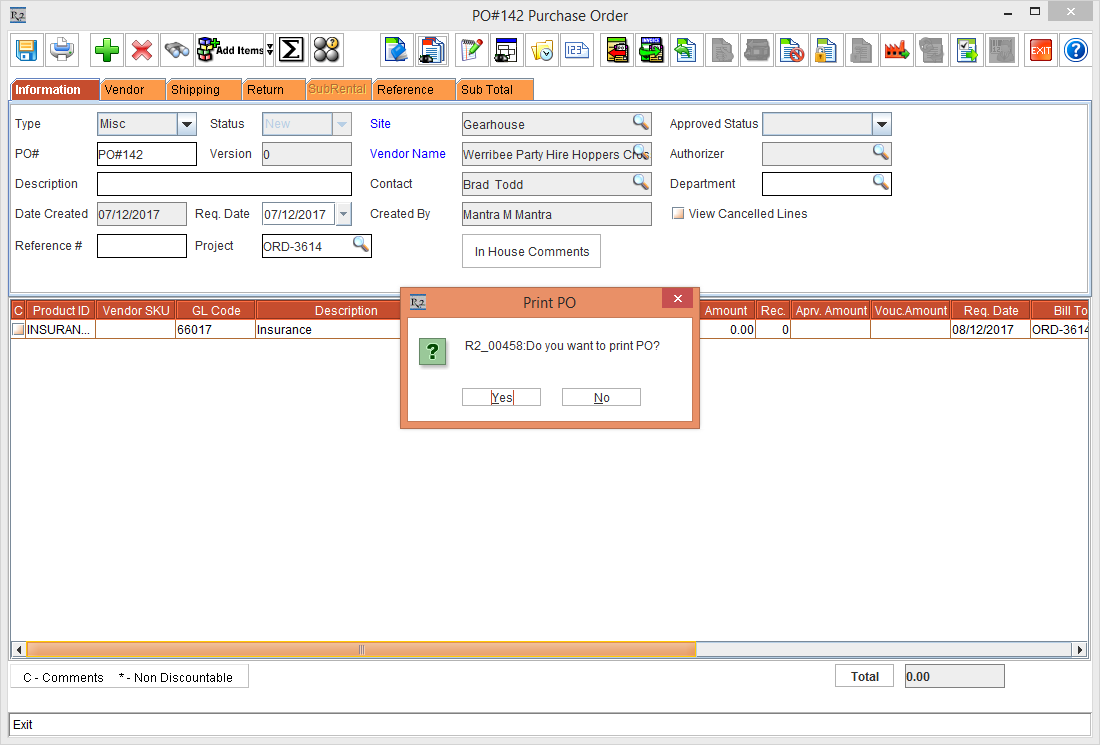
The system display the message "Do you want to Print PO?", as shown in Figure 1.5.
-
Click the No button.
-
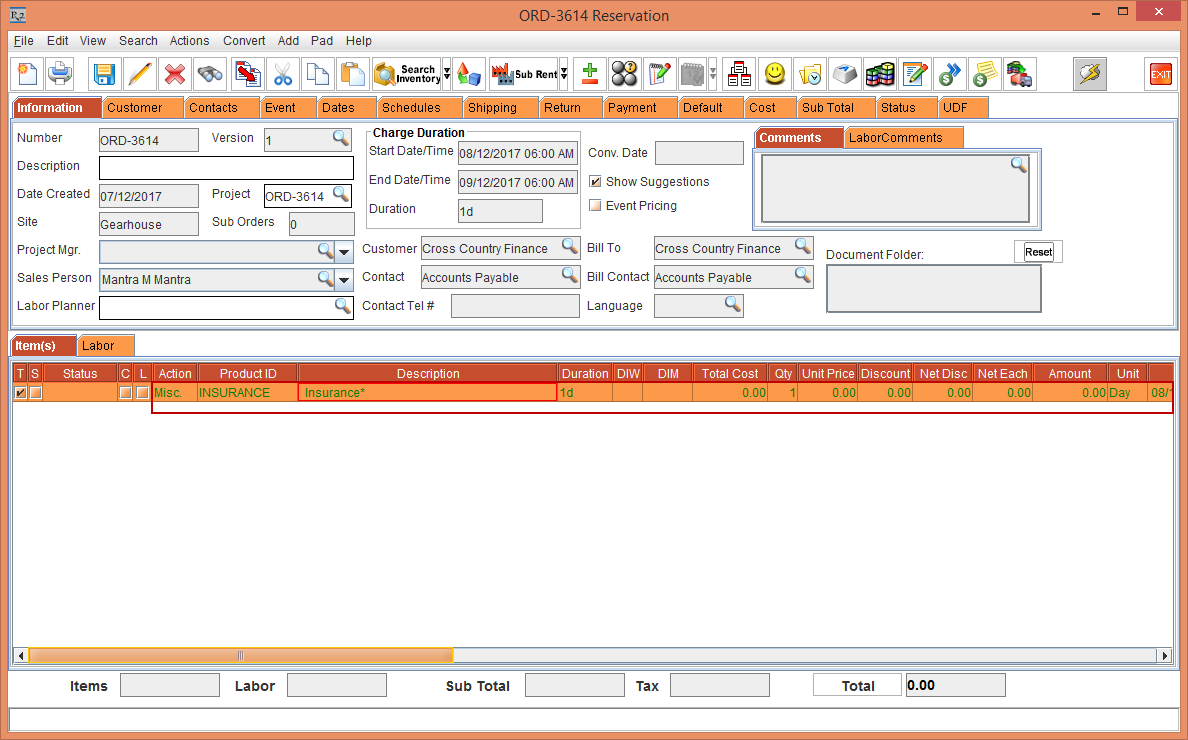
The Order [ORD-3614] line change to green color, as shown in Figure 1.6.
-
Right-click the line and create 2 more Misc PO by select the Create Misc PO option.
NOTE: Follow steps 4 to 14 for creating another Misc PO. -
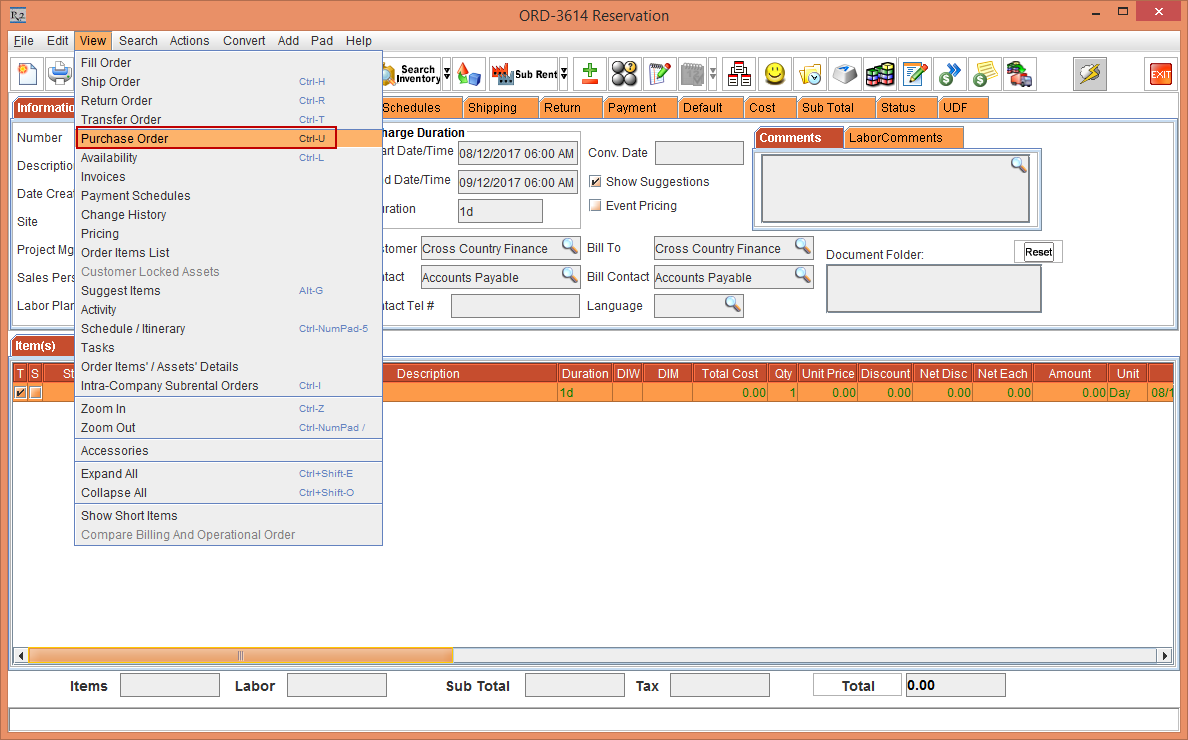
Select View > Purchase Order, as shown in Figure 1.7.
-
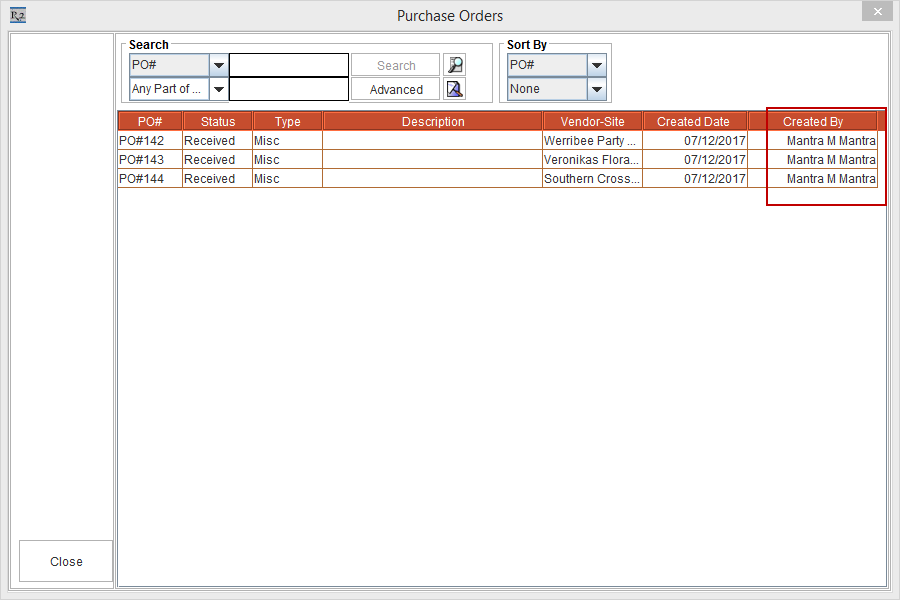
The Purchase Orders window is displayed with additional column as Created By, as shown in Figure 1.8.
-
If multiple user have created Misc PO then user can search Purchase Order by using Created By search for specific Purchase Order generator, as shown in Figure 1.9.