
Reference No: 29111
Details
In the Event windows the customer warning featured in Order is enabled. The details are explained in the sample workflow given below:
Sample Workflow
-
Select the Account module.
-
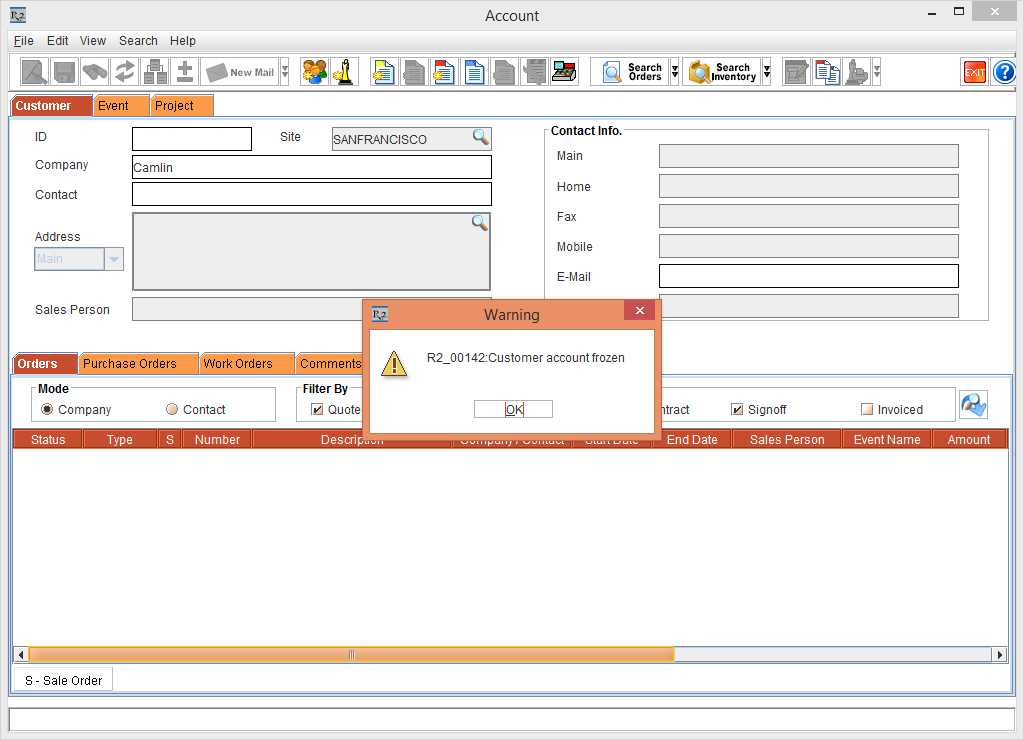
Tag a Company [Camlin] which is Frozen, the system display an error, as shown in Figure 1.0.
-
Click the OK button.
-
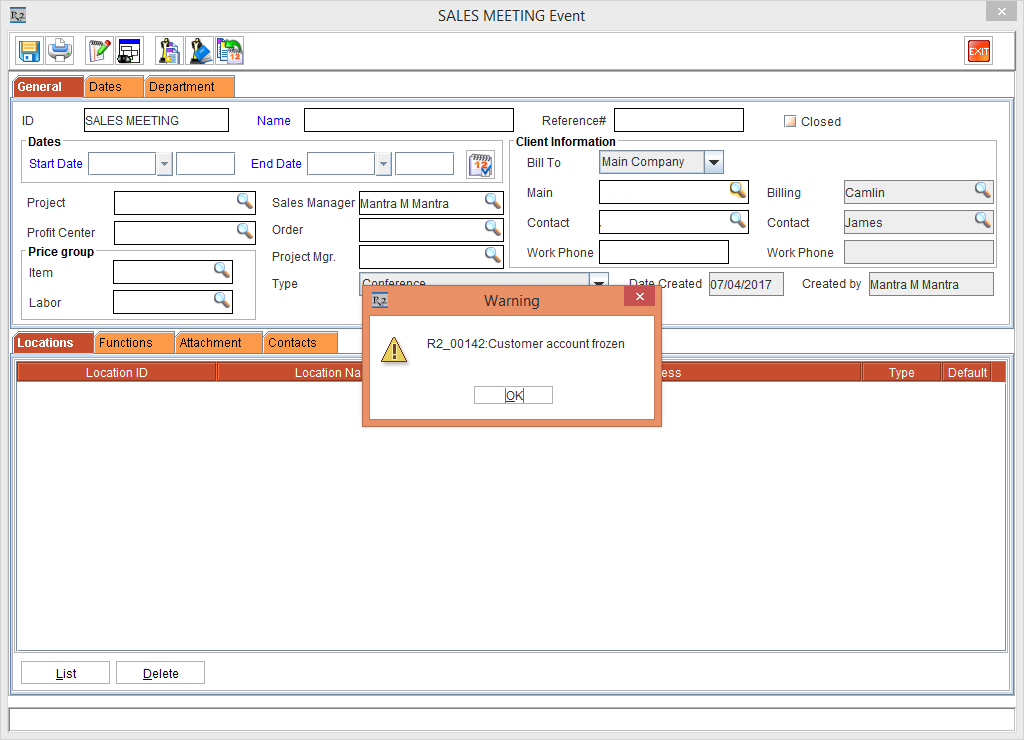
Create an Event [SALES MEETING] > Tag the Frozen Company as Main Company [Camlin], the system display an error, as shown in Figure 1.1.
-
Click the OK button.
-
Enter the Name [Raj], Event Start Date [07/05/2017] and Event End Date [07/07/2017].
-
Tag the Event Department.
-
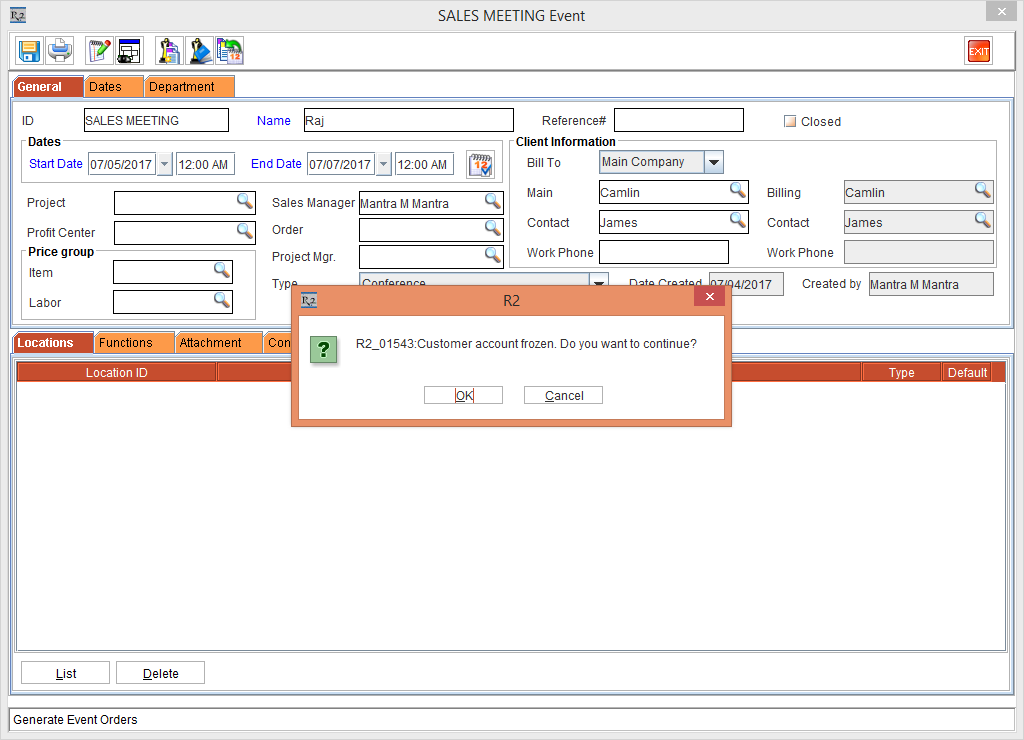
Click the Generate Event Orders button, the system display an error, as shown in Figure 1.2.
-
If OK is selected the Event Order is generated and if Cancel is selected it won't continue further.