
Reference No: 29030
Prior to Version 06.00.00-00
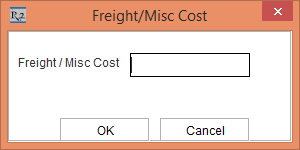
In the earlier releases, when the Misc. Charge is assigned in an Order, the system allows you to edit only the value in the Freight / Misc Cost field of the Freight / Misc Cost dialog box accessed by right clicking a Misc. Charge line > Edit. The edited value in the Freight / Misc Cost field is saved as Total Cost.
With Effect from 06.00.00-00
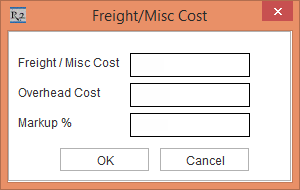
When the Misc. Charge is assigned in an Order, the system not only allows you to edit the value in the Freight / Misc Cost field but also allows you to edit the Overhead Cost field, and the Markup % accessed by right clicking a Misc. Charge line > Edit. The edited value of the Freight / Misc Cost field and the Overhead Cost field is saved as Unit Cost.
Click here to know more about the Markup% feature.