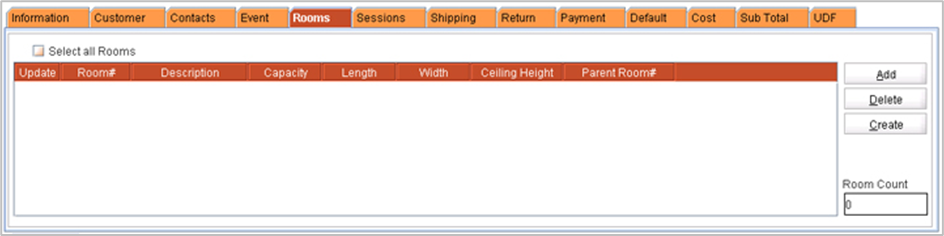
The Meeting Rooms refers to the Room / Booth(s) in which the Event will be organized. The rooms tab will display the Room / Booth(s) in which the event will be organized. R2 will allow you to import the Room / Booth(s) defined in the Event location, or you can create new rooms either by using the Create feature or by defining the total room count.
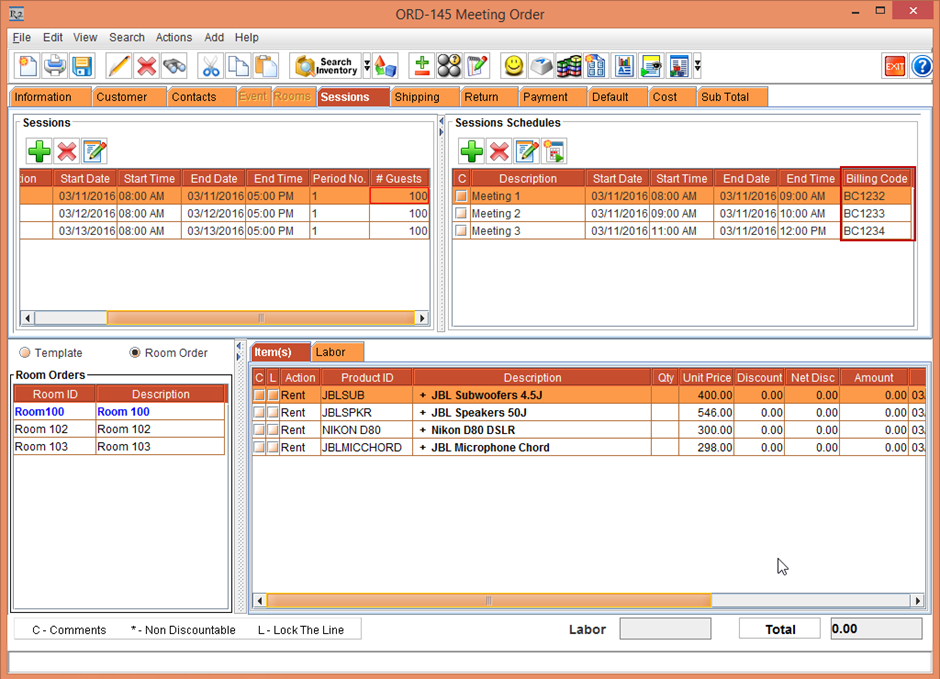
Billing Code in Meeting Order Session Schedules
A new column named Billing Code is available in the Meeting Order > Sessions tab under Sessions Schedules section. The column allows you to enter a billing code for Session Schedules.