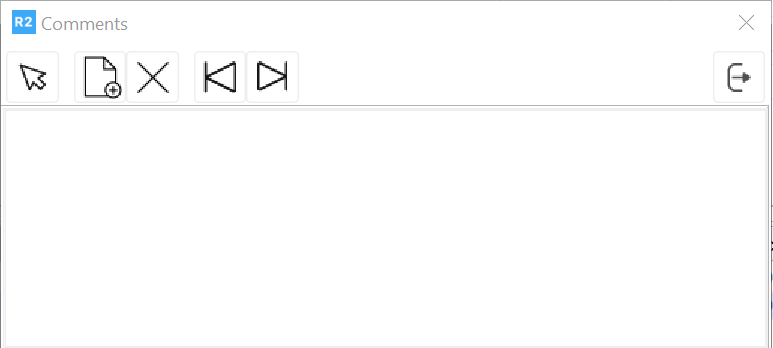
Everywhere in R2 where comments can be added the comments window will display. To add a comment click on the add button 
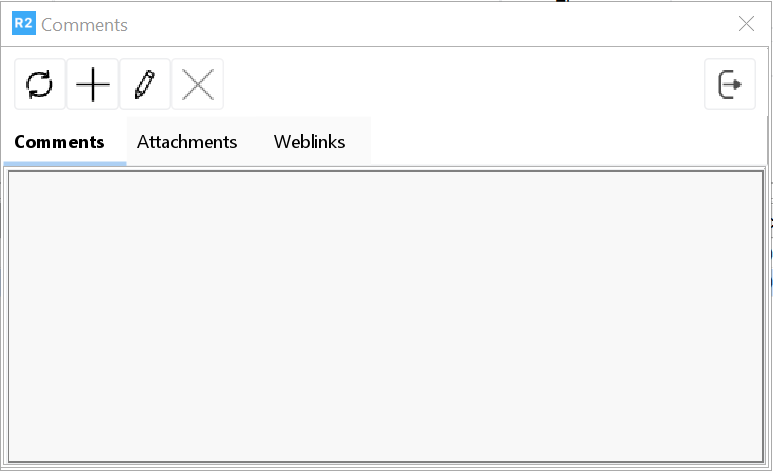
The freeform text box is displayed and comments can be entered.
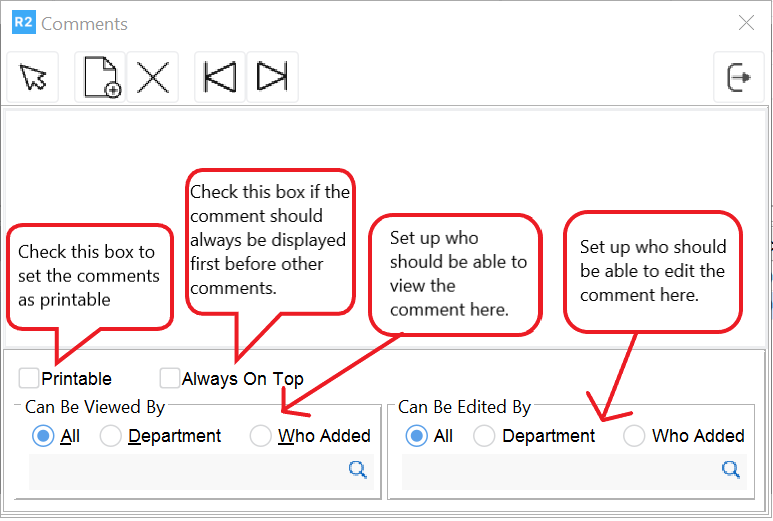
In the Can Be Viewed By section, choose the viewing options for the comment.
All - Your comment can be viewed by all employees.
Department - Only employees assigned to the department selected below can view the comment. Click on the more button to make the department selection.
Who Added - Only the employee who added the comment can view it.
In the Can Be Edited By section, choose the viewing options for the comment.
All - Your comment can be viewed by all employees.
Department - Only employees assigned to the department selected below can view the comment. Click on the more button to make the department selection.
Who Added - Only the employee who added the comment can view it.