Reference No: R2-7906
Version No: 06.00.06-00
Details
Support is provided in the R2 Application to capture the changes done to the value set in the Custom Status field of a Order.
This feature enables a user to know/track Who, When, and Action change information of our order.
Note:
-
Go to Configuration > Custom Order Statuses, to create any user defined status.
-
The Order Status list can be sorted in either Ascending or Descending order, based on the Change, Who, When and Action.
-
Custom Order Status allows Multi-language support. To enable multi-language Go to Configuration > Language, and select a language from the drop down.
Sample Workflow:
-
Open the R2 application launch pad.
-
Go to Account > Search/Select a company.
-
Create a new order and open it.
-
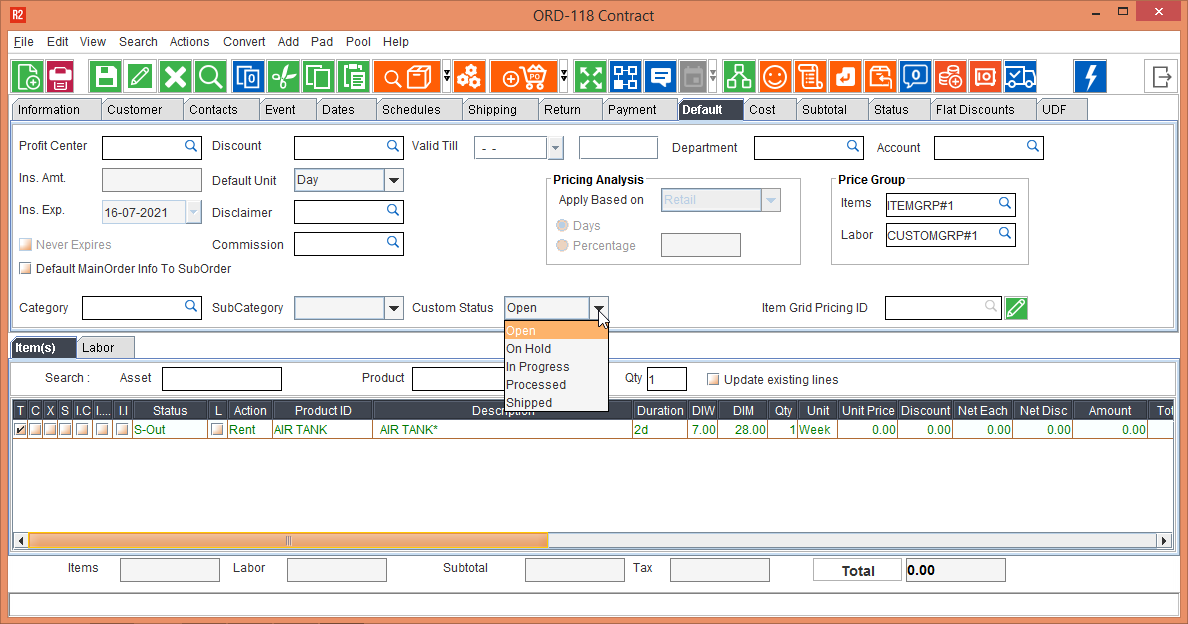
Go to the Default Tab of the screen
-
Use the drop-down list for the field Custom Status and change the status.
-
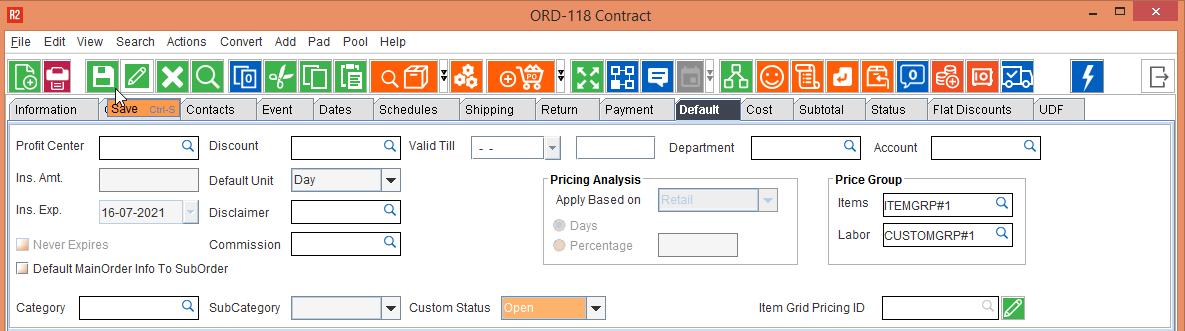
Click the Save button to save the change made to Custom Status
-
Go to View > Change History
-
In the Order History Window, use the two search parameter fields, to select Action and Custom Status respectively.
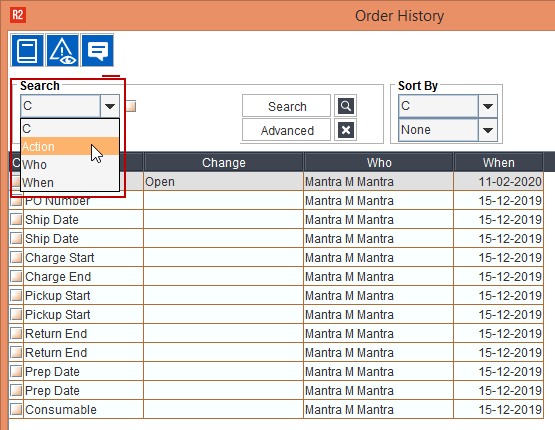
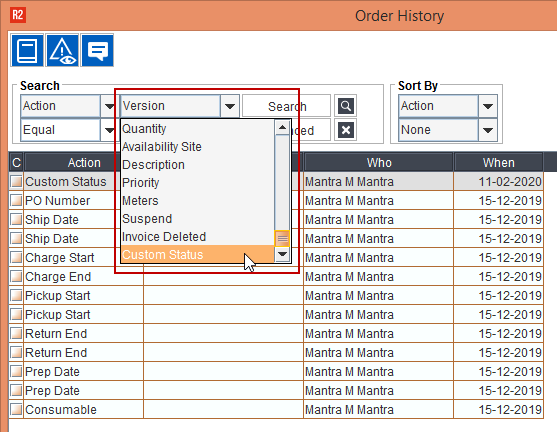
Figure 3.0 Search Parameters In Order History Window
-
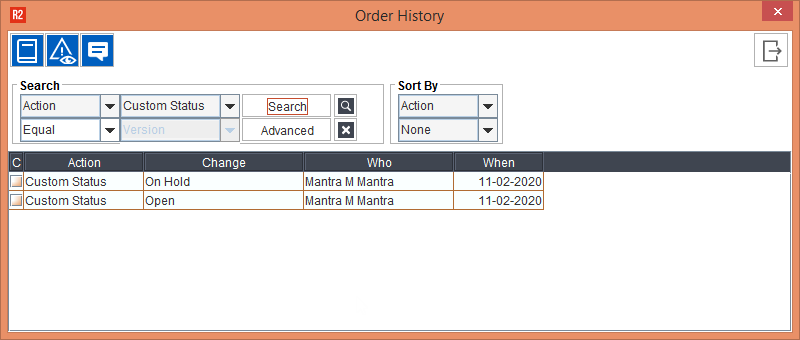
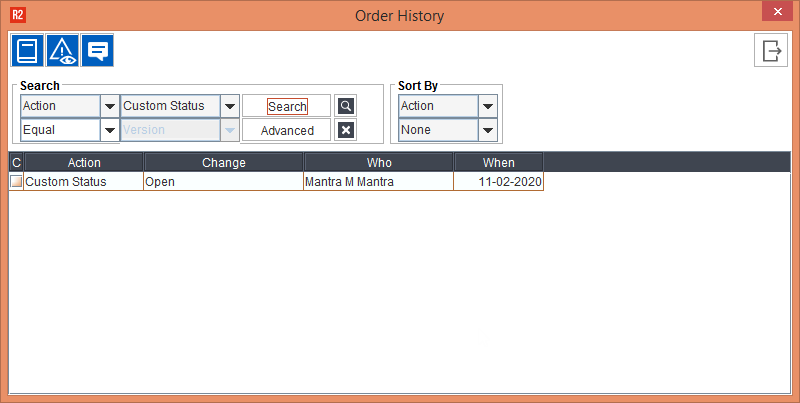
Click on Search button to show the Status Change History, in the Order History window.
-
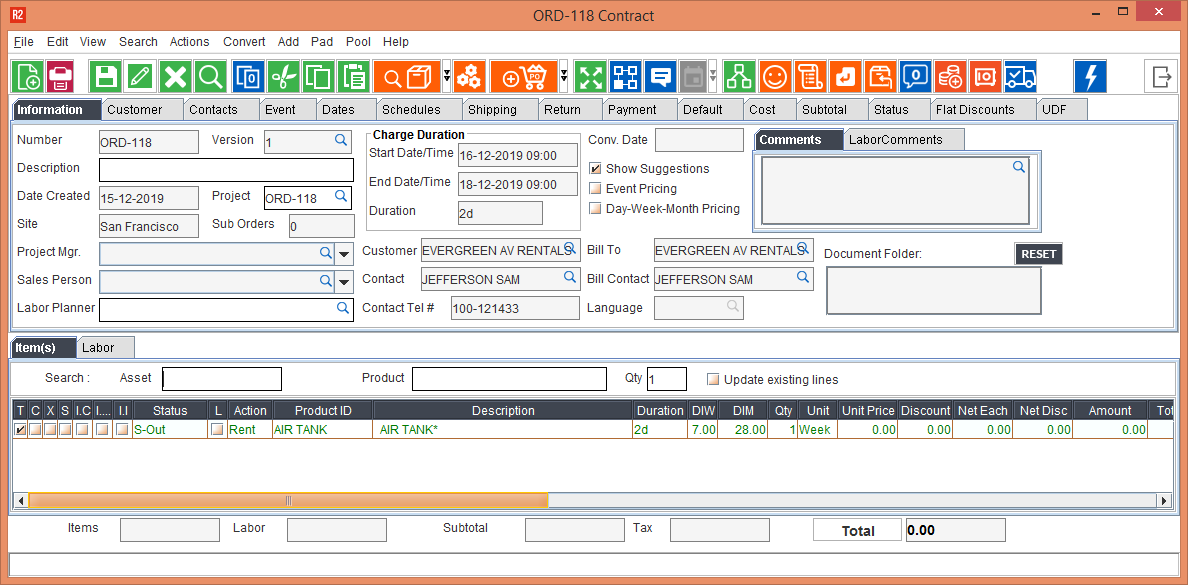
Go back to the default tab, and change the Custom Status again, and save it.
-
Go to View > Order History, once again and use search parameters Action and Custom Status to display the modified Custom Status list.
-
Order History window shows a new entry in the Custom Status change history.