
Content was last updated in 06.23.07-00
Revision History
Version No.
|
Reference No.
|
Changes
|
|
06.23.07-00 |
R2-19956 |
Separating Lost/Missing items in Configuration. |
Here you can define all the dates you want set as Mandatory.
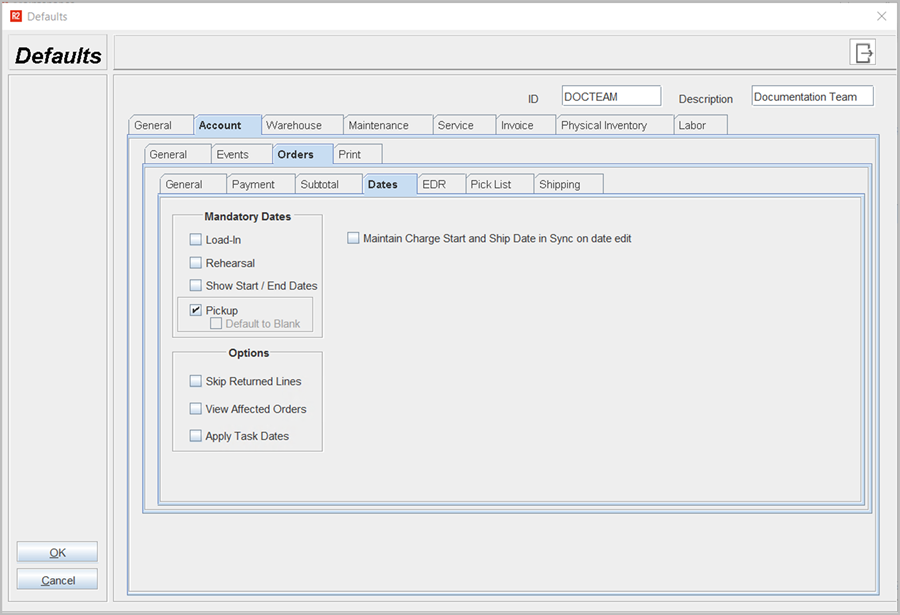
Table 1.0: Fields in the Defaults > Account > Orders > Dates tab
|
Fields |
Field type |
Description |
|
Mandatory Dates |
Select check box |
Mandatory dates of order is set during
|
|
Options |
Select check box |
Options can be set in order lines If you want to
|
|
Maintain charge Start and Ship date in Sync on Date Edit |
Select check box |
If this option is selected, then the charge Start and Ship date would automatically adjust when other dates related to the Order are edit. |