
Content was last updated in 06.23.07-00
Revision History
Version No.
|
Reference No.
|
Changes
|
|
06.23.07-00 |
R2-19956 |
Separating Lost/Missing items in Configuration. |
The shipping section in Orders screen has different options such as shipping date, address, contact info, shipping location, tax region order relates to, all these can be set as a mandatory section while creating order. If any section is set as mandatory the values must be given within it.
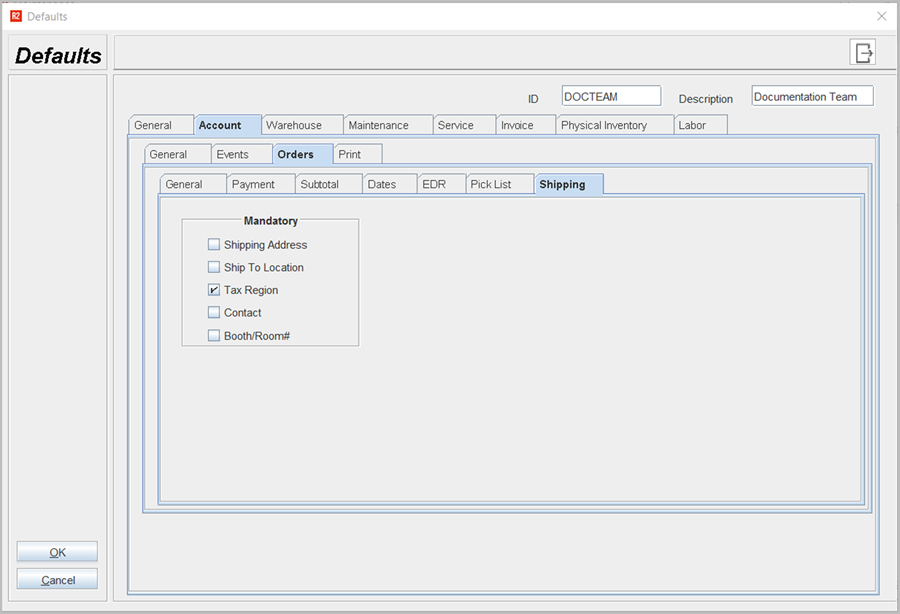
Table 1.0 Shipping Tab
|
Fields |
Sub-fields |
Field type |
Description |
|
Mandatory |
|
Select check box |
You can select any option to set as a mandatory section in Orders screen, any of these values are set as Mandatory must have values otherwise orders will show prompt to have values in it. |