Details
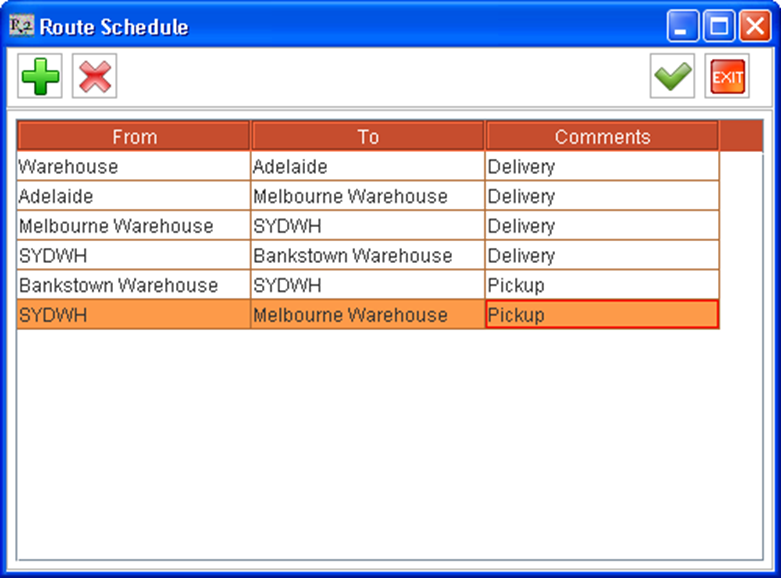
User can set Route Schedule based on the Shipping Location/ Order Site of the Order Schedules which are added to a Logistics Schedule. When clicked on the Route Schedule icon in the Logistics Detail window , system will display the Route Schedule dialog box wherein the user can set the Route Schedule.
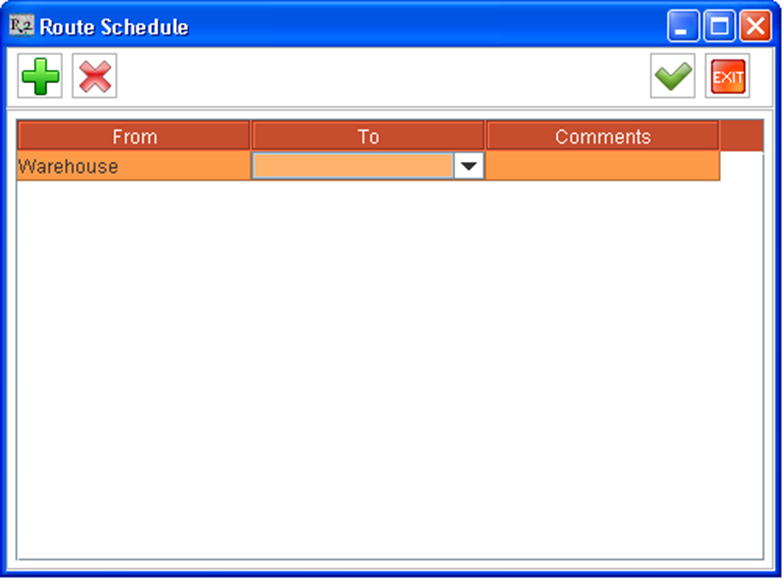
By default the starting location will be set as Warehouse which will be not changeable. On clicking the drop down present in the To column, system will list the shipping locations/Order Site of the Order Schedules which are added to a Logistics Schedule.
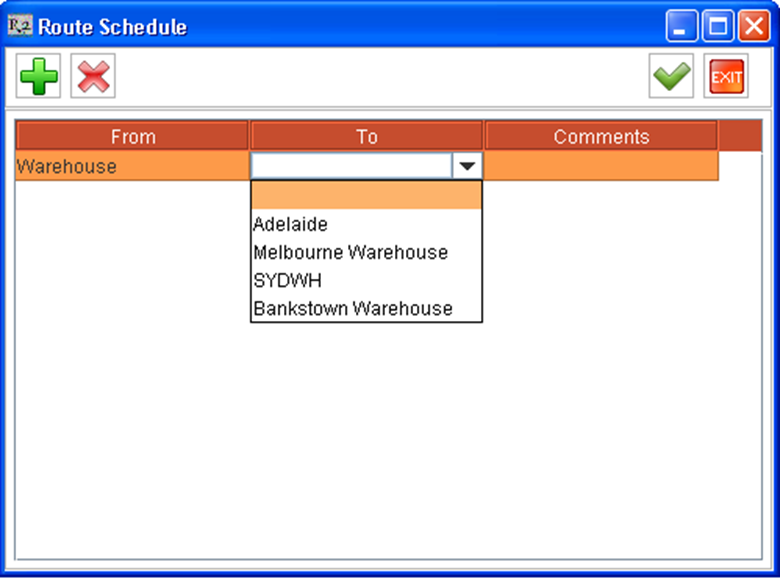
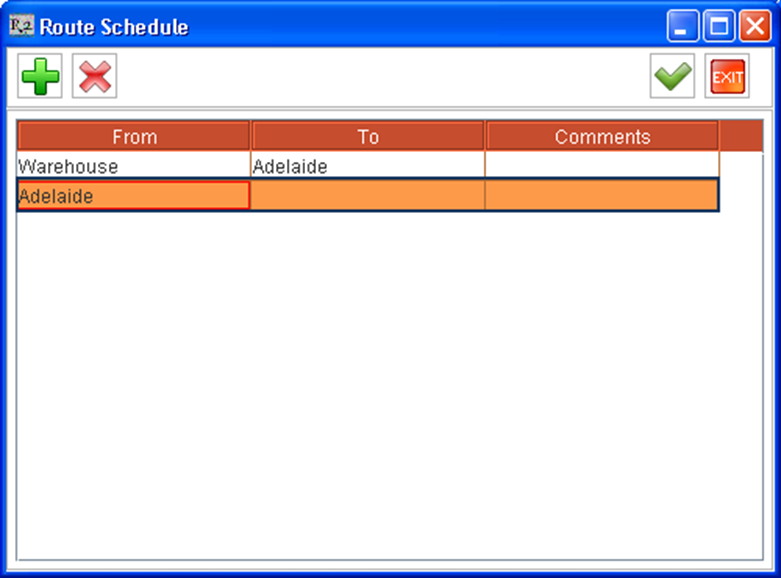
The user can set the first destination for the Logistics Schedule (with respect to the illustration above) from any of the available list. On selecting a destination Location/Site, the selected location will be set as the next starting location while creating additional route record.
A new Route can be created by clicking on the Add icon 
Deleting a Route Record
An existing Route record can be deleted by highlighting a route and then by clicking on the Delete icon 
Updating/Saving a Route Schedule
A Route Schedule can be saved/updated by selecting the OK icon 
Illustration - Route Schedule After Setting Up