Defining User Fields for Vehicle and Trailer
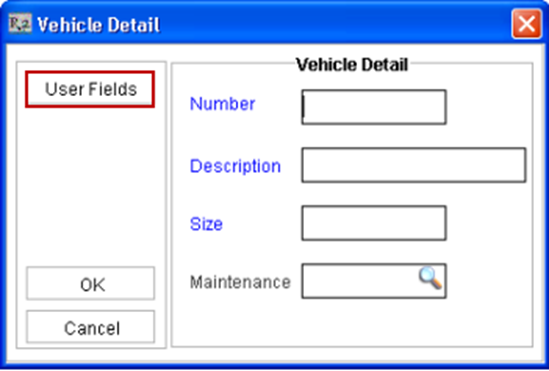
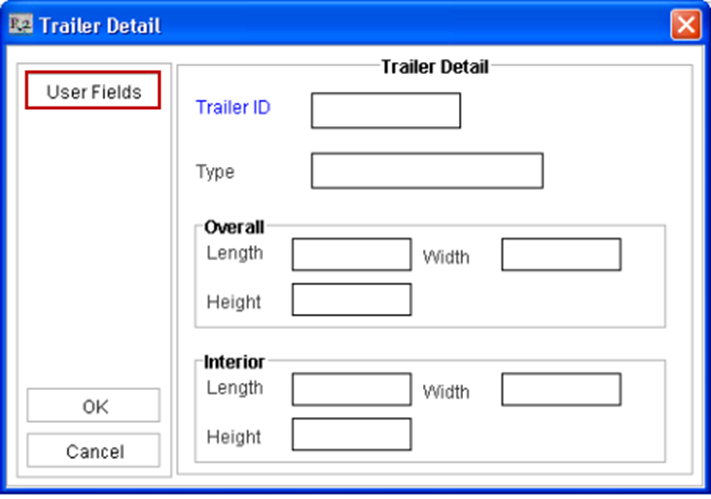
The value for the User Defined Fields configured in User Field Setup for Transportation can be entered while creating a new Vehicle Resource and Trailer Resource by clicking on the User Fields button from the respective definition windows.
-
The user fields and the value entered can be viewed from within the Logistics Detail window by clicking on the respective User Defined Fields icon.
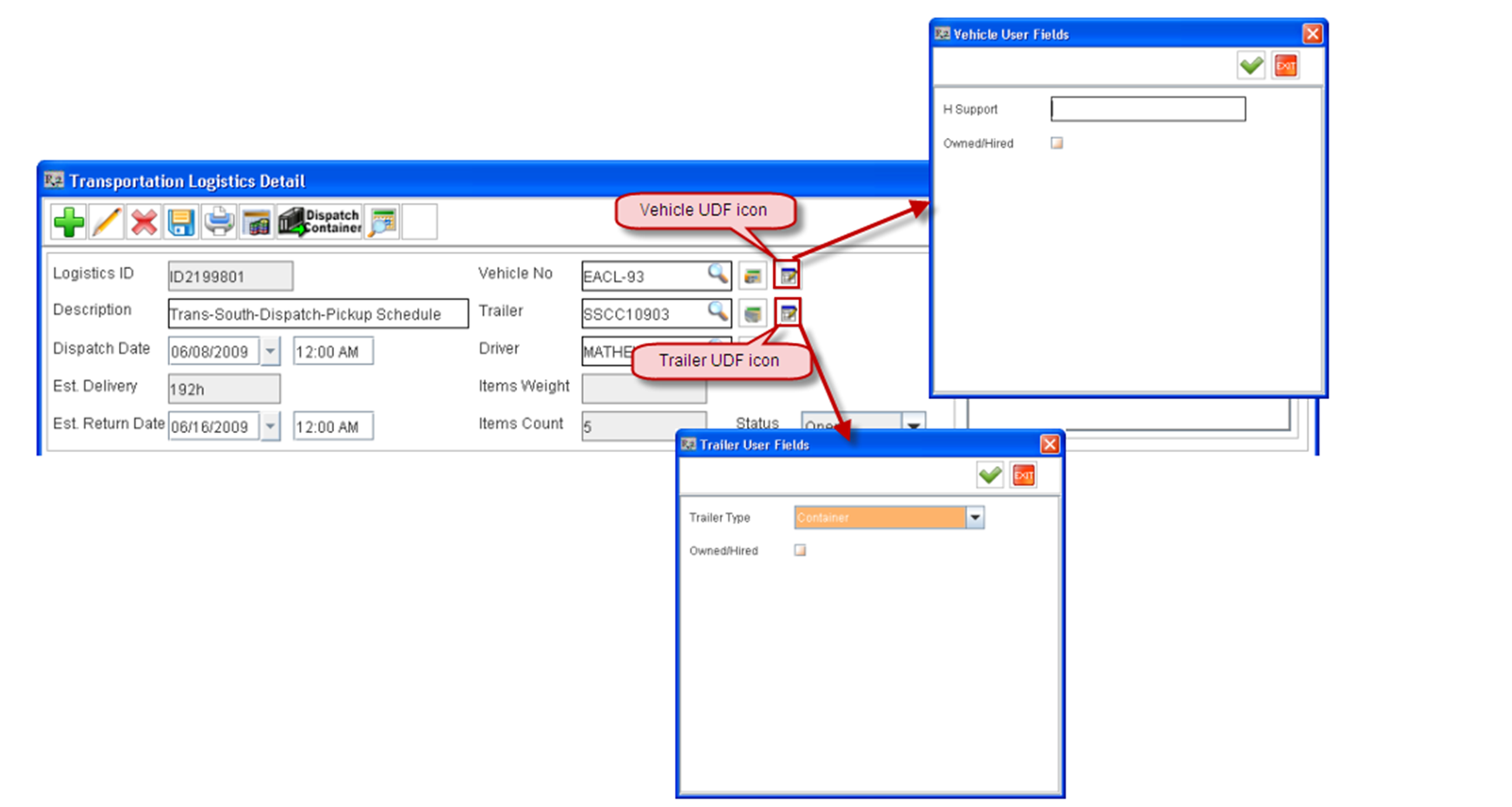
-
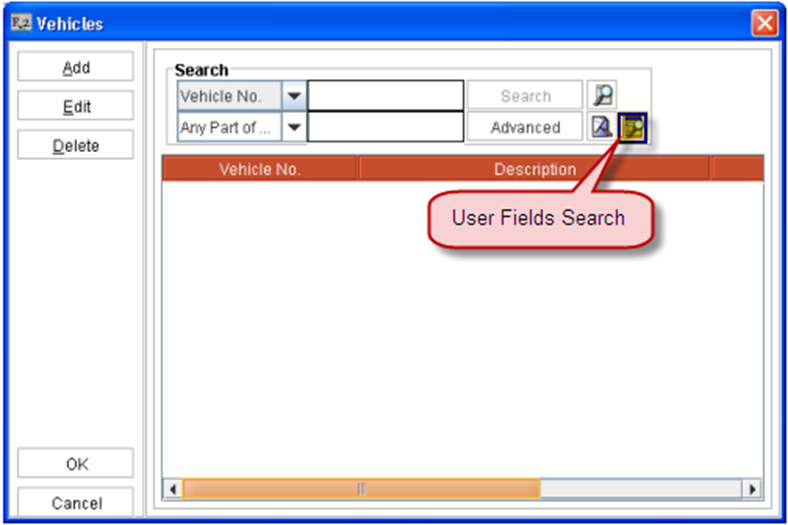
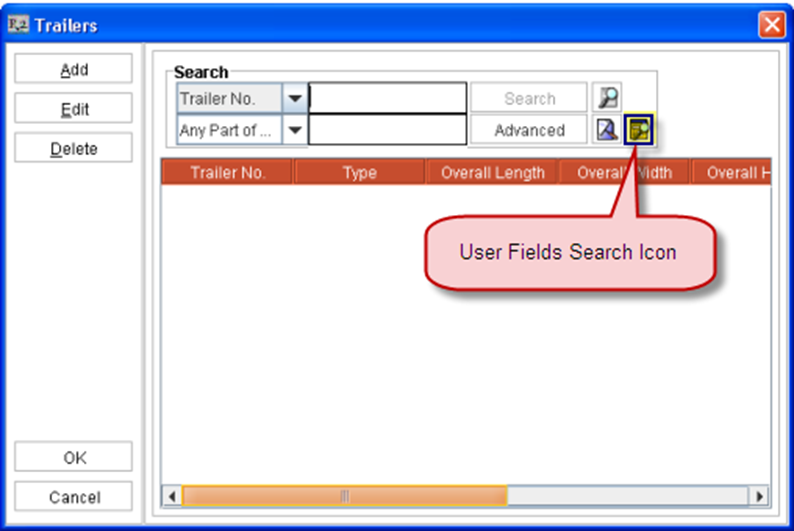
Search can also be performed based on the User Defined Fields from within the Vehicles and Trailers search window by selecting the User Fields Search icon.